Building Production AI Agents: The Complete Guide from Prototype to Deployment

A comprehensive 2500+ word end-to-end guide covering everything you need to take AI agents from experimental prototypes to reliable production systems, including architecture patterns, reliability engineering, monitoring, and scaling strategies
Building Production AI Agents: The Complete Guide from Prototype to Deployment
The gap between a working AI agent demo and a production-ready system is vast. Your prototype that works perfectly in a Jupyter notebook will fail in surprising ways when real users interact with it at scale. Agents timeout, hallucinate, exhaust rate limits, and produce inconsistent results—all issues that rarely surface during development.
This guide covers the complete journey from prototype to production, addressing the architectural patterns, reliability engineering practices, and operational concerns that separate toy projects from systems that run 24/7 in production. If you’re still choosing a framework, start with our Complete Guide to AI Agent Frameworks.
The Production Readiness Gap
Most agent tutorials focus on getting something working. That’s valuable for learning, but production requires a different mindset. Consider what changes when your agent serves real users:
Scale: Instead of one request at a time, you handle hundreds or thousands of concurrent users. Your carefully crafted prompts now compete for rate limits.
Reliability: A demo can fail occasionally. Production systems need 99.9% uptime, graceful degradation, and automatic recovery.
Latency: Users won’t wait 30 seconds for a response. You need streaming, caching, and optimization strategies.
Cost: What costs $0.10 in testing becomes $10,000/month in production. Token efficiency matters.
Observability: When something breaks at 3 AM, you need logs, traces, and metrics to diagnose issues remotely.
Security: Your agent now has access to real user data and real systems. Mistakes have consequences.
For foundational terminology used throughout this guide, refer to our AI Agents Glossary. Let’s address each of these challenges systematically.
Architecture Patterns for Production Agents
Synchronous vs Asynchronous Execution
The simplest agent pattern is synchronous: user sends request, agent processes, response returns. This works for simple queries but breaks down for complex tasks.
Synchronous pattern (good for):
- Single-turn Q&A
- Quick tool calls with fast responses
- Tasks completing in under 30 seconds
Asynchronous pattern (required for):
- Multi-step research tasks
- Long-running data processing
- Operations that might timeout
- Tasks requiring human approval
For async execution, implement a job queue pattern:
# Submit task
async def submit_agent_task(user_id: str, task: str) -> str:
    job_id = str(uuid.uuid4())
    await task_queue.enqueue({
        "job_id": job_id,
        "user_id": user_id,
        "task": task,
        "status": "pending",
        "created_at": datetime.utcnow()
    })
    return job_id

# Worker processes tasks
async def agent_worker():
    while True:
        job = await task_queue.dequeue()
        try:
            result = await run_agent(job["task"])
            await store_result(job["job_id"], result)
        except Exception as e:
            await mark_failed(job["job_id"], str(e))
Stateful vs Stateless Design
Agents inherently involve state: conversation history, retrieved context, intermediate results. The question is where that state lives.
Stateless agents store state externally (Redis, database):
- Easier to scale horizontally
- Simple to restart after failures
- Works naturally with serverless
- Requires explicit state serialization
Stateful agents maintain state in memory:
- Lower latency for complex workflows
- Simpler programming model
- Harder to scale and recover
- Works better for persistent connections
For most production systems, start with stateless design using checkpointed state:
from langgraph.checkpoint.postgres import PostgresSaver

checkpointer = PostgresSaver(connection_pool)
graph = workflow.compile(checkpointer=checkpointer)

# Each request loads/saves state automatically
result = await graph.ainvoke(
    {"messages": [user_message]},
    config={"configurable": {"thread_id": conversation_id}}
)
Multi-Tenant Architecture
When serving multiple customers, you need isolation:
Data isolation: Each tenant’s documents, history, and context must be separated. Use tenant-prefixed keys in vector databases, separate database schemas, or namespace isolation.
Model isolation: Some customers may need different models, system prompts, or tool sets. Design your agent factory to accept tenant configuration.
Resource isolation: Prevent one tenant from exhausting shared resources. Implement per-tenant rate limits and quotas.
class TenantAgentFactory:
    def __init__(self, config_store: ConfigStore):
        self.config_store = config_store

    async def create_agent(self, tenant_id: str) -> Agent:
        config = await self.config_store.get(tenant_id)
        return Agent(
            model=config.model,
            system_prompt=config.system_prompt,
            tools=self.load_tools(config.enabled_tools),
            vector_namespace=f"tenant_{tenant_id}"
        )
Reliability Engineering
Timeout and Retry Strategies
LLM APIs are notoriously unreliable, though platforms are increasingly hardening their agent infrastructure. Build resilience from the start:
from tenacity import retry, stop_after_attempt, wait_exponential

@retry(
    stop=stop_after_attempt(3),
    wait=wait_exponential(multiplier=1, min=2, max=30),
    retry=retry_if_exception_type((RateLimitError, TimeoutError))
)
async def call_llm(messages: list, timeout: int = 60):
    async with asyncio.timeout(timeout):
        return await client.chat.completions.create(
            model="gpt-4o",
            messages=messages
        )
Implement circuit breakers for persistent failures:
class CircuitBreaker:
    def __init__(self, failure_threshold: int = 5, recovery_time: int = 60):
        self.failures = 0
        self.last_failure = None
        self.threshold = failure_threshold
        self.recovery_time = recovery_time

    async def call(self, func, *args, **kwargs):
        if self.is_open():
            raise CircuitOpenError("Service temporarily unavailable")

        try:
            result = await func(*args, **kwargs)
            self.failures = 0
            return result
        except Exception as e:
            self.failures += 1
            self.last_failure = time.time()
            raise
Graceful Degradation
When components fail, degrade gracefully rather than crash:
- RAG failure: Fall back to the LLM’s training knowledge with a disclaimer
- Tool failure: Skip the tool and explain what information is missing
- Model timeout: Retry with a faster model (GPT-4 Turbo instead of GPT-4)
- Complete outage: Return a helpful error message with status page link
async def research_with_fallback(query: str) -> str:
    try:
        # Try full RAG pipeline
        docs = await retrieve_documents(query)
        return await generate_with_context(query, docs)
    except VectorDBError:
        # Fall back to pure LLM
        logger.warning("Vector DB unavailable, using LLM fallback")
        return await generate_without_context(
            query,
            disclaimer="Note: Unable to search knowledge base. "
                       "Response based on general knowledge only."
        )
Idempotency and Deduplication
Agent actions should be idempotent where possible. Sending the same request twice shouldn’t create duplicate results:
async def execute_action(action: AgentAction, idempotency_key: str):
    # Check if already executed
    existing = await action_log.get(idempotency_key)
    if existing:
        return existing.result

    # Execute with lock to prevent races
    async with distributed_lock(idempotency_key):
        result = await action.execute()
        await action_log.save(idempotency_key, result)
        return result
Cost Optimization
Token Management
Token costs dominate agent expenses. As the 2026 enterprise ROI data shows, 19% of agent deployments never recover their initial investment — cost optimization isn’t optional, it’s existential. Optimize aggressively:
Prompt compression: Remove redundant instructions, use abbreviations in system prompts, summarize long conversation histories.
def compress_history(messages: list, max_tokens: int = 4000) -> list:
    """Keep recent messages, summarize older ones."""
    recent = messages[-10:]  # Always keep last 10
    older = messages[:-10]

    if not older:
        return recent

    # Summarize older messages
    summary = summarize_messages(older)
    return [{"role": "system", "content": f"Previous context: {summary}"}] + recent
Model tiering: Use cheaper models for simple tasks:
async def route_to_model(task: str) -> str:
    complexity = await assess_complexity(task)  # Use a fast classifier

    if complexity == "simple":
        return "gpt-4o-mini"  # Fast and cheap
    elif complexity == "medium":
        return "gpt-4o"       # Balanced
    else:
        return "claude-3-opus" # Maximum capability
Caching: Cache responses for identical or similar queries:
async def cached_completion(messages: list, cache_ttl: int = 3600):
    cache_key = hash_messages(messages)

    cached = await cache.get(cache_key)
    if cached:
        return cached

    result = await call_llm(messages)
    await cache.set(cache_key, result, ttl=cache_ttl)
    return result
Rate Limit Management
Coordinate rate limits across your application:
class RateLimitPool:
    def __init__(self, requests_per_minute: int, tokens_per_minute: int):
        self.request_limiter = TokenBucket(requests_per_minute, 60)
        self.token_limiter = TokenBucket(tokens_per_minute, 60)

    async def acquire(self, estimated_tokens: int):
        await self.request_limiter.acquire(1)
        await self.token_limiter.acquire(estimated_tokens)

    async def execute(self, func, *args, **kwargs):
        estimated = estimate_tokens(args, kwargs)
        await self.acquire(estimated)
        return await func(*args, **kwargs)
Observability and Monitoring
Structured Logging
Every agent operation should produce structured logs:
import structlog

logger = structlog.get_logger()

async def process_request(request_id: str, user_input: str):
    log = logger.bind(
        request_id=request_id,
        user_id=get_current_user_id()
    )

    log.info("agent_request_started", input_length=len(user_input))

    try:
        result = await run_agent(user_input)
        log.info(
            "agent_request_completed",
            tokens_used=result.tokens,
            tool_calls=len(result.tool_calls),
            latency_ms=result.latency_ms
        )
        return result
    except Exception as e:
        log.error("agent_request_failed", error=str(e), error_type=type(e).__name__)
        raise
Distributed Tracing
Trace agent execution across services:
from opentelemetry import trace

tracer = trace.get_tracer(__name__)

async def run_agent_with_tracing(task: str):
    with tracer.start_as_current_span("agent_execution") as span:
        span.set_attribute("task.length", len(task))

        with tracer.start_as_current_span("planning"):
            plan = await create_plan(task)

        for i, step in enumerate(plan.steps):
            with tracer.start_as_current_span(f"step_{i}") as step_span:
                step_span.set_attribute("step.type", step.type)
                result = await execute_step(step)
                step_span.set_attribute("step.success", result.success)

        return aggregate_results(plan)
Key Metrics to Track
Essential metrics for production agents:
- Latency percentiles (p50, p95, p99) for end-to-end requests
- Token usage per request and per user
- Tool call success rates by tool type
- Error rates by error category
- Cache hit rates for various caching layers
- Queue depths and processing times for async work
- Cost per request and cost per user
Build dashboards that surface anomalies quickly:
# Example: Alert on latency regression
async def check_latency_health():
    p95_latency = await metrics.get("agent_latency_p95", window="5m")
    baseline = await metrics.get("agent_latency_p95", window="24h")

    if p95_latency > baseline * 1.5:
        await alert.fire(
            severity="warning",
            message=f"Agent latency regression: {p95_latency}ms vs baseline {baseline}ms"
        )
Security Considerations
Input Validation
Never trust user input. Validate and sanitize:
def validate_agent_input(user_input: str) -> str:
    # Length limits
    if len(user_input) > 10000:
        raise ValueError("Input too long")

    # Prompt injection patterns
    injection_patterns = [
        r"ignore previous instructions",
        r"you are now",
        r"system:\s*",
    ]

    for pattern in injection_patterns:
        if re.search(pattern, user_input, re.IGNORECASE):
            logger.warning("potential_injection_attempt", pattern=pattern)
            user_input = re.sub(pattern, "[REDACTED]", user_input, flags=re.IGNORECASE)

    return user_input
Tool Permission Boundaries
Limit what tools can access:
class SandboxedToolExecutor:
    def __init__(self, allowed_domains: list, max_file_size: int):
        self.allowed_domains = allowed_domains
        self.max_file_size = max_file_size

    async def execute_web_fetch(self, url: str):
        domain = urlparse(url).netloc
        if domain not in self.allowed_domains:
            raise PermissionError(f"Domain {domain} not allowed")

        async with aiohttp.ClientSession() as session:
            async with session.get(url) as response:
                content = await response.read()
                if len(content) > self.max_file_size:
                    raise ValueError("Response too large")
                return content
Audit Logging
Log all significant actions for compliance and debugging:
async def audit_tool_execution(
    user_id: str,
    tool_name: str,
    parameters: dict,
    result: any
):
    await audit_log.write({
        "timestamp": datetime.utcnow().isoformat(),
        "user_id": user_id,
        "action": "tool_execution",
        "tool": tool_name,
        "parameters": sanitize_pii(parameters),
        "result_summary": summarize_result(result),
        "ip_address": get_client_ip(),
        "session_id": get_session_id()
    })
Scaling Strategies
Horizontal Scaling
Stateless agent workers scale naturally:
# Kubernetes deployment example
apiVersion: apps/v1
kind: Deployment
metadata:
  name: agent-worker
spec:
  replicas: 10
  selector:
    matchLabels:
      app: agent-worker
  template:
    spec:
      containers:
      - name: worker
        image: agent-worker:latest
        resources:
          requests:
            memory: "512Mi"
            cpu: "500m"
          limits:
            memory: "2Gi"
            cpu: "2000m"
Load Shedding
When overloaded, reject requests gracefully:
class LoadShedder:
    def __init__(self, max_concurrent: int, queue_timeout: int):
        self.semaphore = asyncio.Semaphore(max_concurrent)
        self.queue_timeout = queue_timeout

    async def process(self, func, *args, **kwargs):
        try:
            async with asyncio.timeout(self.queue_timeout):
                async with self.semaphore:
                    return await func(*args, **kwargs)
        except asyncio.TimeoutError:
            raise ServiceOverloadedError(
                "System is currently overloaded. Please retry later.",
                retry_after=30
            )
Geographic Distribution
For global applications, deploy regionally:
- Place workers near users to reduce latency
- Use regional vector database replicas
- Route to the nearest healthy region
- Maintain cache coherence across regions
Deployment Checklist
Before going live, verify:
Infrastructure
- Health check endpoints respond correctly
- Auto-scaling policies configured
- Database connections pooled appropriately
- Secrets stored securely (not in code)
Reliability
- All external calls have timeouts
- Retry logic with exponential backoff
- Circuit breakers on critical dependencies
- Graceful degradation for each failure mode
Observability
- Structured logging to central system
- Distributed tracing enabled
- Key metrics dashboarded
- Alerts configured for critical issues
Security
- Input validation on all endpoints
- Tool permissions scoped appropriately
- PII handling complies with regulations
- Audit logging captures all actions
Testing
- Load tested at 2x expected peak
- Chaos tested (killed instances, network failures)
- Prompt injection tested
- Rollback procedure verified
Conclusion
Building production AI agents requires the same engineering discipline as any production system, plus unique considerations around LLM reliability, token costs, and prompt security. The frameworks get you started, but production success comes from thoughtful architecture and operational maturity — and for many enterprise use cases, a managed platform like Salesforce Agentforce or ServiceNow AI Agents is the faster path to ROI.
Start with observability. You can’t improve what you can’t measure. Add reliability patterns incrementally as you discover failure modes. Optimize costs once you have baseline metrics. And always maintain the ability to debug issues remotely—you’ll need it.
The agents that succeed in production aren’t the most sophisticated. They’re the most reliable, observable, and cost-effective. Build for production from day one, and you’ll avoid painful rewrites later.
Ready to dive deeper? Explore our Complete Guide to AI Agent Frameworks to choose the right foundation, or check out our AI Agents Glossary for essential terminology.
Related Posts
Deploying AI Agents to Production: A Comprehensive Guide
Learn how to deploy AI agents to production with confidence covering scaling strategies, monitoring best practices, error handling patterns, and cost optimization techniques
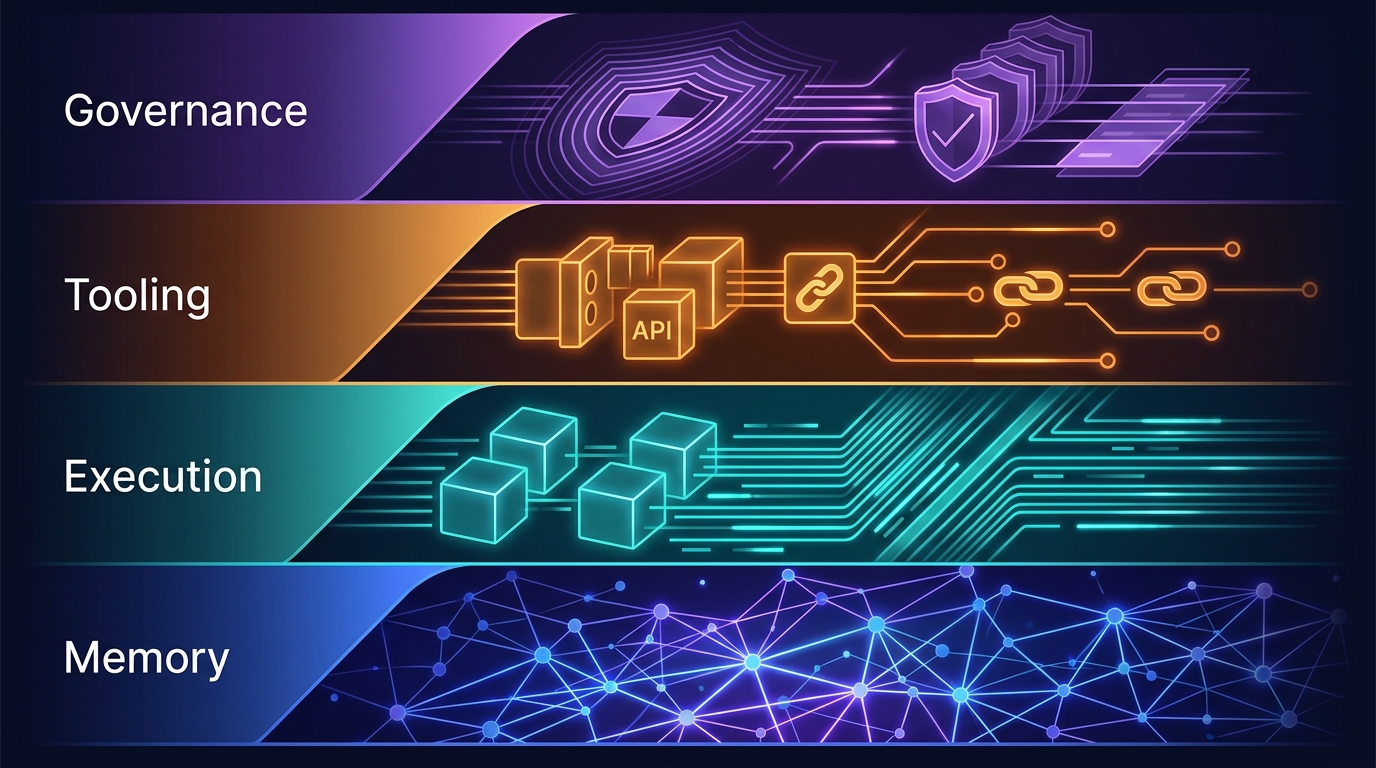
The Four-Layer Agent Infrastructure Stack: Where the Moat Actually Lives in 2026
A generation of agent startups will get commoditized. The ones that survive own one of four stateful layers: Memory, Execution, Tooling, or Governance. Here's how to tell the difference between a moat and glue code.

The Agent Durability Gap: Why Production Agents Fail (and How to Fix It)
Agents that work in demos fail in production. The gap isn't model quality — it's infrastructure. Durability, checkpointing, and recovery are the missing layers.