OpenAI Assistants API vs Claude MCP: Two Approaches to Building AI Agents

A comprehensive comparison of OpenAI's Assistants API and Anthropic's Model Context Protocol (MCP) for building AI agents, covering architecture, integration patterns, and when to use each approach
OpenAI Assistants API vs Claude MCP: Two Approaches to Building AI Agents
Building AI agents that can interact with external tools and data is now a core capability teams need. OpenAI’s Assistants API and Anthropic’s Model Context Protocol (MCP) represent two distinct approaches to this challenge. While both enable agents to access external resources, they differ fundamentally in architecture, philosophy, and implementation. This guide breaks down both approaches to help you choose the right foundation for your AI agent system.
Understanding the Approaches
OpenAI Assistants API
The Assistants API, released in late 2023, is OpenAI’s managed solution for building AI agents. It provides a stateful, hosted environment where assistants persist across conversations and come with built-in capabilities like file handling, code execution, and function calling.
Core philosophy: The Assistants API treats agent infrastructure as a managed service. OpenAI handles state management, conversation threading, and tool execution. You define what your assistant can do; OpenAI manages how it runs.
Claude MCP (Model Context Protocol)
MCP, released by Anthropic in late 2024, takes a different approach. Rather than a managed service, MCP is an open protocol that standardizes how AI models connect to external tools and data sources. It’s designed to work across different AI providers and local deployments.
Core philosophy: MCP treats tool integration as an interoperability problem. It provides a standard language for AI models to communicate with external systems, putting control in developers’ hands while enabling a shared ecosystem of integrations.
Architecture Comparison
Assistants API: Managed State
The Assistants API architecture centers on OpenAI-hosted resources:
- Assistants: Persistent configurations with instructions and tools
- Threads: Conversation histories that persist across API calls
- Messages: Individual turns in a conversation
- Runs: Execution instances when an assistant processes messages
from openai import OpenAI

client = OpenAI()

# Create a persistent assistant
assistant = client.beta.assistants.create(
    name="Research Assistant",
    instructions="You help users research topics thoroughly.",
    model="gpt-4o",
    tools=[
        {"type": "code_interpreter"},
        {"type": "file_search"},
        {"type": "function", "function": {...}}
    ]
)

# Create a thread for the conversation
thread = client.beta.threads.create()

# Add a message and run the assistant
message = client.beta.threads.messages.create(
    thread_id=thread.id,
    role="user",
    content="Research recent developments in AI agents"
)

run = client.beta.threads.runs.create(
    thread_id=thread.id,
    assistant_id=assistant.id
)
The Assistants API handles conversation state, file storage, and tool execution on OpenAI’s infrastructure.
MCP: Open Protocol
MCP defines a client-server protocol where AI applications connect to capability servers:
- MCP Hosts: Applications that want AI capabilities (Claude Desktop, IDEs)
- MCP Clients: Protocol handlers within hosts
- MCP Servers: Services that expose tools, resources, and prompts
- Transports: Communication channels (stdio, HTTP/SSE)
from mcp.server import Server
from mcp.types import Tool, TextContent

# Create an MCP server
server = Server("research-server")

@server.tool()
async def search_papers(query: str) -> str:
    """Search academic papers on a topic."""
    results = await academic_api.search(query)
    return format_results(results)

@server.tool()
async def summarize_paper(paper_id: str) -> str:
    """Get a summary of a specific paper."""
    paper = await academic_api.get_paper(paper_id)
    return paper.abstract
MCP servers run wherever you choose—locally, in your infrastructure, or as cloud services.
Feature Comparison
| Feature | OpenAI Assistants API | Claude MCP |
|---|---|---|
| Hosting model | OpenAI managed | Self-hosted or third-party |
| State management | Built-in (threads) | Developer responsibility |
| Built-in tools | Code interpreter, file search | None (bring your own) |
| Custom functions | Yes, via function calling | Yes, via tool definitions |
| File handling | Native vector store | Via resource servers |
| Model flexibility | OpenAI models only | Model-agnostic protocol |
| Local execution | Cloud only | Local or cloud |
| Open standard | Proprietary API | Open protocol specification |
| Ecosystem | OpenAI ecosystem | Growing open ecosystem |
Built-in Capabilities
Assistants API includes powerful built-in tools:
- Code Interpreter: Executes Python in a sandboxed environment with file I/O
- File Search: Vector search over uploaded documents with automatic chunking
- Function Calling: Structured calls to your defined functions
These tools work immediately with no additional setup.
MCP provides no built-in tools. Instead, you connect to MCP servers that provide capabilities:
- Community servers for common services (GitHub, Slack, databases)
- Custom servers for your specific needs
- Local tool servers for sensitive operations
This requires more setup but offers complete control and customization.
Data and Context
Assistants API manages context through its vector store:
# Upload files to a vector store
vector_store = client.beta.vector_stores.create(name="Research Papers")
client.beta.vector_stores.files.create(
    vector_store_id=vector_store.id,
    file_id=uploaded_file.id
)

# Attach to assistant
assistant = client.beta.assistants.update(
    assistant_id=assistant.id,
    tool_resources={"file_search": {"vector_store_ids": [vector_store.id]}}
)
MCP exposes data through resource servers:
@server.resource("papers://{paper_id}")
async def get_paper_resource(paper_id: str) -> Resource:
    """Expose a paper as a readable resource."""
    paper = await fetch_paper(paper_id)
    return Resource(
        uri=f"papers://{paper_id}",
        name=paper.title,
        mimeType="text/plain",
        text=paper.full_text
    )
MCP’s resource model is more flexible but requires implementing the data access layer yourself.
Development Experience
Getting Started
Assistants API offers faster initial setup. You can have a functional assistant in minutes using the OpenAI dashboard or a few API calls. The managed infrastructure means no servers to deploy.
MCP requires more initial investment. You need to set up or connect to MCP servers, configure the transport layer, and handle the client-side integration. However, the investment pays off in flexibility and control.
Debugging and Observability
Assistants API provides the Runs API for inspecting execution:
# Check run status and steps
run = client.beta.threads.runs.retrieve(thread_id=thread.id, run_id=run.id)
steps = client.beta.threads.runs.steps.list(thread_id=thread.id, run_id=run.id)
MCP debugging depends on your implementation, but the protocol’s explicit message-passing model makes it straightforward to log and inspect all communications.
When to Choose Assistants API
The Assistants API is the better choice when:
- Rapid prototyping: You need a working agent quickly without infrastructure work
- OpenAI ecosystem commitment: You’re building on GPT-4 and want tight integration
- Built-in RAG: File search and code execution are core requirements
- Managed state: You want OpenAI to handle conversation persistence
- Minimal ops overhead: You prefer managed services over self-hosted infrastructure
Ideal for: Startups building MVPs, teams without DevOps resources, applications where OpenAI’s models are the clear choice.
When to Choose MCP
MCP is the better choice when:
- Model flexibility: You want to switch between Claude, GPT-4, local models, or others
- Data sovereignty: Sensitive data must stay in your infrastructure
- Custom tool requirements: You need specialized integrations not available as managed services
- Local-first applications: Desktop apps or development tools that run locally
- Open ecosystem: You want to use community-built integrations or contribute your own
Ideal for: Enterprise deployments with security requirements, developer tools, teams wanting model optionality, applications requiring deep custom integrations.
Making Your Decision
Consider these questions:
-
How important is model flexibility?
- Single model is fine → Assistants API
- Need to switch models → MCP
-
Where must your data live?
- Cloud storage acceptable → Assistants API
- On-premises required → MCP
-
What’s your infrastructure capacity?
- Prefer managed services → Assistants API
- Comfortable self-hosting → MCP
-
How specialized are your tools?
- Standard capabilities suffice → Assistants API
- Deep custom integrations needed → MCP
The Hybrid Path
These approaches aren’t mutually exclusive. Some teams use the Assistants API for rapid prototyping, then migrate to MCP-based architecture for production. Others use OpenAI’s function calling (which MCP can wrap) while building out their MCP server ecosystem.
The key insight is that Assistants API optimizes for time-to-value with OpenAI’s models, while MCP optimizes for flexibility and control. Your choice depends on which trade-off serves your project better.
Looking Ahead
The AI agent ecosystem is evolving rapidly. OpenAI continues enhancing the Assistants API with new capabilities. Anthropic and the MCP community are expanding the protocol’s server ecosystem. Both approaches will likely coexist, serving different needs in the market.
For now, start with your constraints: If you need speed and are committed to OpenAI, use Assistants API. If you need flexibility and control, invest in MCP. Either path leads to capable AI agents—the question is which trade-offs align with your requirements.
For deep implementation guidance, see our Model Context Protocol (MCP) guide. For hands-on multi-agent patterns, see our Multi-Agent Collaboration deep dive.
Related Posts
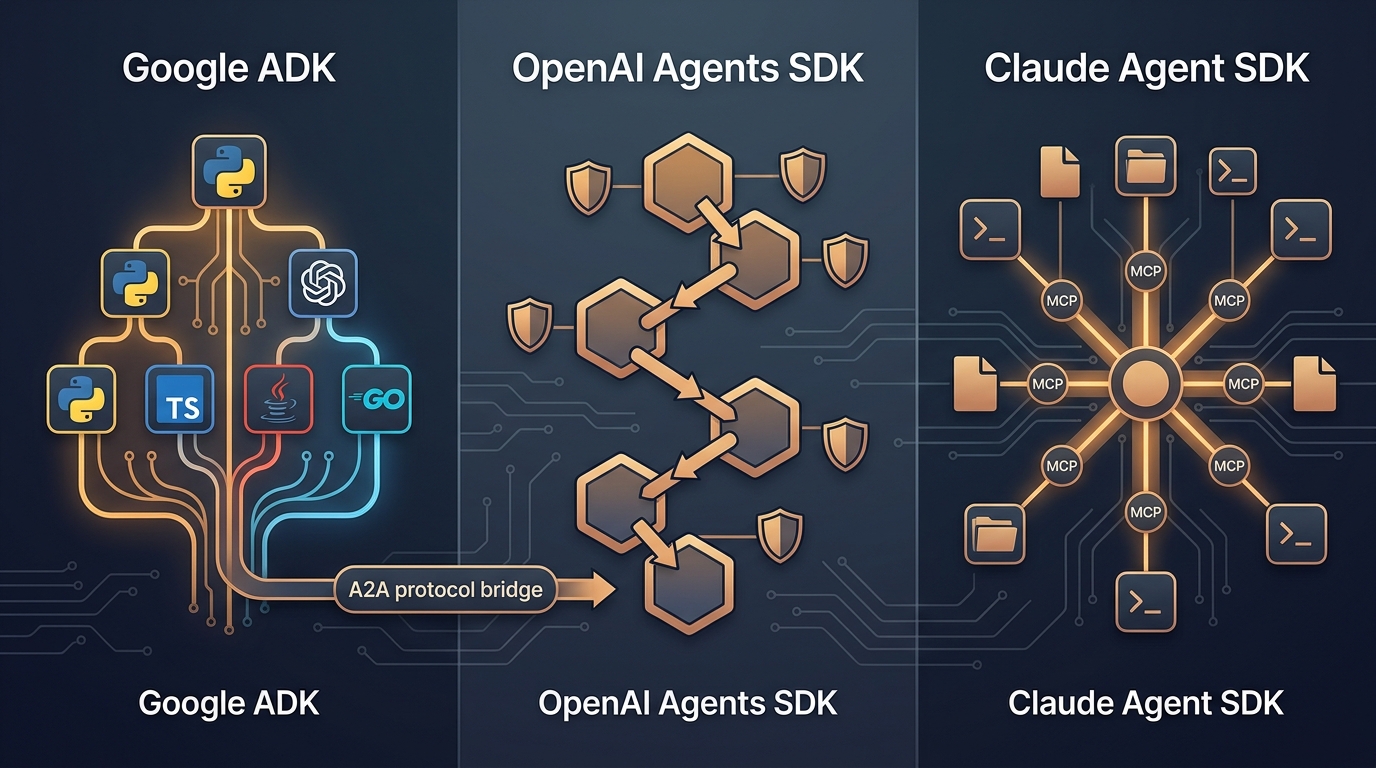
Google ADK vs OpenAI vs Claude Agent SDK: The 2026 Three-Way Comparison
Google ADK vs OpenAI vs Claude Agent SDK: we built the same agent across all three. Here's how they compare, where each wins, and what to avoid.
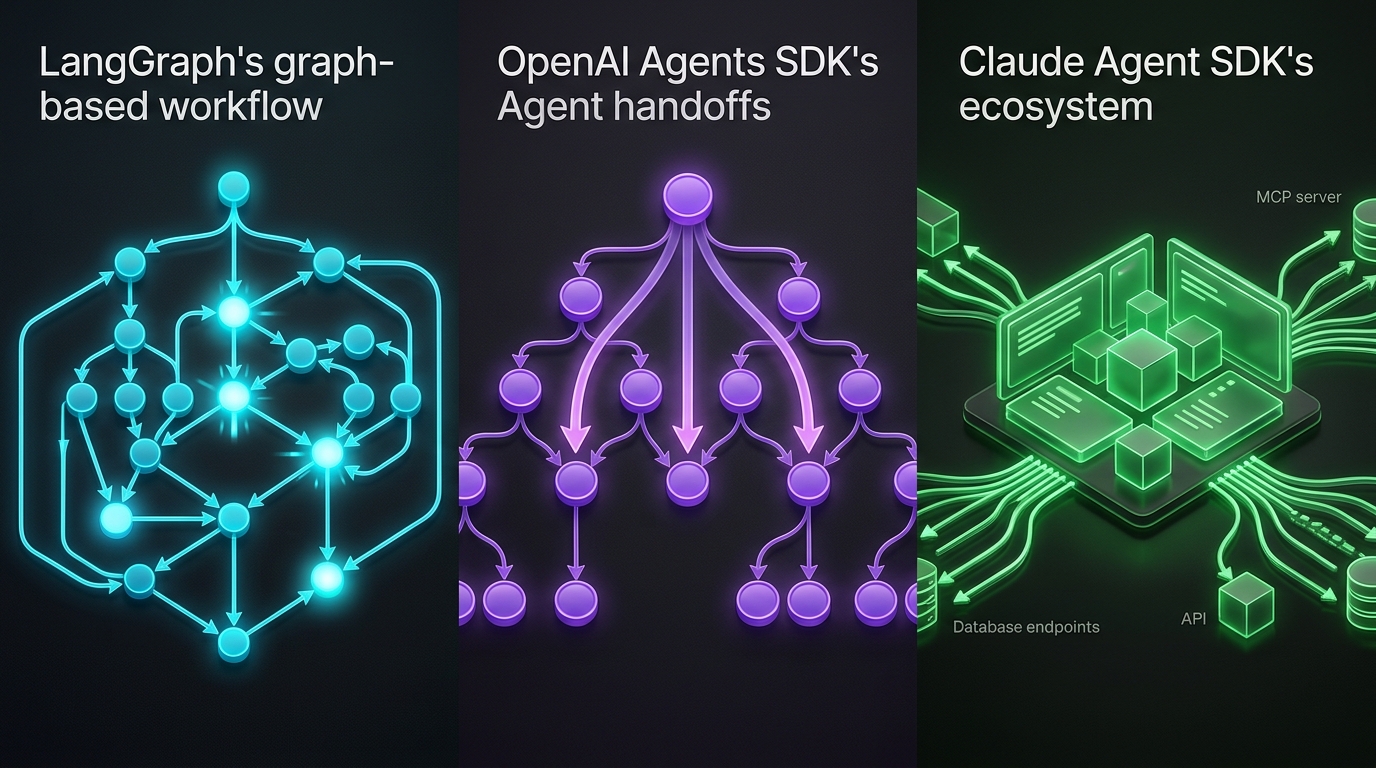
LangGraph vs OpenAI and Claude Agent SDKs Compared
LangGraph graphs, OpenAI handoffs, and Claude's MCP-native SDK — compared with code and a decision framework for 2026.
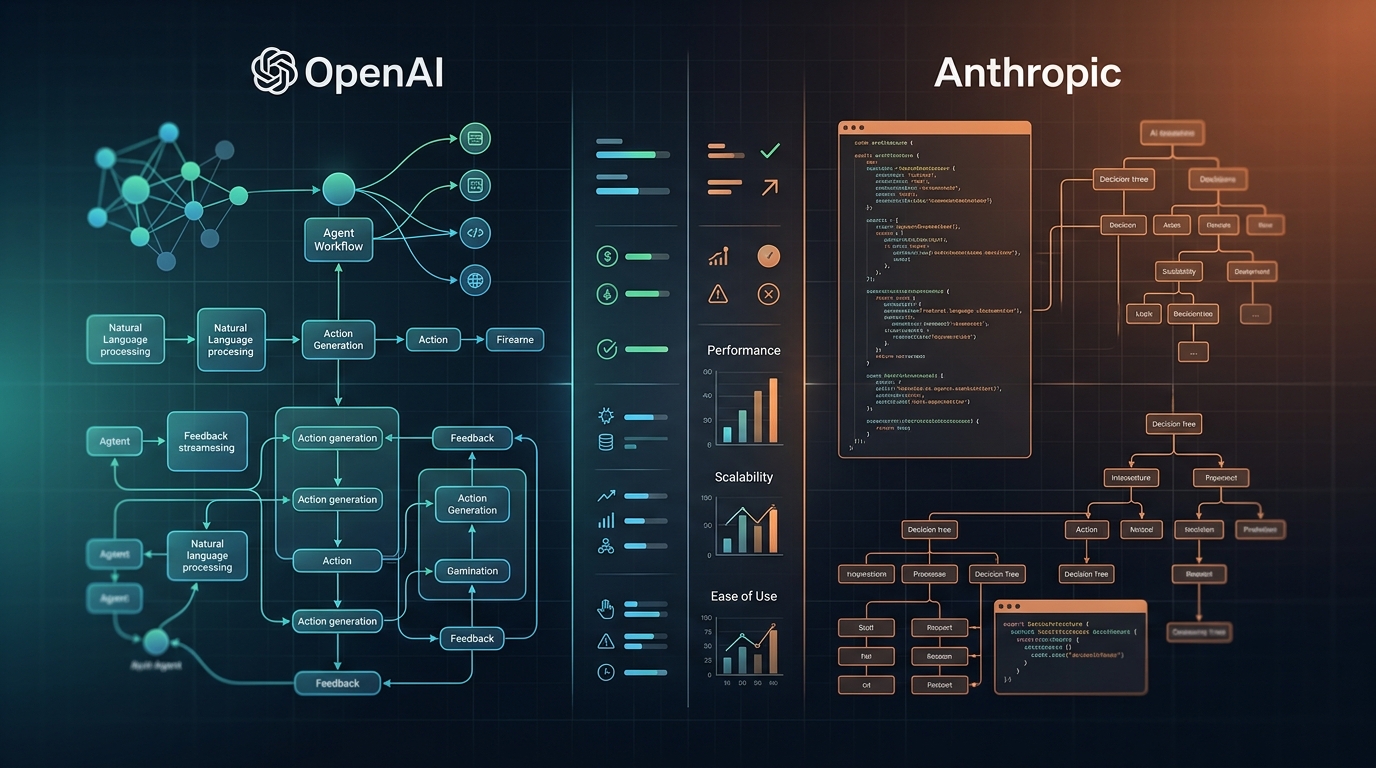
OpenAI Agents SDK vs Claude Agent SDK: 2026 SDK Showdown
OpenAI added sandboxes and subagents. Claude Agent SDK brings MCP, tool search, and streaming. We built with both — here's the verdict.