LangGraph Tutorial: Build Your First AI Agent in Python

Step-by-step LangGraph tutorial. Build your first Python AI agent with StateGraph nodes, edges, and tool calls. Complete runnable code included.
Build Your First AI Agent with LangGraph
AI agents are transforming how we interact with software, enabling systems that can reason, plan, and take actions autonomously. LangGraph, developed by LangChain, provides an intuitive framework for building these agents using a graph-based architecture. In this tutorial, we’ll walk through creating your first AI agent from scratch.
What is LangGraph?

LangGraph is a library for building stateful, multi-step AI applications. Unlike simple prompt-response patterns, LangGraph enables you to create agents that can:
- Make decisions based on context
- Execute tools and functions
- Maintain state across multiple interactions
- Handle complex workflows with branching logic
The “graph” in LangGraph refers to how you define your agent’s behavior as a directed graph, where nodes represent actions and edges represent transitions between them.
Prerequisites
Before we start, make sure you have:
- Python 3.9 or higher installed
- An OpenAI API key (or another supported LLM provider)
- Basic familiarity with Python
Setting Up Your Environment
First, create a new project directory and set up a virtual environment:
mkdir my-first-agent
cd my-first-agent
python -m venv venv
source venv/bin/activate  # On Windows: venv\Scripts\activate
Install the required packages:
pip install langgraph langchain-openai python-dotenv
Create a .env file to store your API key:
OPENAI_API_KEY=your-api-key-here
Understanding the Agent Architecture
Our agent will follow a simple but powerful pattern called the ReAct (Reasoning and Acting) loop:
- Observe: The agent receives input and context
- Think: The LLM reasons about what to do next
- Act: The agent executes a tool or responds
- Repeat: Continue until the task is complete
In LangGraph, we model this as a graph with nodes for the LLM and tools, connected by conditional edges.
Building the Agent
Let’s build a simple research agent that can search for information and answer questions. Create a file called agent.py:
import os
from dotenv import load_dotenv
from typing import Annotated, TypedDict
from langgraph.graph import StateGraph, START, END
from langgraph.graph.message import add_messages
from langchain_openai import ChatOpenAI
from langchain_core.messages import HumanMessage, AIMessage

# Load environment variables
load_dotenv()

# Define the state that flows through our graph
class AgentState(TypedDict):
    messages: Annotated[list, add_messages]

# Initialize the LLM
llm = ChatOpenAI(model="gpt-4o-mini", temperature=0)

# Define the agent node - this is where the LLM thinks
def agent_node(state: AgentState) -> AgentState:
    """The agent processes messages and decides what to do."""
    response = llm.invoke(state["messages"])
    return {"messages": [response]}

# Build the graph
def create_agent():
    # Create a new graph
    graph = StateGraph(AgentState)

    # Add the agent node
    graph.add_node("agent", agent_node)

    # Define the flow: start -> agent -> end
    graph.add_edge(START, "agent")
    graph.add_edge("agent", END)

    # Compile the graph into a runnable
    return graph.compile()

# Create and run the agent
agent = create_agent()

# Test the agent
result = agent.invoke({
    "messages": [HumanMessage(content="What is LangGraph?")]
})

print(result["messages"][-1].content)
Run the script:
python agent.py
You should see the agent respond with information about LangGraph.
Adding Tools to Your Agent
A basic chatbot is useful, but agents become powerful when they can use tools. Let’s add a simple calculator tool:
from langchain_core.tools import tool

@tool
def calculator(expression: str) -> str:
    """Evaluate a mathematical expression."""
    try:
        result = eval(expression)
        return f"The result of {expression} is {result}"
    except Exception as e:
        return f"Error calculating: {str(e)}"

# Bind the tool to our LLM
tools = [calculator]
llm_with_tools = llm.bind_tools(tools)
Now we need to update our graph to handle tool calls. Here’s the enhanced version:
from langgraph.prebuilt import ToolNode

def agent_node(state: AgentState) -> AgentState:
    """The agent processes messages and may call tools."""
    response = llm_with_tools.invoke(state["messages"])
    return {"messages": [response]}

def should_continue(state: AgentState) -> str:
    """Determine if we should call a tool or finish."""
    last_message = state["messages"][-1]
    if hasattr(last_message, "tool_calls") and last_message.tool_calls:
        return "tools"
    return "end"

def create_agent_with_tools():
    graph = StateGraph(AgentState)

    # Add nodes
    graph.add_node("agent", agent_node)
    graph.add_node("tools", ToolNode(tools))

    # Define the flow with conditional edges
    graph.add_edge(START, "agent")
    graph.add_conditional_edges(
        "agent",
        should_continue,
        {"tools": "tools", "end": END}
    )
    graph.add_edge("tools", "agent")  # Loop back after tool execution

    return graph.compile()

# Test the enhanced agent
agent = create_agent_with_tools()
result = agent.invoke({
    "messages": [HumanMessage(content="What is 15 * 23 + 42?")]
})
print(result["messages"][-1].content)
The agent now reasons about the question, decides to use the calculator, and returns the computed answer.
Understanding the Graph Flow
Let’s visualize what happens when you ask the agent a math question:
- START -> agent: Your question enters the agent node
- agent -> should_continue: The LLM decides it needs the calculator
- should_continue -> tools: The condition routes to the tools node
- tools -> agent: The calculator result goes back to the agent
- agent -> should_continue: The LLM now has the answer
- should_continue -> END: No more tools needed, respond to user
This loop structure is what makes agents powerful. They can call multiple tools, reason about intermediate results, and keep working until the task is complete.
Adding State and Memory
For more complex interactions, you’ll want your agent to remember previous conversations. LangGraph supports checkpointing for this purpose:
from langgraph.checkpoint.memory import MemorySaver

# Create a memory saver
memory = MemorySaver()

# Compile with checkpointing
agent = create_agent_with_tools().compile(checkpointer=memory)

# Use a thread_id to maintain conversation context
config = {"configurable": {"thread_id": "user-123"}}

# First message
agent.invoke({"messages": [HumanMessage(content="My name is Alex")]}, config)

# Later message - the agent remembers
result = agent.invoke({"messages": [HumanMessage(content="What's my name?")]}, config)
print(result["messages"][-1].content)  # "Your name is Alex"
Next Steps
Congratulations! You’ve built your first AI agent with LangGraph. Here are some ways to extend it:
- Add more tools: Web search, file operations, API calls—see our Custom Tools Guide
- Implement error handling: Gracefully handle tool failures
- Add streaming: Show the agent’s thinking process in real-time
- Build multi-agent systems: Create specialized agents that collaborate—explore Multi-Agent Collaboration Patterns
- Apply to real domains: See our Retail AI Agent with LangGraph for a production-tested inventory and order processing example
- Go to production: Follow our Production AI Agents Guide
Key Takeaways
- LangGraph models agent behavior as a directed graph
- Nodes represent actions (LLM calls, tool execution)
- Edges define how the agent moves between states
- The ReAct loop enables reasoning and acting cycles
- Checkpointing provides memory across conversations
The graph-based approach gives you fine-grained control over agent behavior while keeping the code organized and maintainable. As you build more complex agents, this structure becomes invaluable for debugging and extending functionality.
Ready to dive deeper? Check out our Complete Guide to AI Agent Frameworks, explore the LangGraph documentation for advanced patterns, or see our AI Agents Glossary for terminology reference.
Related Posts

Build a Healthcare AI Agent with LangGraph: Patient Triage & Scheduling
Step-by-step LangGraph tutorial building a clinical triage agent with patient lookup, symptom assessment, appointment scheduling, and clinician escalation.
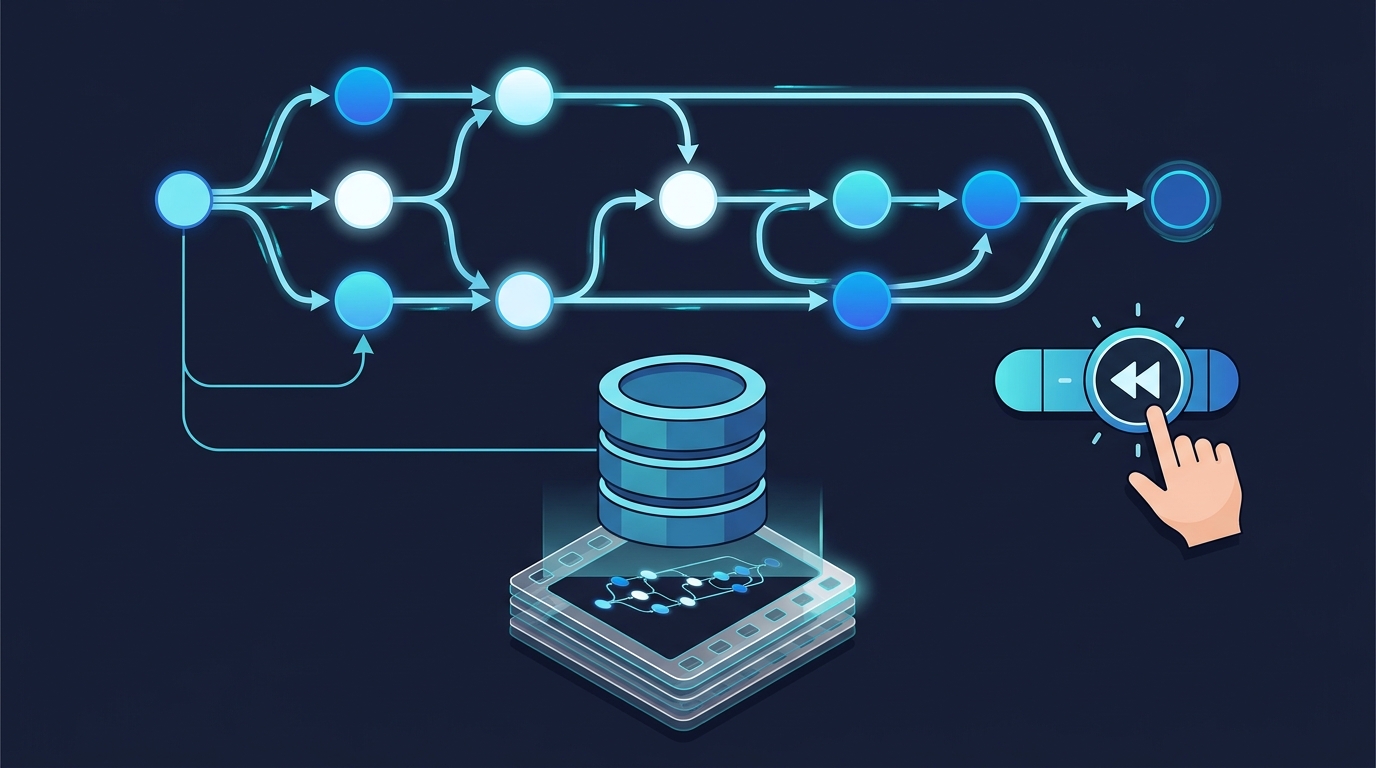
LangGraph State, Checkpointing, and Resumable Agents
Build a production-grade LangGraph agent with TypedDict state, SQLite checkpointing, and human-in-the-loop interrupts. Complete runnable code.

Build a Retail AI Agent with LangGraph: Inventory & Orders
Step-by-step LangGraph tutorial building a retail AI agent with StateGraph, tool-calling nodes for inventory lookup, order processing, and returns.