Google AI Studio 2026: All Gemini Models + Free Tier

All available Gemini models: Gemini 3.1 Pro, 2.5 Flash, Flash-Lite, 2.0 Pro, Imagen 3. Free tier limits, pricing, and when to use the paid API.
Google AI Studio sits in an awkward position in 2026. For engineers, it’s simultaneously the fastest way to prototype with frontier Gemini models and one of the least understood products in Google’s AI stack. Even the name conflates three things — a prompt-testing UI, an app builder, and a gateway to the paid Gemini Developer API — into a single dashboard.
We’ve evaluated AI Studio against the alternatives developers actually reach for: OpenAI’s ChatGPT for quick prototyping, LangSmith for production tracing, and Perplexity’s Deep Research for grounded investigation. Here’s where AI Studio genuinely wins, where it falls short, and what you need to know before putting it into a workflow.
What Google AI Studio Actually Is
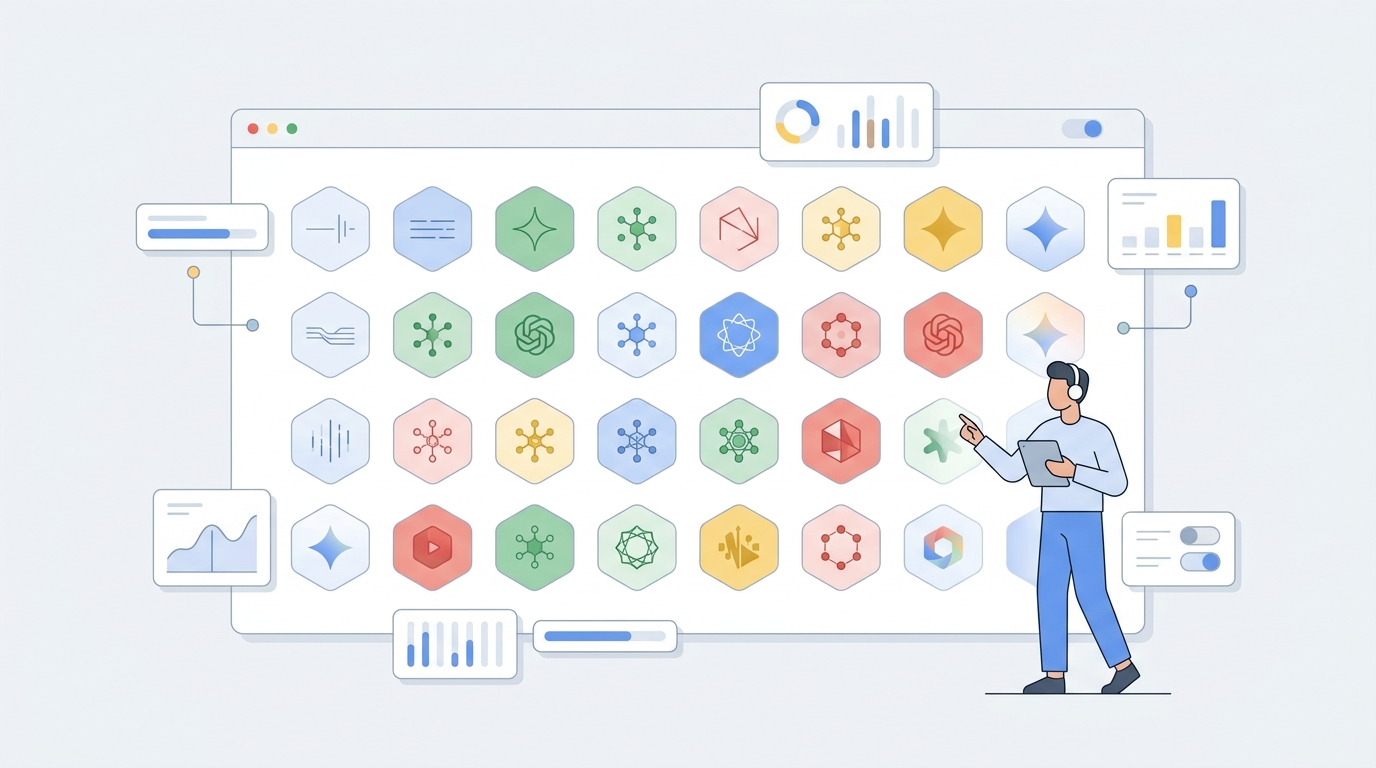
Google AI Studio is a browser-based workspace for interacting with Google’s Gemini models directly, without writing code. Navigate to aistudio.google.com, sign in with a Google account, and start prompting. No credit card is required — the free tier gives you access to select models at generous but rate-limited quotas.
Under the hood, AI Studio and the Gemini Developer API share the same backend. Every prompt you type in the UI maps to an API call you could replicate programmatically. The “Get Code” button exports your session as Python, JavaScript, or raw REST — a bridge from experimentation to production that most competitors don’t offer quite as cleanly.
The critical distinction: AI Studio is the UI; the Gemini API is the service. When you need programmatic access, rate limits that don’t reset daily, or data privacy guarantees, you enable billing through Google Cloud and transition to the API.
Available Gemini Models in AI Studio
As of April 2026, AI Studio provides access to the following model families. Each serves a different optimization target — reasoning depth, speed, or cost efficiency.
Text Models
| Model | Context Window | Best For | Pricing (API) |
|---|---|---|---|
| Gemini 3.1 Pro | 1M tokens | Complex reasoning, software engineering, agentic workflows | $2/1M input, $12/1M output |
| Gemini 3 Flash | 1M tokens | General-purpose tasks, speed-optimized inference | $0.35/1M input, $2.10/1M output via Google AI pricing |
| Gemini 3.1 Flash-Lite | 1M tokens | High-volume, budget-conscious tasks | $0.25/1M input, $1.50/1M output |
| Gemini Embedding | — | Vector embeddings for RAG and semantic search | Free tier available |
Gemini 3.1 Pro replaced Gemini 3 Pro in February 2026, more than doubling reasoning performance on ARC-AGI-2 to 77.1%. If you’re building agents that require multi-step planning, 3.1 Pro is the current recommendation. Gemini 3 Pro is deprecated.
Image Generation Models
| Model | Max Resolution | Best For |
|---|---|---|
| Nano Banana 2 (Gemini 3.1 Flash Image) | 4096×4096 | Fast iteration, 4K output, Google Search-grounded generation |
| Nano Banana Pro | 4096×4096 | Highest-fidelity image generation |
| Imagen 4 | 4096×4096 | Photorealistic image generation |
Nano Banana 2 launched in February 2026 and supports up to 14 reference images for complex editing. It integrates with Google Search for real-time visual knowledge grounding — a significant edge when generating images of real-world objects, landmarks, or recent cultural references.
Video and Audio Models
- Veo 3.1 — Video generation with native audio, dialogue, vertical output (YouTube Shorts), and 4K upscaling. Available through AI Studio’s Build interface and the API.
- Lyria 3 — Music generation from text, photos, or video input (30-second tracks).
- Text-to-Speech — Speech generation via Gemini 2.5 Flash/Pro TTS models.
Thinking and Reasoning
Gemini 3 introduced configurable thinking levels — a parameter that controls how deeply the model reasons before producing output. In AI Studio, this is a slider. Higher thinking levels increase latency but improve accuracy on tasks requiring math, logic, or multi-step planning. This maps directly to OpenAI’s extended thinking and Anthropic’s extended thinking, but Google exposes it as a continuous scale rather than on/off.
Free Tier Limits
This is where most developers get tripped up. Here’s the actual state of the free tier as of April 2026:
- AI Studio (browser UI): Free to use with a Google account. No subscription required.
- Gemini API free tier: Available for many models but with strict rate limits (RPM and RPD quotas). Google tightened free tier rules in April 2026, moving Pro models to paid-only for API access.
- Data usage: On the free tier, Google may use your prompts and outputs to improve models. Enable billing to opt out of data sharing.
- Quotas: Free tier quotas vary by model and are subject to change. Gemini 3 Flash and 3.1 Flash-Lite have more generous free allocations than Pro models.
The practical takeaway: AI Studio is excellent for prototyping and experimentation. Once you hit API rate limits or need data privacy guarantees, you’ll need to enable billing and move to the paid tier. Set up monthly spending caps from day one — Google now enforces them by default.
Core Features
Multimodal Input
Upload PDFs, images, audio, or video files alongside text prompts. Gemini 3.1 Pro’s 1M token context window can ingest hundreds of pages of documentation, hours of video, or entire codebases. New in Gemini 3: Agentic Vision — instead of a single static pass over an image, the model dynamically zooms and investigates regions, reducing hallucinations on small details.
Build Mode: No-Code App Builder
The Build feature (formerly part of “Maker Suite”) lets you describe an application in natural language and receive working code. Under the hood, Gemini generates React + Tailwind components that you can preview live, iterate on through conversation, and export as deployable code or push directly to Google Cloud Run. For simple internal tools, dashboards, or prototypes, this compresses the design-to-code cycle from hours to minutes.
Computer Use
Gemini 3 Pro and Flash can now interact with desktop applications autonomously — navigating UIs, clicking buttons, filling forms, and reading screen content. This capability, exposed through the Gemini API, positions AI Studio as more than a prompt playground. It’s a preview of agentic workflows that will eventually run in production without human intervention.
Deep Research Agent
An autonomous agent that plans and executes multi-step research across hundreds of web sources, producing cited reports. Available through AI Studio and the Gemini API. This is Google’s answer to Perplexity’s Deep Research — different architecture, similar outcome.
Code Export and API Access
Every prompt session can be exported as Python, JavaScript, or REST API calls. One-click export to Google Colab lets you execute immediately. This is AI Studio’s strongest differentiator versus ChatGPT: the path from “I tested a prompt” to “I shipped an API integration” is genuinely two clicks.
Google Search Integration
Several Gemini model versions can query Google Search in real time for grounding — critical for reducing hallucinations on time-sensitive queries. Toggleable per prompt in AI Studio.
Supported Regions
Gemini API availability varies by region. The official regions list shows broad coverage across North America, Europe, and parts of Asia-Pacific. AI Studio (the browser UI) has fewer geographic restrictions — it’s accessible from most countries where Google services operate normally. For enterprise deployments, check the detailed region-by-region availability, as Pro models sometimes roll out to specific regions first.
API Access and Pricing
When you’re ready to move beyond the UI, AI Studio integrates with the Gemini Developer API via a single API key. The API supports:
- OpenAI-compatible interface — Drop-in compatibility for codebases built against OpenAI’s SDK
- Function calling — Structured tool use for agentic workflows
- Structured outputs — JSON Schema-constrained responses
- Context caching — Reuse prefixes across requests to reduce cost and latency
- Batch API — Asynchronous processing for large-scale inference
- Flex inference — Lower-cost, potentially slower option for non-latency-sensitive workloads
Pricing is competitive. At $0.25/1M input tokens, Gemini 3.1 Flash-Lite undercuts GPT-4o Mini by a significant margin on bulk tasks. Gemini 3.1 Pro at $2/1M input is roughly on par with Claude Sonnet 4. The real question isn’t per-token pricing — it’s intelligence per dollar, and Gemini 3.1 Pro’s ARC-AGI-2 score of 77.1% suggests improved value over the deprecated 3 Pro.
When to Use AI Studio vs Alternatives
Use Google AI Studio when:
- You’re prototyping with Gemini models and need quick iteration
- You want to test multimodal prompts (documents + images + video together)
- You’re building a simple internal app and the Build feature can compress your timeline
- You need code export to bootstrap an API integration
- You’re evaluating Gemini 3.1 Pro’s reasoning capabilities before committing to GCP billing
Look elsewhere when:
- You need production-grade tracing and evals — use LangSmith or Langfuse instead
- You’re working with confidential data and can’t risk free-tier data usage policies
- You build exclusively on OpenAI or Anthropic model stacks
- You need fine-grained control over inference parameters that AI Studio’s UI doesn’t expose
The Bottom Line
Google AI Studio is the fastest ramp-up path for engineers who want to test Gemini models without configuring an API key, writing boilerplate, or managing infrastructure. For teams already operating within Google Cloud, it’s a natural extension of your existing stack. For everyone else, it’s worth knowing about — if only because Gemini 3.1 Flash-Lite at $0.25/1M tokens changes the economics of high-volume AI work in 2026.
The bigger story is that AI Studio is evolving from a prompt sandbox into an agentic development environment. Between Computer Use, the Deep Research Agent, and Build mode, Google is building toward a workflow where you describe what you want, get a working prototype in minutes, and deploy to Cloud Run with a click. That’s ambitious. Whether it ships at production quality remains to be seen — but the direction is clear.
For broader context on Google’s AI ecosystem, see our complete guide to Google AI tools in 2026, which covers Stitch, Opal, NotebookLM, and the tools that sit alongside AI Studio. And if you’re specifically comparing search-oriented AI agents, our Perplexity AI guide covers the competitive landscape in depth.
Related Posts

What OpenAI, Anthropic, and Google Shipped in June 2026 — and What It Costs You
Claude Fable 5 at $10/M input tokens. Codex 26.609 with Developer mode. Gemini 3.5 Flash at 4x speed. Managed Agents with cron scheduling. And Anthropic's June 15 credit overhaul that changes the economics of autonomous coding. Here's what actually shipped, benchmarked, and priced.

The Week AI Went Agent-Native: Google I/O, Anthropic's Profit, and OpenAI's IPO
Google replaced the search box with 24/7 information agents. Anthropic hit its first profit and hired Karpathy. OpenAI filed for IPO. Here's what the biggest week in AI history means for the agent stack.
AI Agent Platform Updates: April 2026 News
Google Cloud Next, GPT-5.5, Copilot Agent Mode GA, Snowflake Cortex Agents — April 2026 AI agent platform news and what it means for developers.