Kubernetes for GPU Workloads: A Primer

Running AI workloads on Kubernetes isn't the same as running stateless microservices. A primer on GPU operators, device plugins, node affinity, MIG, and the patterns that keep clusters healthy.
Kubernetes for GPU Workloads: A Primer
Kubernetes works fine for stateless HTTP services. It works surprisingly well for batch jobs. It works with some effort for stateful databases. It works, but with many opinions and pitfalls, for GPU-backed AI workloads.
If you’re putting AI inference or training on Kubernetes — and most platform teams eventually do — this primer covers the pieces that are different from normal K8s workloads and the patterns that keep your cluster healthy.
Why Use Kubernetes for AI at All?
Fair question. For a single GPU running a single model, docker run on a VM is simpler. The case for K8s emerges when:
- You have many models, many teams, or many tenants
- You need multi-zone or multi-region resilience
- You want to share expensive GPU fleets across workloads
- You need rolling upgrades without dropping requests
- You’re already a Kubernetes shop and consistency matters
The counter-case — when K8s is wrong — is usually “we have one training job, it runs for two weeks, we have one team.” Use Slurm or just a VM. We’ll cover Slurm in the age of Kubernetes separately.
The Three Non-Negotiable Components
Any K8s cluster running GPU workloads needs three things installed beyond stock K8s:
1. NVIDIA GPU Operator (or GPU Driver DaemonSet)
The GPU Operator is NVIDIA’s opinionated bundle: driver, container toolkit, device plugin, DCGM exporter, MIG manager. Install it via Helm:
helm repo add nvidia https://helm.ngc.nvidia.com/nvidia
helm install --wait --generate-name \
    -n gpu-operator --create-namespace \
    nvidia/gpu-operator
For most clouds (GKE, EKS, AKS, etc.), managed GPU node pools ship with the driver and device plugin pre-installed. Check before double-installing.
2. Device Plugin
This is the bridge that exposes GPUs to the kubelet as a schedulable resource (nvidia.com/gpu). The GPU Operator installs it automatically. Once it’s running, your pods can request GPUs:
resources:
  limits:
    nvidia.com/gpu: 1
3. DCGM Exporter + Monitoring
GPU utilization, memory usage, temperature, and SM occupancy are not visible via standard K8s metrics. The DCGM exporter exposes them as Prometheus metrics. If you don’t have this, you are flying blind.
Scheduling: The Part That Bites
Default K8s scheduling is built for fungible pods on fungible nodes. GPUs are neither fungible (an H100 is not an A100) nor cheap to wait for.
Three things you need to configure:
Node labels and taints
Every GPU node should be labeled with hardware specifics:
nodeSelector:
  nvidia.com/gpu.product: NVIDIA-H100-80GB-HBM3
  topology.kubernetes.io/zone: us-east-1a
And tainted so non-GPU workloads don’t squat on them:
taints:
  - key: nvidia.com/gpu
    value: "true"
    effect: NoSchedule
Then GPU pods tolerate the taint. Without this, your $30k/GPU nodes will happily run nginx sidecars.
Pod anti-affinity for replicas
Don’t stack two replicas of the same inference service on one node. If that node dies, you have zero capacity. Use pod anti-affinity:
affinity:
  podAntiAffinity:
    preferredDuringSchedulingIgnoredDuringExecution:
      - weight: 100
        podAffinityTerm:
          labelSelector:
            matchLabels:
              app: inference-server
          topologyKey: kubernetes.io/hostname
Priority classes
GPU capacity is expensive and scarce. Your batch training job should not evict your production inference pod. Define priority classes:
# High priority - inference
apiVersion: scheduling.k8s.io/v1
kind: PriorityClass
metadata: {name: inference}
value: 1000000
globalDefault: false

---
# Low priority - batch / experiments
apiVersion: scheduling.k8s.io/v1
kind: PriorityClass
metadata: {name: batch}
value: 100
globalDefault: false
This also lets you use preemption — batch jobs get killed to make room for inference surges.
Fractional GPUs: MIG, MPS, and Time-Slicing
A full H100 is wildly overprovisioned for a small model at low QPS. Three ways to share:
MIG (Multi-Instance GPU)
Hardware-partitioned. On H100 you can split one GPU into up to seven isolated instances, each with dedicated memory and SMs. Strong isolation, predictable performance. The downside: partitions are fixed at node boot, so you lose flexibility.
Configure via GPU Operator:
migManager:
  enabled: true
  config:
    default: "all-1g.10gb"  # 7 instances per H100
Each pod requests e.g. nvidia.com/mig-1g.10gb: 1.
MPS (Multi-Process Service)
Software-level sharing. Multiple processes submit CUDA work to a single MPS server, which time-multiplexes onto the GPU. Lower isolation, higher flexibility.
Time-slicing
Purest software approach. The device plugin lets N pods each request nvidia.com/gpu: 1 and they take turns. Good for dev/test; don’t run production inference this way.
Rule of thumb:
- Production multi-tenant inference → MIG
- Dev environments, Jupyter notebooks → time-slicing or MPS
- Single high-throughput job → whole GPU, no sharing
Storage: The Underrated Concern
Model weights are big. A 70B model is ~140GB. Loading it at pod-start time means pulling 140GB from somewhere, every scale-up, for every replica.
Three patterns:
1. Build weights into the image
Simple, reproducible, but images balloon to 100GB+. Registry pulls become the bottleneck. Works for small models; doesn’t for frontier-size.
2. Pull from object storage at startup
Weights in S3/GCS, pod downloads on start. Works, but startup is slow and you repeat the transfer every scale-up.
3. Shared cache on node or network
Mount a hostPath or a read-only PVC that caches weights across pod restarts. First pod on a node pays the cost; subsequent pods mmap. This is the best pattern for production at scale.
Some teams use Fluxcd with pre-pulled images or a warmed cluster DaemonSet to keep hot weights resident. For training checkpoints, a parallel filesystem (Weka, Lustre, FSx) is often worth the spend.
Autoscaling: HPA Alone Isn’t Enough
The Horizontal Pod Autoscaler scales on CPU and memory. Neither is a good signal for GPU workloads.
What you actually want:
- Scale on queue depth — requests waiting to be served
- Scale on GPU utilization — if SM occupancy drops, scale down
- Scale on latency SLO — if P95 drifts, scale up
Options:
- KEDA — exposes arbitrary metrics (from Prometheus, Redis queues, Kafka) to HPA. Standard choice.
- Custom metrics adapter — for DCGM-based metrics.
- Knative Serving — if you’re doing request-based autoscaling with scale-to-zero.
And remember: GPU nodes do not scale instantly. A cold node takes 2–5 minutes to come up with drivers loaded. You need a buffer of warm capacity or your SLOs take hits during scale events.
Network: The Silent Killer of Distributed Training
Single-node inference doesn’t care about network. Multi-node training absolutely does.
If you’re doing distributed training on K8s, you need:
- RDMA — RoCE or InfiniBand. SR-IOV or the NVIDIA Network Operator to expose devices to pods.
- Topology-aware scheduling — Ray, Kubeflow’s MPI Operator, or Volcano can schedule the entire training job on a tightly-coupled subset of nodes.
- Jumbo frames and tuned kernel params — off by default, essential for RDMA perf.
- Dedicated network namespaces — don’t share the RDMA fabric with your cluster’s pod network.
If you are not doing distributed training, ignore this section. If you are, this section is worth a full guide of its own.
The Schedulers: Kube-scheduler, Volcano, KAI, Slinky
Stock kube-scheduler works fine for single-GPU inference pods. For batch/training, it’s not ideal — it doesn’t understand gang scheduling (all-or-nothing for a multi-pod job) or fair share.
- Volcano — batch scheduler from the CNCF. Gang scheduling, fair queuing, priorities.
- KAI Scheduler — NVIDIA’s scheduler (formerly Run:ai). Opinionated toward GPU fairness and quotas.
- Kueue — upstream K8s sub-project. Lighter-weight, increasingly standard.
- Slinky (Slurm-in-K8s) — emerging, bridges HPC and cloud-native.
We cover these in depth in GPU Scheduling on Kubernetes.
The Patterns I See in Healthy Clusters
From a dozen platform teams running GPU K8s in production:
- Separate node pools for inference and batch. Different priority classes, different autoscaling. Never let batch compete with inference.
- MIG for shared inference, whole GPU for training. Matches the workload shape.
- Dedicated SRE rotation. GPU nodes have new failure modes (XID errors, thermal events, ECC failures). You need someone watching.
- Aggressive DCGM alerting. Alert on ECC errors, GPU throttling, fan failure. These precede node failure by hours or days.
- Chaos engineering. Kill a GPU node every Friday. Your system should handle it.
- Cost telemetry per namespace. GPU bills are opaque. Attribute spend back to teams or you’ll never control it.
Further Reading
- Ray Serve vs Kubernetes for Model Serving
- GPU Scheduling on Kubernetes with Volcano and KAI
- Multi-Cloud GPU Strategy: Avoiding Lock-in
Setting up Kubernetes for AI workloads and want a second pair of eyes? Get in touch — we’ve stood up GPU K8s clusters from 4 nodes to 400.
Related Posts

The AI Infrastructure Stack Explained (2024)
A grounded tour of the six layers that make modern AI systems work — from GPUs and inference servers to vector databases, orchestration, and observability — with the tradeoffs that matter in production.
vLLM vs SGLang: Inference Engine Comparison 2026
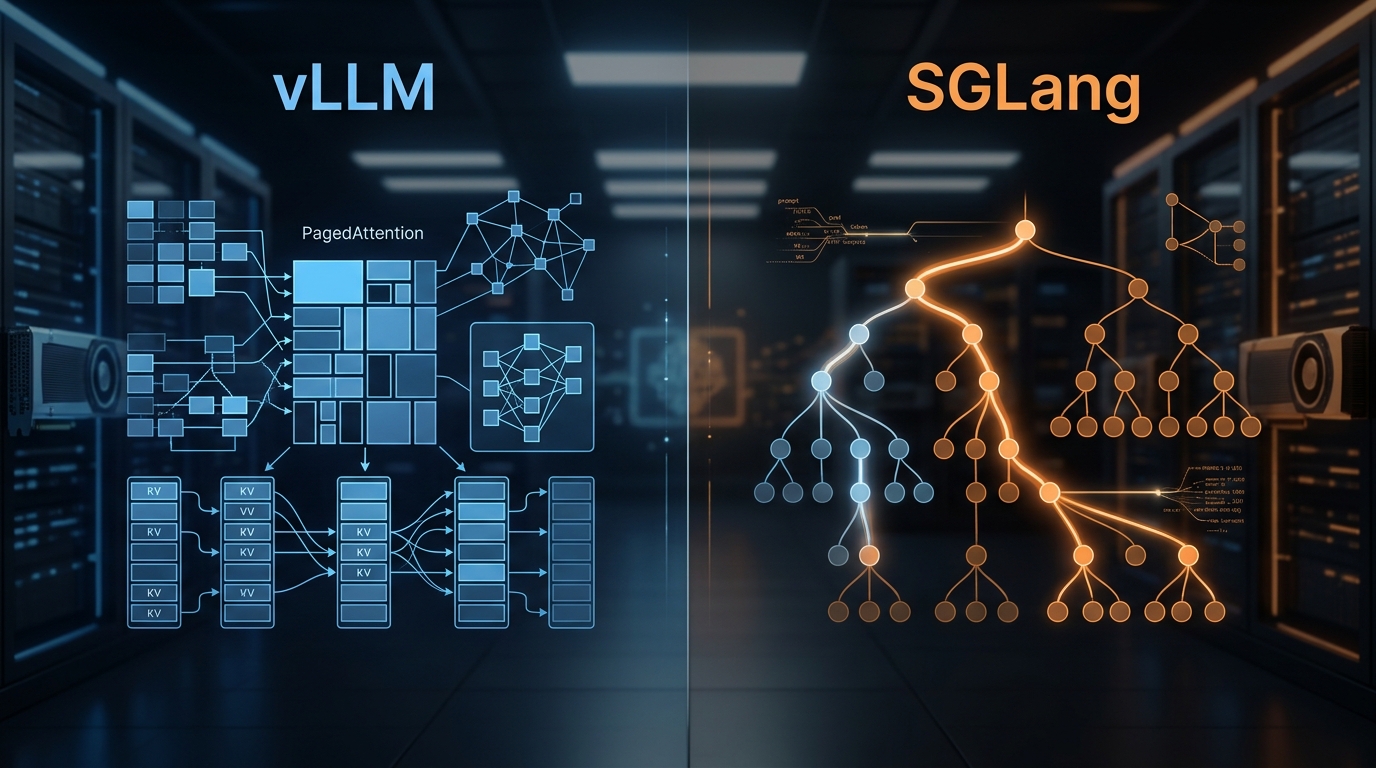
We've deployed both at scale. Here's what the benchmarks actually show, where RadixAttention beats PagedAttention, and which engine to pick for your workload.
State of AI Infrastructure 2026: Mid-Year Reality Check
A mid-2026 ground-truth report: B200 reality, SGLang's $400M spinout, agent infra going mainstream, and the three patterns dominating production.