Multi-Cloud GPU Strategy: Avoiding Lock-in and Saving 40%

Running GPU workloads on a single cloud leaves money and resilience on the table. A practical multi-cloud pattern for AI workloads — when it's worth the complexity and when it isn't.
Multi-Cloud GPU Strategy: Avoiding Lock-in and Saving 40%
Multi-cloud is famously the thing consultants sell and engineers distrust. For most SaaS workloads, the distrust is well-earned — the complexity tax usually exceeds the benefits. But GPU workloads are different, and multi-cloud is often the right answer.
This post explains why, when, and how.
Why GPU Workloads Break The Multi-Cloud Trade-Off
Three properties of GPU workloads flip the usual math:
1. The pricing spread is huge. Same H100 is $10/hr on a hyperscaler and $2.50/hr on a neocloud. A 4x price gap dwarfs the complexity tax of multi-cloud.
2. Availability is volatile. GPU supply has been and will continue to be spiky. If your sole provider runs out, you can’t serve users.
3. The blob is small. Unlike a database with petabytes of state, an LLM is a stateless service with a fixed model weight. Moving it between clouds is feasible.
The usual multi-cloud anti-pattern — “active-active Postgres across two clouds” — doesn’t apply. You’re just running stateless inference across multiple GPU providers. The state lives elsewhere.
The Three Sensible Patterns
Pattern 1: Compute on neocloud, data and services on hyperscaler
The most common and cheapest pattern.
- GPU inference and training: CoreWeave, Lambda, Runpod, or Crusoe
- Object storage, databases, secrets, identity: AWS / GCP / Azure
- Monitoring: Whoever your team already uses (Datadog, Grafana Cloud, Honeycomb)
Network between them via a direct connect or egress over public internet. Egress pricing matters — we’ll address it below.
Savings: Typical 30–50% reduction in compute cost vs pure hyperscaler. Complexity is modest because you’re not actually active-active; you’re “compute here, state there.”
Pattern 2: Active-active across neoclouds
Two neoclouds for GPU capacity, fronted by DNS-based routing or a cloud-agnostic load balancer.
- Normal day: 60/40 traffic split across CoreWeave and Lambda
- One provider capacity-constrained or outage: other takes 100%
- Same model weights, same container image, same API
Savings: Pricing leverage (you have negotiating power), resilience against single-provider outages. Real cost reduction is 10–20% vs single-cloud, but the insurance value is substantial.
Pattern 3: Burst from reserved to on-demand
Reserved capacity at one provider (lowest rate), with on-demand capacity elsewhere as burst.
- Baseline load on committed CoreWeave or Lambda reservation
- Traffic spike overflow to Runpod or AWS on-demand
- Route by queue depth — when primary backs up, spill to burst
Savings: 40–60% vs all-on-demand, 10–20% vs all-reserved (you don’t over-commit for peak).
The Glue That Makes It Work
Multi-cloud GPU only works if you’ve invested in three pieces of tooling:
1. A provider-agnostic inference server
vLLM, TGI, or TensorRT-LLM packaged as a container image that runs identically on any K8s or Slurm cluster. No cloud-specific services in the hot path.
2. A gateway that routes across providers
This is the piece most teams don’t realize they need. LiteLLM, Portkey, or a custom OpenAI-compatible proxy sits in front of your inference endpoints and:
- Health checks each backend
- Routes traffic by latency / capacity / cost
- Retries / falls back on errors
- Emits per-backend metrics
Without this, “multi-cloud” is just “two deployments and a prayer.”
3. A model weight distribution plan
Weights live in object storage in one cloud. How do you get them to a GPU in a different cloud without paying egress on every cold start?
Options:
- Replicate weights to object storage in each cloud (pay storage × N, but egress = 0 on startup)
- Pre-cache on node-local NVMe via a DaemonSet (one-time egress, then cached)
- Use a neutral weight store (Hugging Face Hub, self-hosted S3) and CDN it
Egress: The Tax You Need To Model
AWS charges ~$0.09/GB egress. GCP ~$0.085/GB. Azure ~$0.087/GB. CoreWeave has a more generous egress policy (often $0.01/GB or negotiable).
If your inference is on a neocloud and your vector DB is on AWS, every retrieval call pays egress twice (AWS → neocloud for vectors, neocloud → AWS for any logging).
Typical egress costs for production AI workloads we’ve seen:
- Low (<1TB/month cross-cloud): <$100/month. Negligible.
- Medium (10–50 TB/month): $1,000–$5,000/month. Annoying but acceptable.
- High (100+ TB/month, e.g., lots of image/video workloads): $10,000+/month. Can wipe out your neocloud savings.
Mitigations:
- Co-locate high-bandwidth components (put vector DB with inference)
- Use S3 replication to put read-heavy data in the provider near your compute
- Explore AWS Direct Connect / GCP Interconnect to neoclouds — CoreWeave and Lambda offer direct-connect options
- For really chatty workloads, accept that full multi-cloud isn’t worth it — stay single-cloud
Deployment Topology: What It Actually Looks Like
A realistic production setup:
                    [ CDN / Edge ]
                         │
                         ▼
               [ API Gateway (Cloudflare / AWS) ]
                         │
                         ▼
                 [ Application Layer ]
                         │
                         ▼
            [ LLM Gateway (LiteLLM / Portkey) ]
                 │           │          │
         ┌───────┘           │          └───────┐
         ▼                   ▼                  ▼
   [ CoreWeave:      ] [ Lambda:         ] [ OpenAI API ]
   [ vLLM + Llama70B ] [ vLLM + Llama70B ] [ fallback    ]
                              │
                              ▼
         ┌───────────────────────────────────┐
         │  Shared services (AWS):           │
         │  - Vector DB (Pinecone/Qdrant)    │
         │  - Object storage                 │
         │  - Observability (Langfuse/DD)    │
         │  - Secrets / IAM                  │
         └───────────────────────────────────┘
Application on whatever cloud your org defaults to. LLM gateway routes across two neoclouds + a hosted-API fallback. Shared services on one cloud to minimize cross-cloud chatter for hot paths.
Terraform / Infrastructure as Code
Manage everything as code, cloud by cloud:
infra/
├── modules/
│   ├── vllm-serving/       # Kubernetes manifests, works on any K8s
│   ├── gpu-nodepool/       # Parameterized per-provider
│   └── model-weight-cache/
├── environments/
│   ├── coreweave/          # CoreWeave-specific provider
│   ├── lambda/             # Lambda-specific
│   └── aws/                # Hyperscaler
└── shared/
    └── litellm-config/     # Lists all backends, health checks
Use Crossplane, Terraform, or Pulumi — whichever your team already knows. The shape is the same: per-provider environment configs, shared manifests for workload-level resources.
When Multi-Cloud Is Not Worth It
Skip it if:
- You spend less than $20k/month on GPUs. The complexity tax isn’t worth the savings.
- You have regulatory lock-in to one cloud. FedRAMP High workloads on AWS GovCloud, for instance.
- You don’t have platform engineering capacity. Multi-cloud adds real ops overhead. Don’t take this on without people.
- Your data-gravity is massive (petabytes that can’t move). Put compute where the data is.
- You have aggressive cold-start requirements. Managing warm capacity across multiple clouds is 2x the work.
The Resilience Win Is Real
In 2024 we saw:
- An AWS us-east-1 outage taking down a lot of AI tooling hosted there
- CoreWeave regional capacity exhaustion during a specific H100 shortage
- Multiple neocloud provider 4–8 hour outages
- Model API rate limiting during OpenAI spikes
For any given single-cloud customer, these were “your service is down” events. For multi-cloud customers, they were “route more traffic to the other provider” non-events.
The insurance value is hard to quantify but real. For a high-availability production AI service, it’s usually worth it.
Rollout Plan
If you’re transitioning from single-cloud to multi-cloud, stage it:
Month 1: Add a LiteLLM gateway in front of your current backend. No functional change; instrumentation only.
Month 2: Add a second backend (new provider) in the gateway at 5% weight. Watch quality, latency, cost. Fix whatever breaks.
Month 3: Shift to 50/50. Validate failover works. Build dashboards per backend.
Month 4: Add a hosted-API fallback (OpenAI / Anthropic / Together) for worst-case burst.
Month 5+: Tune weights by cost/latency/SLO. Iterate.
Further Reading
- GPU Clouds Compared: CoreWeave, Lambda, Runpod, Fly
- LLM Gateway Patterns: LiteLLM, Portkey, Kong AI
- Self-Hosting Llama 3: A Production Deployment Guide
Planning a multi-cloud AI deployment? We can help scope — from economics to rollout.
Related Posts
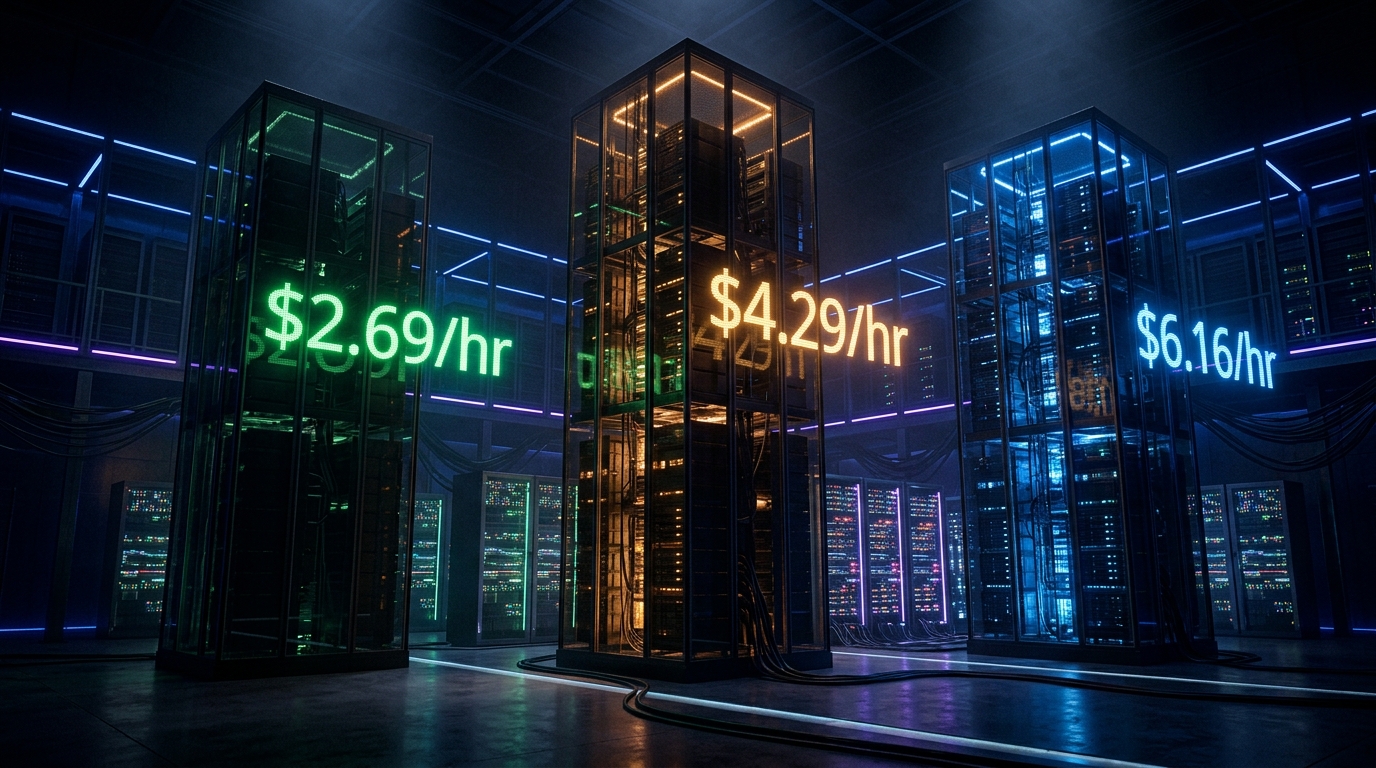
GPU Clouds: RunPod vs Lambda vs CoreWeave — June 2026
RunPod H100 at $2.69/hr. Lambda at $4.29/hr. CoreWeave at $6.16/hr — but requires 8-GPU minimums. Which GPU cloud makes sense for your agent workloads?
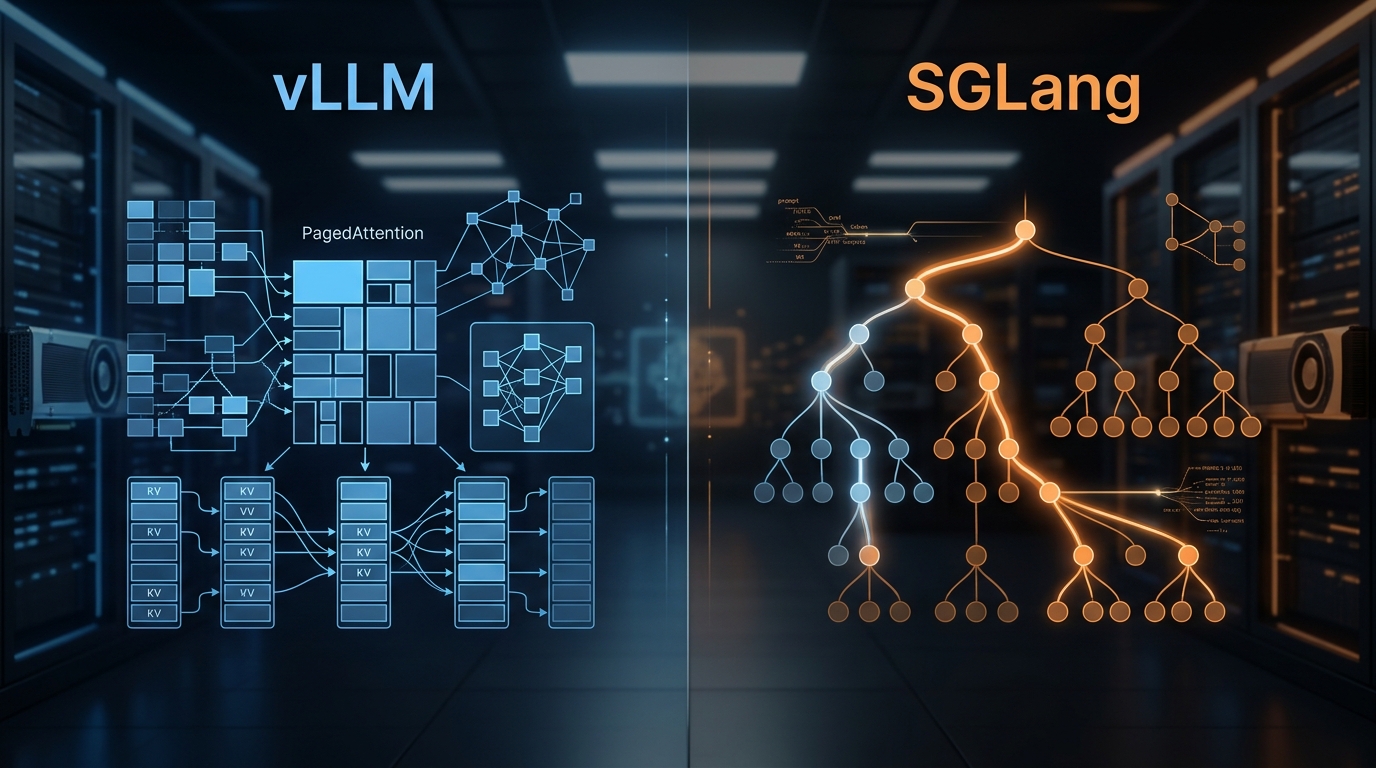
vLLM vs SGLang: Inference Engine Comparison 2026
We've deployed both at scale. Here's what the benchmarks actually show, where RadixAttention beats PagedAttention, and which engine to pick for your workload.

State of AI Infrastructure 2026: Mid-Year Reality Check
A mid-2026 ground-truth report: B200 reality, SGLang's $400M spinout, agent infra going mainstream, and the three patterns dominating production.