Self-Hosting Llama 3: A Production Deployment Guide

Running Llama 3 in production takes more than docker run. A complete guide: weight distribution, quantization, serving topology, autoscaling, evals, and cost comparisons vs the major API providers.
Self-Hosting Llama 3: A Production Deployment Guide
Meta released Llama 3 in 2024 and the 8B and 70B variants immediately became the self-hosting workhorses. A Llama-3-70B endpoint, run well, is competitive with Claude Haiku 3 or GPT-3.5 on quality, serves under your own latency budget, and costs a fraction per token if your utilization is high.
The “if” is doing a lot of work. This guide walks through what a real production deployment looks like, how to size it, and when self-hosting is actually cheaper than an API.
When to Self-Host
Don’t self-host if any of the following is true:
- You serve < 10M tokens/day steady-state
- You can’t commit to maintaining inference infrastructure for a year+
- Your workload is spiky with long idle periods
- You need frontier-model quality (GPT-4o, Claude Sonnet 4, Gemini 2.5 Pro)
Self-host when:
- You serve 50M+ tokens/day sustained
- You need specific latency or data-residency guarantees
- You run fine-tuned variants you can’t ship to an API
- You need to price inference below $0.10/M tokens consistently
- Your workload is privacy-sensitive (health, finance, government)
A rough economic breakeven vs. an API like Groq or Together at 2024 prices: ~30–100M tokens/day for Llama-3-70B, lower for 8B. Below that, use an API. Above that, self-hosting starts paying back within weeks.
Hardware Sizing
Llama-3-8B:
- FP16 weights: 16 GB
- Fits comfortably on a single A100 40GB or L40S 48GB
- Single-GPU serving with vLLM handles 5–10K tokens/sec at reasonable concurrency
- Target: 1x A10G / L4 / L40S for dev, 1x A100 / H100 for production
Llama-3-70B:
- FP16 weights: 140 GB
- Does not fit on a single 80GB GPU at FP16. Options:
- FP8 / AWQ / GPTQ quantization to fit in ~35–80 GB on one GPU
- Tensor parallel across 2–4 GPUs at FP16
- Target (quantized, good quality): 1x H100 80GB, ~2–3k tokens/sec
- Target (FP16, best quality): 2x H100 (TP=2), ~3–5k tokens/sec
- Target (high throughput): 4x H100 (TP=4), ~6–10k tokens/sec
Llama-3-405B (Llama 3.1):
- FP16 weights: 810 GB — multi-node only
- Practical self-hosting means FP8 on 8x H100 (~400 GB), or multi-node for FP16
- Most teams serve 405B via APIs unless there’s a specific reason not to
Quantization: Essentially Required for 70B+
FP16 is the reference, but you give up ~30% throughput for ~1% quality loss by quantizing. On 70B, this is often the difference between fitting on 1 GPU vs 2.
Options as of late 2024:
- FP8 (E4M3) — native on H100, minimal quality loss, easy in vLLM / TensorRT-LLM
- AWQ (4-bit) — aggressive size reduction, small quality loss on Llama-3
- GPTQ (4-bit) — similar to AWQ, slightly older, wide support
- bitsandbytes NF4 — popular in training, less common for serving
- SmoothQuant, INT8 — viable on A100, losing ground to AWQ/GPTQ
Our default for 70B in production: FP8 on H100 or AWQ on A100. Benchmark against your actual eval set before committing — quantization’s quality cost is workload-dependent.
See our full quantization deep-dive: FP8 and Quantization: Serving LLMs at Half the Cost.
Serving Stack
The production-grade choice in 2024 is vLLM. TGI is a reasonable alternative. TensorRT-LLM is the performance ceiling if you can invest in the build pipeline.
A typical vLLM deployment:
python -m vllm.entrypoints.openai.api_server \
    --model meta-llama/Meta-Llama-3-70B-Instruct \
    --tensor-parallel-size 2 \
    --quantization fp8 \
    --gpu-memory-utilization 0.92 \
    --max-model-len 8192 \
    --enable-prefix-caching \
    --served-model-name llama-3-70b
The knobs that matter:
--tensor-parallel-size— how many GPUs to shard across--quantization— fp8, awq, or gptq--gpu-memory-utilization— push to 0.92–0.95 on dedicated nodes--max-model-len— don’t over-provision; match actual usage--enable-prefix-caching— free win for any workload with shared prompts
See vLLM: The Open-Source Inference Engine for the full tuning guide.
Weight Distribution
Llama-3-70B weights are ~140GB. Pulling that from Hugging Face on every pod start will ruin your day.
Pattern we recommend:
- Pre-download once to a shared location — S3, GCS, or a dedicated NFS/FSx filesystem.
- Cache on each GPU node via a hostPath or local NVMe mount. First pod on a node populates the cache; subsequent pods mmap.
- DaemonSet warmer — optional pod per node that downloads weights eagerly at node-startup, so first real pod doesn’t wait.
With a warmed node, pod startup drops from ~3–5 minutes to ~30 seconds.
The Serving Topology
Three typical patterns:
Pattern A: Single replica, multi-GPU
One vLLM process, tensor-parallel across N GPUs on one node. Simple; scales to the size of one node.
- Use when: you have one model, one node gives you the capacity you need.
- Won’t scale past one node without manual work.
Pattern B: Multiple replicas behind a load balancer
N copies of the single-replica setup, each on its own node. A simple HTTP load balancer distributes traffic.
- Use when: you need more capacity than one node gives you.
- Balance round-robin or least-connections; vLLM’s internal scheduling handles each replica’s concurrency.
Pattern C: Ray Serve / Kubernetes multi-replica with autoscaling
Ray Serve or a Kubernetes Deployment + HPA, scaling the number of replicas based on queue depth or GPU utilization.
- Use when: load varies significantly, you want scale-to-N or scale-to-zero.
- Complexity jump is real. See Ray Serve vs Kubernetes for Model Serving.
Autoscaling Gotchas
Three things that have burned teams:
1. Cold starts are long. Loading 70B weights is 30–120 seconds on top of node provisioning. Scale up proactively on leading indicators (queue depth rising) rather than reactively (latency spiking).
2. Scale-down is easy to get wrong. A replica finishing its last request shouldn’t immediately go away — another request might land mid-drain. Use proper readiness/liveness and graceful shutdown (vLLM handles this well).
3. Never scale below your baseline. Set minReplicas to whatever handles your floor traffic. Scale-to-zero is tempting but a 60-second cold start is an SLO violation in most apps.
Observability
The must-haves:
- Token throughput per replica (via vLLM metrics)
- Queue depth per replica
- P50 / P95 / P99 latency per request
- GPU utilization (via DCGM)
- KV cache utilization (via vLLM metrics)
- Cost per 1M output tokens (derive from utilization + GPU pricing)
OTel-based LLM tracing on the client side of the API (see Tracing LLM Applications with OpenTelemetry).
Economics: When Does It Pay Back?
Mid-2024 pricing, rough numbers:
Llama-3-70B API pricing:
- Together.ai: $0.88 / M input, $0.88 / M output
- Fireworks: $0.90 / M
- DeepInfra: $0.35 / M (aggressive price leader)
- Groq: $0.59 / M input, $0.79 / M output (fastest)
Self-hosted (our benchmark):
- 2x H100 reserved at $2.50/hr each = $5/hr
- Sustained 4,000 tok/sec output at 70% utilization = ~10M tokens/hr
- Cost per M tokens: $0.50 if we count output only; ~$0.35–$0.40 blended input/output
- Breakeven vs Together/Fireworks: ~24M tok/day sustained; vs DeepInfra, never — DeepInfra is price-competitive with self-hosting.
Llama-3-8B API: $0.10–$0.20 / M tokens. Self-hosting economics rarely beat this unless you’re running at high sustained load on cheap GPUs.
Conclusion: Self-hosting 70B makes sense above ~30M tok/day. Self-hosting 8B only makes sense in special cases (privacy, fine-tune, latency).
Things That Will Surprise You
1. The long tail. You benchmark at steady state and see 5k tok/sec. In production, P99 is 30x P50 because of long-prompt requests. Plan for it.
2. Weight loading is disk-bound. Your $30k GPU is waiting on a network mount. Local NVMe caching is not optional.
3. Context length costs quadratic memory. Doubling max context from 8K to 16K doesn’t double KV cache — it quadruples it in the worst case. Set max context to what you actually use.
4. Autoscaling hides GPU failures. A flaky GPU will cause one replica to slow dramatically; autoscaler spins up another and doesn’t notice the bad one. Monitor replica-level health, not just aggregate.
5. The model update treadmill is real. Llama 3 → Llama 3.1 → Llama 3.3 → Llama 4. Keep your deployment templatized so a model swap is a config change, not a week of work.
The Short Version
If you’re serving Llama-3-70B in production:
- Use vLLM with FP8 (H100) or AWQ (A100)
- 2x H100 for a single replica, tensor-parallel
- Pre-cache weights on node-local storage
- Run continuous batching + prefix caching
- Monitor throughput, queue depth, and cost per M tokens
- Autoscale replicas on queue depth, not CPU
- Compare quarterly against DeepInfra and Together — the hosted APIs are hard to beat below ~30M tok/day
Further Reading
- vLLM: The Open-Source Inference Engine
- FP8 and Quantization: Serving LLMs at Half the Cost
- NVIDIA H100 vs A100: Which GPU Should You Deploy?
- Ray Serve vs Kubernetes for Model Serving
Planning a Llama 3 deployment? Talk to us — we’ll size and architect it based on your workload, not a vendor’s spreadsheet.
Related Posts

vLLM and SGLang Are Converging — and That Changes the Inference Stack
Both engines now share NVIDIA's FlashInfer kernels and expose identical OpenAI-compatible APIs. Meanwhile, SGLang spun out as RadixArk with $100M in seed funding, and vLLM hit 2M weekly installs. The inference layer is consolidating faster than anyone expected — here's what that means for teams building on top of it.
vLLM vs SGLang: Inference Engine Comparison 2026
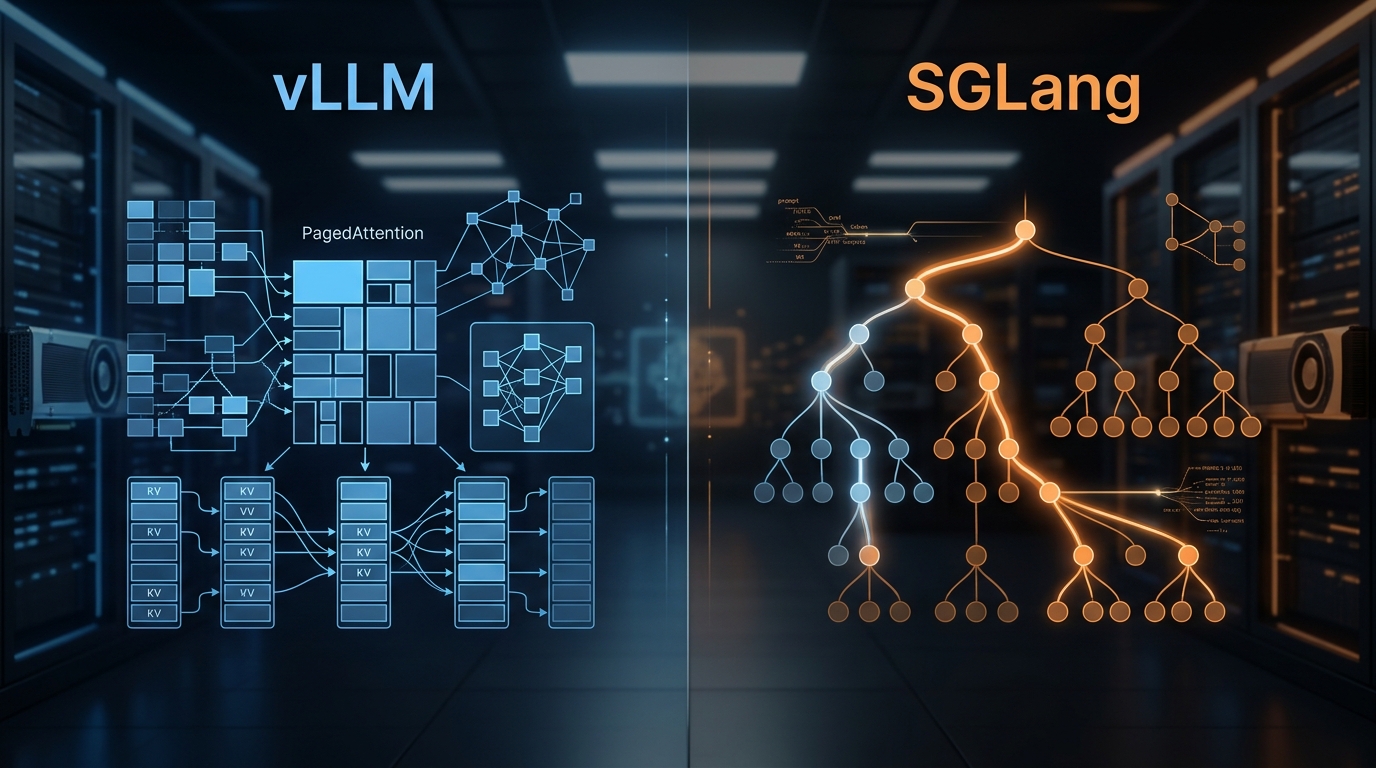
We've deployed both at scale. Here's what the benchmarks actually show, where RadixAttention beats PagedAttention, and which engine to pick for your workload.

Disaggregated Inference: 30–50% Throughput Wins
Prefill is compute-bound; decode is memory-bound. Disaggregating them across separate GPUs yields 30–50% throughput wins in production.