Tracing LLM Applications with OpenTelemetry

OpenTelemetry's GenAI semantic conventions let you trace LLM applications with the same standards as the rest of your stack. A practical guide to instrumenting agents, tool calls, and retrieval with OTel.
Tracing LLM Applications with OpenTelemetry
The observability story for LLMs was “here’s another proprietary SDK” for most of 2023. Every vendor — LangSmith, Langfuse, Helicone, Phoenix — shipped its own instrumentation library. You picked one and hoped the company would still exist in two years.
OpenTelemetry changes this. In 2024, OTel’s GenAI semantic conventions stabilized, the auto-instrumentation libraries matured, and every observability vendor that matters added OTel ingestion. You can now instrument your LLM app once with OTel and export to Langfuse, Datadog, Honeycomb, or a self-hosted Tempo + Grafana stack without touching your code.
This guide walks through how to do it.
The Shape of the Problem
A modern LLM app doesn’t look like an HTTP service. A single user request typically involves:
- An orchestration step (agent loop, graph traversal)
- Several retrieval calls (vector search, keyword search, reranker)
- Several LLM calls (planning, tool use, final response)
- Several tool executions (search, database queries, code execution)
- An evaluation pass (in production, often async)
Any of those can fail, be slow, or return a subtly-wrong answer. You need distributed tracing — linked spans that show the full causal chain for a user request — just as much as you would for a microservices stack.
OTel was already the standard for microservice tracing. Extending it to LLM workloads gives you one observability stack, not two.
OTel GenAI Semantic Conventions
Semantic conventions are the contract: what span attributes everyone agrees to use. The GenAI conventions define attributes like:
gen_ai.system— “openai”, “anthropic”, “vllm”gen_ai.request.model— “gpt-4o”, “claude-sonnet-4”gen_ai.request.max_tokensgen_ai.request.temperaturegen_ai.response.model— the model actually used (providers sometimes swap)gen_ai.usage.input_tokensgen_ai.usage.output_tokensgen_ai.response.finish_reasons
Plus span-kind conventions for “chat”, “embeddings”, “image generation”, and so on. Full spec lives at opentelemetry.io/docs/specs/semconv/gen-ai/.
Following these conventions means any OTel-compatible backend can display your LLM traces correctly — with token counts, model identifiers, cost breakdowns — without vendor-specific parsing.
Instrumentation: Three Approaches
1. Auto-instrumentation
The easiest path. Install an auto-instrumentation library and it monkey-patches common clients.
Python:
from opentelemetry.instrumentation.openai import OpenAIInstrumentor
OpenAIInstrumentor().instrument()

from openai import OpenAI
client = OpenAI()
response = client.chat.completions.create(
    model="gpt-4o",
    messages=[{"role": "user", "content": "Hello"}]
)
# ^ automatically creates a span with GenAI attributes
Libraries with auto-instrumentation in late 2024:
opentelemetry-instrumentation-openai(OpenAI SDK)opentelemetry-instrumentation-anthropic(Anthropic SDK)opentelemetry-instrumentation-bedrock(AWS Bedrock)opentelemetry-instrumentation-langchain(LangChain, LangGraph)opentelemetry-instrumentation-llamaindex(LlamaIndex)opentelemetry-instrumentation-vertexai(Google Vertex)
TraceLoop and Arize Phoenix both maintain extensive OTel-compatible instrumentation bundles (openllmetry and openinference respectively), well worth using.
2. Manual instrumentation
When auto-instrumentation doesn’t cover what you need, add spans explicitly:
from opentelemetry import trace

tracer = trace.get_tracer(__name__)

def retrieve_and_rerank(query: str):
    with tracer.start_as_current_span("retrieval") as span:
        span.set_attribute("retrieval.query", query)
        span.set_attribute("retrieval.system", "qdrant")
        hits = vector_db.search(query, k=50)
        span.set_attribute("retrieval.hits_count", len(hits))

    with tracer.start_as_current_span("rerank") as span:
        span.set_attribute("rerank.model", "bge-reranker-v2-m3")
        reranked = reranker.rerank(query, hits)[:5]

    return reranked
Your agent’s think, act, observe phases should each be spans. Tool calls should be spans. Prompt assembly should be a span. Over-instrument early; you can lower sampling later.
3. Framework-native integration
LangChain, LlamaIndex, and DSPy all ship OTel exporters. Turn them on and you get traces for free:
# LangChain with OpenLLMetry
from traceloop.sdk import Traceloop
Traceloop.init(app_name="my-agent", api_endpoint="http://otel-collector:4318")
The Collector Pattern
Don’t send OTel data directly from your app to your backend. Use an OTel Collector as a gateway:
[App] → [OTel Collector] → [Backend(s)]
The Collector handles:
- Batching and compression (reduces costs)
- Multi-destination routing (send same trace to Langfuse for LLM UX + Datadog for ops)
- Attribute processing (scrub PII, rename fields, drop noisy spans)
- Buffer during backend outages
A minimal collector config:
receivers:
  otlp:
    protocols: {grpc: {}, http: {}}

processors:
  batch: {timeout: 5s}
  attributes/pii_scrub:
    actions:
      - key: gen_ai.prompt
        action: hash  # don't log raw prompts in production

exporters:
  otlp/langfuse:
    endpoint: "cloud.langfuse.com:443"
  otlp/datadog:
    endpoint: "trace.agent.datadoghq.com:443"

service:
  pipelines:
    traces:
      receivers: [otlp]
      processors: [batch, attributes/pii_scrub]
      exporters: [otlp/langfuse, otlp/datadog]
What to Capture on Each Span
Chat completion span:
- Full request: model, messages (optionally hashed), temperature, max_tokens, tool definitions
- Response: output content (optionally hashed), tool calls, finish reason
- Metrics: input tokens, output tokens, cost (derived), latency
- Errors: rate limit, timeout, refusal, provider error code
Retrieval span:
- Query (hashed if sensitive)
- Collection / namespace
- K, filter, distance metric
- Hit count, top score, score distribution (stats, not full list)
- Latency
Tool call span:
- Tool name, input args (redact secrets!)
- Output (truncated or hashed)
- Success/failure, error
- Latency
Agent / graph span (parent of the above):
- User/session/trace ID
- Feature / route name
- Total token count, total cost
- Outcome flag (success, partial, error, refusal)
Sampling in Production
At scale, you cannot afford to store every trace forever. Typical sampling strategies:
- Head sampling. Decide at the start whether to sample. Simple, but you might miss the interesting traces.
- Tail sampling. Buffer complete traces, then decide what to keep. Run this in the Collector. Keep 100% of errors, 100% of slow traces, 1% of normals.
- Adaptive sampling. Sample rate varies with traffic. Datadog APM and Honeycomb Refinery both do this well.
For LLM workloads, always keep traces that involved tool errors, user feedback (thumb-down), or unusually long/expensive calls. Those are the ones you’ll want to debug.
Where to Send It
OTel-compatible backends for LLM workloads:
- Langfuse (managed or self-hosted) — best-in-class LLM-specific UI with eval/experiment tools. Our default for product teams.
- Arize Phoenix — open-source, notebook-friendly, great for local dev.
- Langsmith — from LangChain. Good UI, tight LangChain/LangGraph integration. Not pure OTel but has ingestion.
- Helicone — simple proxy-based observability; OTel support recent.
- Datadog, Honeycomb, New Relic, Grafana Tempo — general-purpose APM with OTel ingestion. Fine for LLM traces once you have the GenAI attributes flowing.
Typical pattern: Langfuse for the LLM-specific view; a general-purpose APM for the everything-else view. Collector routes to both.
Instrumentation Anti-Patterns
Things we’ve seen go wrong:
1. Logging raw prompts at INFO. Prompts contain PII, internal docs, user queries. Hash or redact them in production. Use SENSITIVE log levels for raw content.
2. No trace context propagation across async boundaries. When a Celery worker or a queue consumer handles a request, pass the trace context explicitly. OTel has inject/extract utilities for this.
3. Over-cardinality attributes. Putting user_id as a span attribute is fine. Putting it in a metric label explodes your metrics backend.
4. Sampling too aggressively. 1% sampling on a 10 req/s service is 6 traces/minute. Bugs slip through. Use tail sampling to keep error traces at 100%.
5. Synchronous span export. OTel exporters should be async by default. Make sure yours are; slow exporter means slow requests.
A Starting Template
Minimum viable OTel for a Python LLM app:
# otel_setup.py
from opentelemetry import trace
from opentelemetry.sdk.resources import Resource
from opentelemetry.sdk.trace import TracerProvider
from opentelemetry.sdk.trace.export import BatchSpanProcessor
from opentelemetry.exporter.otlp.proto.http.trace_exporter import OTLPSpanExporter

from opentelemetry.instrumentation.openai import OpenAIInstrumentor
from opentelemetry.instrumentation.httpx import HTTPXClientInstrumentor

resource = Resource.create({
    "service.name": "my-agent",
    "service.version": "1.2.3",
    "deployment.environment": "production",
})

provider = TracerProvider(resource=resource)
provider.add_span_processor(BatchSpanProcessor(
    OTLPSpanExporter(endpoint="http://otel-collector:4318/v1/traces")
))
trace.set_tracer_provider(provider)

OpenAIInstrumentor().instrument()
HTTPXClientInstrumentor().instrument()
Import this once at app startup, and your OpenAI calls, HTTP calls, and any manual spans you add will all flow to the collector.
Further Reading
- LLM Observability: LangSmith, Langfuse, Phoenix, Helicone
- Model Evals in Production: Regression Testing Prompts
- The AI Infrastructure Stack Explained (2024)
Standing up observability for your LLM stack? We can help — from collector topology to eval frameworks.
Related Posts
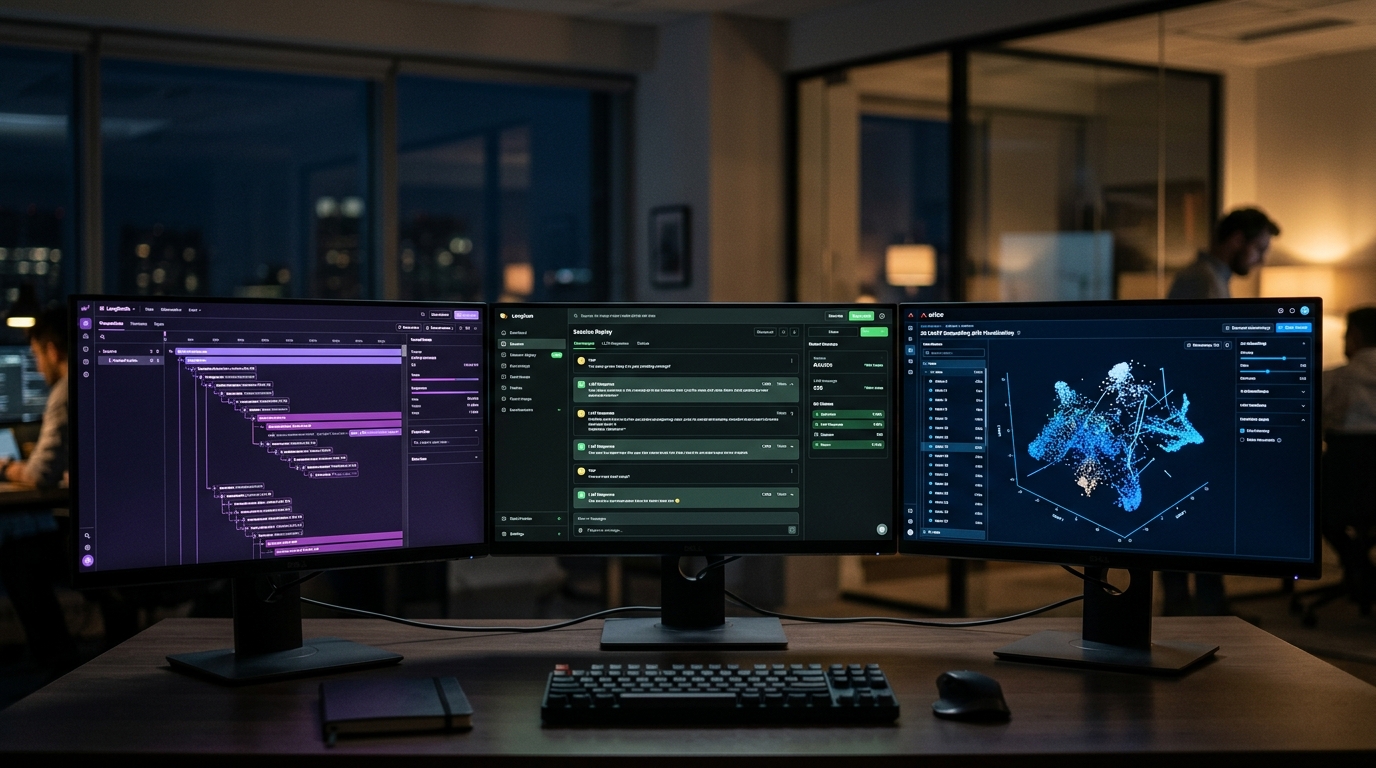
LangSmith vs Langfuse vs Arize Phoenix: LLM Observability in 2026
We've run all three in production. Here's a clear comparison of LangSmith, Langfuse, and Arize Phoenix — pricing, strengths, and which one to pick for your stack.

LLM Gateway Patterns: LiteLLM, Portkey, and Kong AI
LiteLLM vs Portkey vs Kong AI Gateway — retries, fallback, cost attribution, and PII controls. When to use each in a production AI stack.
Building Production AI Agents: The Complete Guide from Prototype to Deployment
A comprehensive 2500+ word end-to-end guide covering everything you need to take AI agents from experimental prototypes to reliable production systems, including architecture patterns, reliability engineering, monitoring, and scaling strategies