LLM Gateway Patterns: LiteLLM, Portkey, and Kong AI

LiteLLM vs Portkey vs Kong AI Gateway — retries, fallback, cost attribution, and PII controls. When to use each in a production AI stack.
LLM Gateway Patterns: LiteLLM, Portkey, and Kong AI
If you’ve ever watched a team call OpenAI from seven different microservices with seven different retry policies, you’ve seen the problem an LLM gateway solves. Every service re-implements rate limiting, fallback, key rotation, and cost tracking. Most get it subtly wrong. When OpenAI has a 30-second blip, half your services wedge.
An LLM gateway centralizes all of that. This post compares the options — LiteLLM, Portkey, Kong AI Gateway, Cloudflare AI Gateway — and the patterns they make possible.
What An LLM Gateway Actually Does
A gateway sits between your application code and every LLM provider (OpenAI, Anthropic, Google, your self-hosted vLLM, etc). It looks like an OpenAI-compatible API from the app’s perspective. On the back side, it calls the real provider.
The surface area it handles:
- Unification: one API shape for all providers
- Routing: per-request choice of backend by cost / latency / availability
- Retries and fallback: when OpenAI returns 429 or 503, try Anthropic or a self-hosted model
- Key management: API keys live at the gateway, not sprinkled across services
- Rate limiting: per team, per customer, per endpoint
- Cost attribution: who is spending what on which model
- Caching: dedupe identical requests, cache deterministic responses
- Guardrails: PII redaction, prompt filtering, output scanning
- Audit logging: who called what model with what prompt, for compliance
- Observability: traces, latency histograms, error rates per backend
You can build this yourself (many teams have). Or you can use an existing one. The existing ones are good enough in 2025 that building from scratch is usually a mistake.
The Options
LiteLLM
Open-source gateway from BerriAI. A Python proxy that speaks the OpenAI API and routes to 100+ providers.
What’s good:
- MIT-licensed, self-hosted
- Covers every major provider: OpenAI, Anthropic, Bedrock, Vertex, Cohere, Replicate, Together, Groq, vLLM, Ollama, etc.
- Simple YAML config for model groups and fallback chains
- Virtual keys with rate limits and budget controls
- Prometheus metrics out of the box
- Python SDK for programmatic use; proxy for everything else
What’s not:
- Higher latency overhead than lighter gateways (Python in the hot path)
- Self-hosted means you operate it; not trivial at high QPS
- UI is functional, not polished — they offer a managed enterprise tier
Use it when: You want the most flexible open-source option, your scale is moderate (< 5k RPS), and you have the ops capacity.
Portkey
Managed LLM gateway with a strong observability and experimentation product. Self-hosted option for enterprise.
What’s good:
- Production-grade managed offering
- Best-in-class observability UI — traces, cost breakdown, latency analysis
- Prompt management and A/B testing built in
- Guardrails library with PII detection, content filtering
- Virtual keys with per-team controls
- Lower latency than LiteLLM in the hot path
What’s not:
- Paid product (managed or enterprise self-host)
- Cloud-based for the free tier; data leaves your perimeter
- Smaller community than LiteLLM
Use it when: You want managed, you value the observability and prompt-management UI, and the pricing works.
Kong AI Gateway
Plugin for Kong API Gateway that adds LLM-specific routing. Good fit for orgs already running Kong.
What’s good:
- Native to Kong’s existing plugin architecture
- Inherits Kong’s mature rate limiting, auth, transformations
- High throughput
- Reuses your existing Kong ops
What’s not:
- LLM-specific features (cost tracking, prompt management) are less mature than dedicated gateways
- Requires Kong expertise
Use it when: You already run Kong and want LLM routing to live in the same gateway stack.
Cloudflare AI Gateway
Cloudflare’s managed edge-gateway for LLM traffic.
What’s good:
- Zero infrastructure to manage
- Global edge — adds minimal latency
- Integrates with Cloudflare Workers and Workers AI
- Free tier is generous
What’s not:
- Fewer providers supported than LiteLLM
- Less control over routing logic than self-hosted options
- Cloudflare lock-in for the orchestration
Use it when: You’re already in the Cloudflare ecosystem, want zero-ops, and your routing needs are simple.
Other Options Worth Knowing
- AWS Bedrock — AWS’s unified model API. Fine if you’re AWS-committed; limits you to Bedrock-listed models.
- Google Model Garden / Vertex AI — similar story for GCP.
- TrueFoundry, Lytix, Helicone — newer entrants; worth watching.
- DIY with a service mesh — Envoy + custom filters can do this. We’ve seen it work at very large scale, but it’s a lot of engineering.
The Patterns A Gateway Enables
1. Fallback chains
The most-used pattern. Primary: OpenAI GPT-4o. On 429 or 503: Anthropic Claude Sonnet. On failure: self-hosted Llama-3-70B. On second failure: fail loudly.
# LiteLLM example
model_list:
  - model_name: gpt-4o
    litellm_params:
      model: openai/gpt-4o
      api_key: os.environ/OPENAI_KEY

  - model_name: gpt-4o  # same name — creates a group
    litellm_params:
      model: anthropic/claude-sonnet-4
      api_key: os.environ/ANTHROPIC_KEY

router_settings:
  routing_strategy: usage-based-routing
  fallbacks:
    - gpt-4o: [claude-sonnet-4, llama-3-70b-local]
When one backend is unhealthy, the gateway tries the next. Applications stay up through provider blips.
2. Routing by cost / latency / quality
Smart routing picks the cheapest backend that meets quality requirements. For a simple classification task, route to Llama-3-8B hosted ($0.07/M). For complex reasoning, route to Claude Opus ($15/M).
This requires your application to declare intent. Two approaches:
- Task-level routing: each endpoint has a route policy.
/classify→ cheap model;/plan→ expensive. - Dynamic routing: a small classifier picks the model per-request based on the prompt.
3. Rate limiting and quotas
Per-team, per-customer, per-endpoint budgets. Enforced at the gateway so individual services can’t accidentally exhaust the org’s OpenAI budget. Critical for multi-tenant SaaS.
4. Virtual keys
Issue per-team or per-service “virtual keys” that map to real provider keys. Revoke a virtual key without rotating the underlying OpenAI key. This is a compliance feature that also saves your ops team.
5. Semantic caching
For deterministic-ish queries, cache by semantic similarity. A classification call with the same question gets cached answer. Saves money on repeat workloads.
Portkey has this built in. LiteLLM has semantic caching via Redis integration. Cloudflare has edge-cached responses.
6. PII scrubbing
Intercept and redact PII before it reaches the provider. Email addresses, SSNs, phone numbers replaced with tokens before the call; restored in the response.
This is critical for regulated industries. Portkey and LiteLLM both have guardrails libraries; you can also pipe to an external PII service.
7. Per-team observability
Every call tagged with team/user/feature, sent to tracing backend. You can answer “who drove our $12k Anthropic bill last week?” in one SQL query.
Reference Deployment
[ App ]
   │
   ▼
[ LiteLLM Proxy ] ─── [ Redis cache ]
   │                  [ Postgres: spend tracking, virtual keys ]
   │
   ├── [ OpenAI ]
   ├── [ Anthropic ]
   ├── [ vLLM (self-hosted Llama 3) ]
   ├── [ Together / DeepInfra ]
   └── [ Ollama (local dev) ]
Run LiteLLM as a Kubernetes Deployment, 3+ replicas, behind a Service. Stateless; horizontally scales. Redis and Postgres alongside for state. Prometheus scrapes metrics.
Our default reference deployment. Works for teams from Series A to unicorn.
Build vs Buy
Build (DIY) if:
- You’re at very large scale (50k+ RPS) and need custom routing logic
- You have strict latency requirements that even LiteLLM’s Python overhead breaks
- Your compliance requires no external dependency whatsoever
Buy (or use open source) if:
- Everything else
We’ve seen four or five teams build from scratch; all ended up reimplementing 80% of what LiteLLM already does.
Observability Integration
Your gateway is the natural place to collect LLM telemetry. Wire it to:
- OTel collector (see Tracing LLM Applications with OpenTelemetry)
- Langfuse / Langsmith / Helicone for LLM-specific traces
- Prometheus / Grafana for metrics
- PagerDuty / OpsGenie for alerting on error spikes
LiteLLM, Portkey, and Kong all have turn-key integrations with the major observability backends.
The Gotchas
1. Streaming is harder through a proxy. Make sure your gateway supports streaming well. Some retry/fallback logic gets subtle when you’ve already sent half a response.
2. Latency tax. Adding a gateway adds 10–50ms to each request. For a 5-second LLM call this is noise. For sub-second embedding calls, it matters. Measure.
3. Structured output support varies. OpenAI’s json_mode, tool calling, and response_format need to be passed through correctly. LiteLLM handles most of this; test.
4. Key rotation discipline. When you rotate provider keys, the gateway is the only place it needs to happen — if your apps also have direct access, you’ve defeated the point.
5. Gateway is a single point of failure. Run multiple replicas. Health check. Monitor.
The Short Version
- Pick LiteLLM if you want open source and flexibility
- Pick Portkey if you want managed with great UI
- Pick Kong AI if you already run Kong
- Pick Cloudflare AI Gateway if you want zero-ops edge
Add a gateway before you have 10 services calling OpenAI directly. Retrofitting later is painful.
Further Reading
- Tracing LLM Applications with OpenTelemetry
- AI FinOps: Tracking Token Spend Across Your Org
- Multi-Cloud GPU Strategy: Avoiding Lock-in
Setting up an LLM gateway and want a second opinion on the architecture? We can help — we’ve shipped gateways at every size.
Related Posts

LangSmith vs Langfuse vs Arize Phoenix: LLM Observability in 2026
We've run all three in production. Here's a clear comparison of LangSmith, Langfuse, and Arize Phoenix — pricing, strengths, and which one to pick for your stack.

Tracing LLM Applications with OpenTelemetry
OpenTelemetry's GenAI semantic conventions let you trace LLM applications with the same standards as the rest of your stack. A practical guide to instrumenting agents, tool calls, and retrieval with OTel.
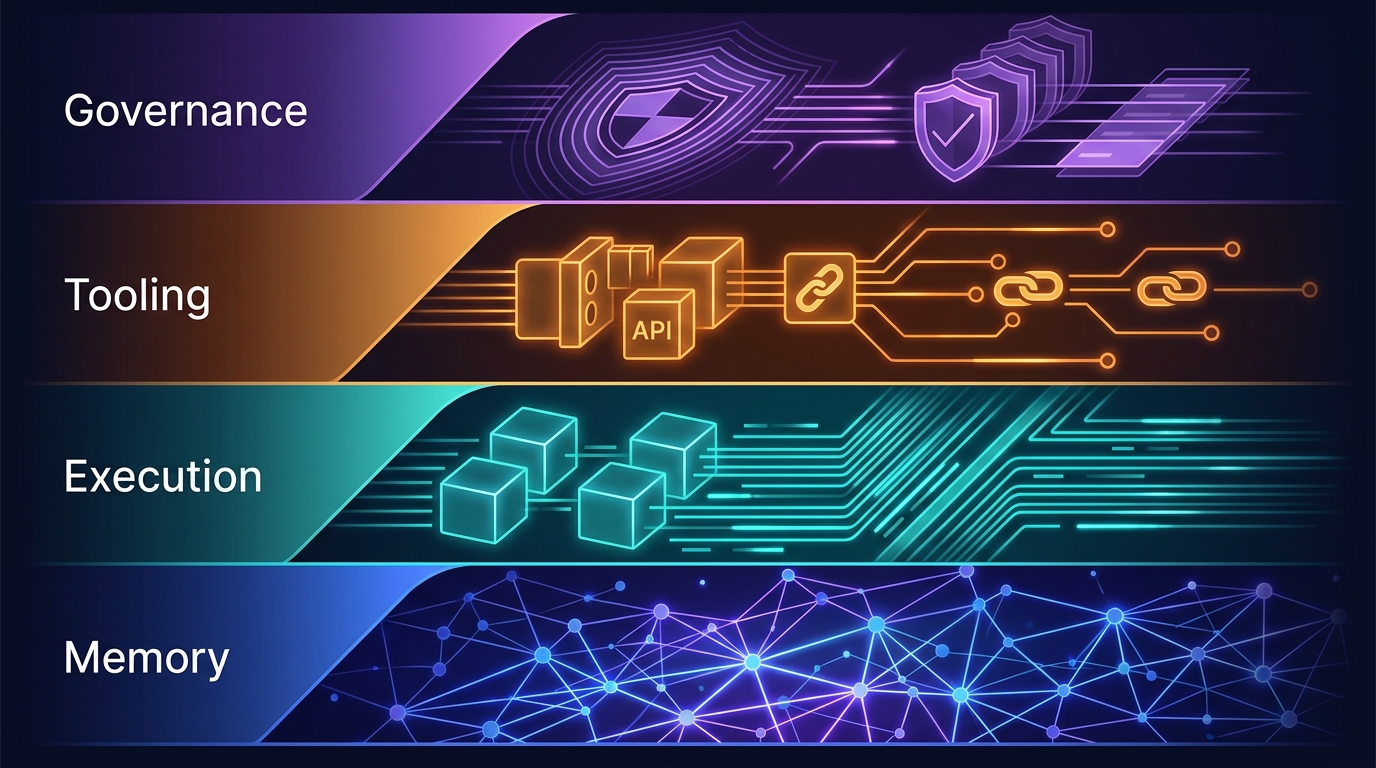
The Four-Layer Agent Infrastructure Stack: Where the Moat Actually Lives in 2026
A generation of agent startups will get commoditized. The ones that survive own one of four stateful layers: Memory, Execution, Tooling, or Governance. Here's how to tell the difference between a moat and glue code.