FP8 and Quantization: Serving LLMs at Half the Cost

FP8 quantization on H100 doubles LLM inference throughput with minimal quality loss. Practical guide to FP8, AWQ, GPTQ, and when to use each.
FP8 and Quantization: Serving LLMs at Half the Cost
A 70B-parameter model in FP16 uses 140 GB of memory. In FP8, it uses 70 GB. In INT4, 35 GB. Less memory = more requests fit on a GPU = more throughput per dollar.
Quantization is the single highest-leverage optimization for LLM inference costs. Done right, it cuts your GPU bill in half with a measurable-but-acceptable quality hit. Done wrong, it cuts your quality and makes your model subtly dumber in ways your evals might miss.
This post walks through the main quantization schemes, benchmarks on real workloads, and the pitfalls to watch for.
The Precisions You’ll Encounter
| Format | Bits | Range | Used where |
|---|---|---|---|
| FP32 | 32 | ±3.4e38 | Training, some edge cases |
| FP16 | 16 | ±65504 | Baseline inference |
| BF16 | 16 | ±3.4e38 | Training, some serving |
| FP8 (E4M3) | 8 | ±448 | H100+ inference, training |
| FP8 (E5M2) | 8 | ±57344 | H100+ backward pass |
| INT8 | 8 | -128..127 | A100-era quantized inference |
| INT4 / NF4 | 4 | 16 values | Aggressive memory reduction |
| FP4 | 4 | 16 values | B200 inference |
“Quantization” usually means going from FP16 baseline to FP8 or INT4/INT8. The specific scheme (what gets quantized, how the scales are computed, how you calibrate) matters enormously.
FP8: The Easy Win on H100
H100 (and Ada Lovelace L40/L40S) have hardware FP8 support via the Transformer Engine. This is different from software INT8 quantization — FP8 is a native tensor core data type.
The key property: on H100, an FP8 matmul is 2x the FLOPS of BF16 and uses half the memory. You get a near-2x throughput boost with minimal accuracy loss.
Quality on Llama-3-70B (our eval set, 500 production prompts):
- BF16 baseline: 4.78 / 5.00 average rating
- FP8 (vLLM, E4M3 per-tensor): 4.74 / 5.00
- FP8 (TensorRT-LLM, calibrated): 4.76 / 5.00
That’s a 0.04-point (<1%) drop for ~2x throughput. For almost every production workload, this is a no-brainer.
How to enable FP8
vLLM:
python -m vllm.entrypoints.openai.api_server \
    --model meta-llama/Llama-3.1-70B-Instruct \
    --quantization fp8 \
    --tensor-parallel-size 2
TensorRT-LLM: Build the engine with --use_fp8 enable --fp8_kv_cache enable. The engine build takes longer but the quality is marginally better because of better calibration.
TGI: --dtype fp8 (with hardware support).
FP8 KV cache
The other FP8 win: storing the KV cache in FP8 halves its size. More requests fit concurrently.
--kv-cache-dtype fp8
Quality impact is negligible (<0.5% in our testing). Most production deployments running FP8 weights should also use FP8 KV cache.
AWQ (Activation-aware Weight Quantization)
For A100 or older hardware without FP8 support, AWQ is the best option for 70B-class models.
AWQ is an INT4 weight quantization scheme that calibrates using activation statistics — it protects the weights that matter most for output quality. It’s more sophisticated than naive INT4.
Quality on Llama-3-70B:
- BF16 baseline: 4.78 / 5.00
- AWQ (4-bit): 4.65 / 5.00
That’s a ~3% drop. For most applications, acceptable; for applications pushing model capability limits, you’ll notice.
Memory: A 70B model in AWQ INT4 is ~40 GB. Fits on a single A100 80GB or H100 80GB with room for KV cache.
Throughput: AWQ activations are still done in FP16/BF16, so the throughput boost isn’t as dramatic as FP8. Expect 1.3–1.5x baseline vs 1.9–2.0x for FP8.
Enabling AWQ:
python -m vllm.entrypoints.openai.api_server \
    --model casperhansen/llama-3.1-70b-instruct-awq \
    --quantization awq
Pre-quantized AWQ models are common on Hugging Face. Quantizing yourself takes a few hours on a single GPU with the AutoAWQ library.
GPTQ
GPTQ is an older sibling to AWQ — INT4 weight quantization, slightly less sophisticated calibration. Slightly worse quality, similar throughput. Pre-quantized models are everywhere.
Rule: if AWQ exists for your model, use AWQ. GPTQ is the fallback.
INT8 / SmoothQuant
INT8 quantization was the main option before FP8 hardware existed. The best variant is SmoothQuant, which smooths activation distributions before quantizing both weights and activations to INT8.
On A100 (which lacks FP8), SmoothQuant gives you roughly BF16 quality at 1.4–1.6x throughput. Not as good as FP8 on H100, but a real improvement over baseline.
For 2025 deployments, INT8 is mostly legacy. Use AWQ INT4 for A100, FP8 for H100.
FP4: The B200 Story
B200 (Blackwell) adds hardware FP4 support. This is unprecedentedly aggressive — FP4 is just 16 representable values — but it works with the right calibration.
Early benchmarks on B200 + FP4 for Llama-3.1-70B:
- Throughput: ~4x H100 FP8
- Quality: 97–99% of BF16, depending on workload
For teams running sustained high-throughput inference, B200 + FP4 is where 2025–2026 cost efficiency lives. The caveat: supply is still constrained and software support is less mature than H100.
See our B200 deep-dive: NVIDIA B200 vs H100: Should You Upgrade?.
The Quality Measurement Trap
The biggest mistake teams make with quantization: benchmarking on the wrong eval set.
General benchmarks (MMLU, HumanEval, HellaSwag) are relatively robust to quantization. The quality loss looks tiny.
Your production workload may not be. We’ve seen cases where:
- AWQ dropped function-calling accuracy by 15%
- FP8 caused subtle JSON output format drift
- INT4 broke structured output generation on a specific long-tail pattern
- Quantized models refused tasks the FP16 version happily did
Always run your own eval set on both quantized and unquantized models. Test:
- Task accuracy (your domain evals)
- Structured output format compliance
- Function/tool call correctness
- Refusal rates
- Out-of-distribution inputs
If any of these degrade unacceptably, roll back.
Quantization + Long Context: Watch Out
Long-context inference hits quantization schemes differently. KV cache quantization, in particular, can interact badly with very long contexts (100K+ tokens).
The dynamics: errors compound across long generations. A tiny-per-token quality cost, accumulated over 10k tokens of generation, becomes noticeable.
Mitigations:
- Use higher precision for KV cache even if weights are quantized (
kv-cache-dtype fp16) - Limit quantization aggression for long-context workloads
- Calibrate on long-context eval samples
Multi-Adapter (LoRA) + Quantization
A common setup: base model in FP8, multiple LoRA adapters served via multi-LoRA. How does quantization interact?
- Base model FP8 + FP16 LoRA: works fine in vLLM, TGI. Adapters stay in full precision.
- Base model AWQ INT4 + FP16 LoRA: also supported; minimal quality impact on adapters.
- Quantized LoRA (QLoRA): the adapters themselves are quantized. Used more for training than serving.
For serving, leave your LoRAs in FP16 even when the base is quantized. The memory overhead of FP16 LoRAs is small.
The Decision Framework
- H100 + 70B or larger model → FP8. No reason not to.
- H100 + 7–13B model → BF16 often fine; FP8 if you’re squeezing throughput.
- A100 + 70B → AWQ INT4. You need it to fit.
- A100 + 7–13B → BF16 usually; AWQ if memory-constrained.
- B200 + any model → evaluate FP4, fallback to FP8 if quality issues.
- L40S / L4 → FP8 where supported (L40S), otherwise BF16 for small models.
Always test on your eval set. Always.
Pre-Quantized Models on Hugging Face
The TheBloke, casperhansen, neuralmagic, and various HF community members publish pre-quantized variants of popular models. Good starting point:
casperhansen/llama-3.1-70b-instruct-awq— AWQ INT4neuralmagic/Meta-Llama-3.1-70B-Instruct-FP8— FP8- Meta’s own FP8 releases for newer Llama versions
Pre-quantized saves the hours of calibration work. Validate quality; don’t assume.
Quantizing Your Own Model
You’ll want to do this yourself if:
- You’ve fine-tuned a custom model
- You want specific calibration data
- Pre-quantized versions don’t exist
Libraries:
- AutoAWQ — for AWQ
- AutoGPTQ — for GPTQ
- llmcompressor (vLLM team) — for FP8 and newer schemes
- TensorRT-LLM quantize.py — for TRT engine builds
A 70B calibration pass takes a few hours on 1–2 H100s. Use a calibration dataset representative of your production traffic.
The Bottom Line
Quantization is free 1.5–2x throughput on your existing GPUs. FP8 on H100 is now the default for 70B-class workloads. AWQ INT4 is the default for A100.
Watch quality carefully, always test on your own eval set, and keep FP16 as a fallback for quality-sensitive paths.
Further Reading
- Self-Hosting Llama 3: A Production Deployment Guide
- NVIDIA B200 vs H100: Should You Upgrade?
- KV Cache Optimization Techniques for LLM Serving
Deploying quantized inference and want help validating quality? Get in touch — we design eval harnesses that catch quantization regressions in the first 48 hours.
Related Posts
NVIDIA H100 vs A100: Which GPU Should You Deploy?
A practical comparison of NVIDIA's H100 and A100 for LLM training and inference — memory, FLOPS, interconnect, price per token, and the cases where the older A100 still wins.
vLLM and SGLang Are Converging — and That Changes the Inference Stack
Both engines now share NVIDIA's FlashInfer kernels and expose identical OpenAI-compatible APIs. Meanwhile, SGLang spun out as RadixArk with $100M in seed funding, and vLLM hit 2M weekly installs. The inference layer is consolidating faster than anyone expected — here's what that means for teams building on top of it.
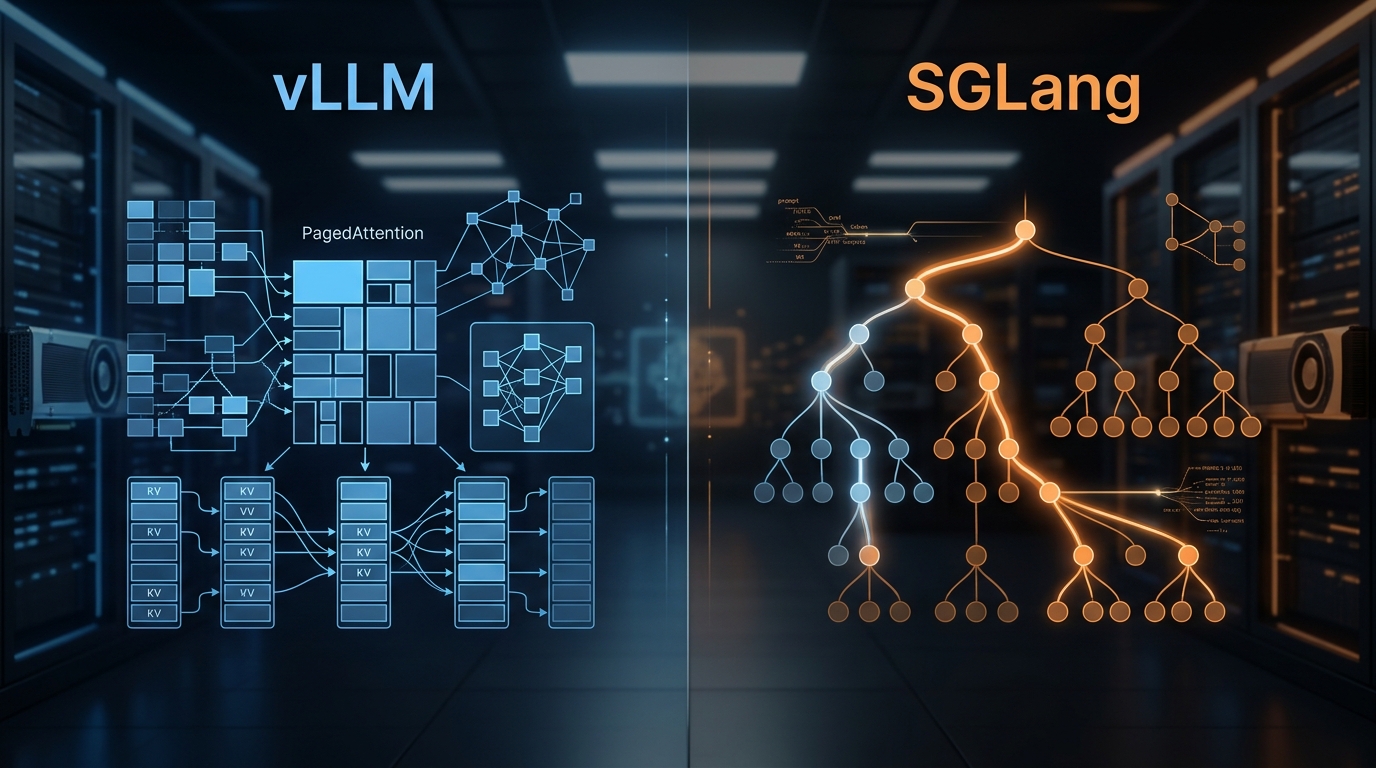
vLLM vs SGLang: Inference Engine Comparison 2026
We've deployed both at scale. Here's what the benchmarks actually show, where RadixAttention beats PagedAttention, and which engine to pick for your workload.