NVIDIA H100 vs A100: Which GPU Should You Deploy?

A practical comparison of NVIDIA's H100 and A100 for LLM training and inference — memory, FLOPS, interconnect, price per token, and the cases where the older A100 still wins.
NVIDIA H100 vs A100: Which GPU Should You Deploy?
If you are picking GPUs for an AI workload in 2024, you are almost certainly choosing between two chips: NVIDIA’s A100 (shipped 2020) and the H100 (shipped 2022). A100 is cheap, ubiquitous, and still available everywhere. H100 is faster, pricier, and harder to get. The right answer depends on your workload, your budget, and your supply.
This guide walks through the specs that matter, benchmarks on real LLM workloads, and a decision framework we use with clients choosing between them.
Quick Specs That Actually Matter
| Spec | A100 (80GB SXM4) | H100 (80GB SXM5) | Delta |
|---|---|---|---|
| HBM memory | 80 GB HBM2e | 80 GB HBM3 | Same size, 2x bandwidth |
| Memory bandwidth | 2.0 TB/s | 3.35 TB/s | +67% |
| FP16 TFLOPS | 312 | 989 (756 w/o sparsity) | ~3x |
| FP8 TFLOPS | — | 1,979 | New format |
| NVLink bandwidth | 600 GB/s | 900 GB/s | +50% |
| TDP | 400W | 700W | +75% |
| Process | TSMC 7nm | TSMC 4N | New node |
| Transformer Engine | No | Yes | Hardware FP8/BF16 mixing |
The three numbers that drive most decisions:
- Memory bandwidth — for inference of large models, this is the bottleneck. H100 is 67% faster.
- FP8 support — H100 can run models in FP8 natively, halving memory and roughly doubling throughput vs FP16 on the same hardware.
- NVLink — if you need more than one GPU, H100’s wider interconnect matters. For a single-GPU workload, it doesn’t.
Training: H100 Wins, But By How Much?
For frontier-model training, H100 is obviously better. The question is cost efficiency.
On our internal benchmark — fine-tuning a 7B Llama-style model on a single-node 8xGPU box — we measured:
- A100 (8x, 80GB): 1,240 tokens/sec/GPU, ~$4.00/hr on-demand per GPU ≈ $32/hr node
- H100 (8x, 80GB): 3,480 tokens/sec/GPU, ~$3.50/hr reserved per GPU ≈ $28/hr node (2024 reserved pricing)
Tokens per dollar:
- A100: ~1,116,000 tokens/$
- H100: ~4,475,000 tokens/$
H100 is roughly 4x more efficient on this workload at 2024 prices. That’s the general pattern — if you can get H100 at reserved-tier pricing, it beats A100 on every dimension. On-demand H100 (at $4.50–$6/hr) the margin is narrower but still real.
For frontier-scale training (70B+, multi-node), the picture shifts further toward H100. NVLink and NVSwitch topologies on H100 nodes feed each GPU better, so scaling efficiency is higher as you grow cluster size. At 256+ GPU scale, H100 is typically 5–6x more cost-efficient than A100.
Inference: The Case Where A100 Hangs On
Inference flips some assumptions. For many workloads, you are memory-bandwidth bound, not compute-bound. The model weights have to cross the memory bus for every token, and FLOPS headroom sits idle.
Consider serving a 7B model with vLLM on a single GPU:
- A100 80GB: ~2,800 tokens/sec aggregate throughput (batch 32, 1K context)
- H100 80GB: ~5,600 tokens/sec aggregate throughput (same config)
H100 is ~2x on this workload. At on-demand pricing, H100 is roughly equal or marginally better cost-per-token. At reserved, H100 pulls ahead.
Where A100 still wins on cost-per-token:
- Workloads with extremely intermittent traffic, where on-demand pricing dominates
- Small models (<3B) where neither GPU is saturated
- Regions where H100 supply is tight and on-demand pricing is inflated 2–3x
- Existing reserved A100 capacity you already committed to
For most new 2024 deployments, H100 wins on inference too. But “cheaper hardware, worse perf” is still a viable strategy if you have the A100 fleet and don’t.
Memory Is Destiny
One subtle point often missed: both A100 and H100 come in 40GB and 80GB variants. For LLMs, 80GB is almost always the right call, even at a premium.
A 13B model in FP16 takes ~26GB of weights. At batch 16 with 4K context, KV cache adds another ~20GB. Push context to 8K or batch to 32 and you’re over 40GB. The 40GB variant leaves no room to grow.
A rough rule: model weights + 50% for KV cache + 10% for activations. If that doesn’t fit comfortably in GPU memory, you’re going to pay for it in tensor parallelism complexity or offloading overhead.
FP8 and the Transformer Engine
The biggest H100 win that’s easy to miss: FP8 support. The Transformer Engine automatically mixes FP8 and BF16 across a forward/backward pass, cutting memory in half and roughly doubling throughput on Transformer layers.
For serving frontier-size models (70B+), FP8 is the difference between fitting on 4 GPUs vs 8. Quantization schemes like FP8-E4M3 (supported by vLLM, TensorRT-LLM, SGLang) are essentially free performance on H100. On A100, the closest equivalent is INT8 quantization, which has more accuracy loss and is more painful to deploy.
See our FP8 and Quantization guide for the deployment details.
Supply and Pricing Reality (Mid-2024)
- A100 80GB on-demand: $2.20–$4.00/hr across AWS, Azure, GCP
- A100 80GB reserved (1-year): $1.10–$1.80/hr
- H100 80GB on-demand: $4.00–$12.00/hr; wildly variable by region
- H100 80GB reserved (1-year): $2.00–$3.50/hr with the neoclouds (CoreWeave, Lambda, Crusoe)
If you are a startup, reserved H100 from a neocloud is usually your best deal. The hyperscalers price H100 at a premium because demand is insane.
If you need occasional burst capacity, on-demand A100 on a hyperscaler is fine — it’s available, predictable, and the per-hour rate is sane.
When to Prefer A100
Concrete scenarios where we still recommend A100 to clients:
- You already have reserved A100 capacity. Use it until the contract expires. Switching mid-contract is rarely worth it.
- Your workload is inference-only and small-model (7B or less). Cost-per-token difference is narrow and A100 is easier to source.
- You’re training a model that fits on a single GPU, and you don’t care about the 3–4x speed difference — e.g., nightly fine-tunes with a generous batch window.
- You need multi-region deployment in places where H100 isn’t available yet. A100 has much wider geographic coverage.
- Budget is hard. A100 at $1.50/hr reserved undercuts almost every H100 option.
When to Prefer H100
- Training foundation models or large fine-tunes. The 3–4x speedup compounds over weeks of training.
- High-throughput inference (>1M tokens/day sustained). Throughput-per-dollar favors H100.
- Context-heavy workloads (32K+ tokens). H100’s memory bandwidth helps disproportionately for long context.
- Serving frontier-size models (70B+). FP8 and NVLink make a real difference.
- You have the supply. If you can get H100 at reserved-tier prices, don’t deploy A100.
What About B200?
B200 (Blackwell) is shipping to hyperscalers in late 2024 / early 2025. It’s roughly 2.5x H100 on training and adds FP4 support. For the overwhelming majority of teams in 2024, B200 is “wait and see” — H100 is the workhorse for the next 12–18 months.
We cover the B200 tradeoffs in depth in NVIDIA B200 vs H100: Should You Upgrade?.
Practical Decision Framework
Three questions, in order:
- What’s your supply situation? If you can’t reliably get H100 at a reasonable price, A100 is your answer. Availability is a real constraint.
- What’s the workload? Frontier training → H100. Small-model inference with intermittent traffic → A100 is fine. Everything in between → H100 if you can get it.
- What’s your time horizon? If you’re committing for 12+ months, H100 reserved is almost always right. If you need capacity for 2 weeks of fine-tuning, rent whatever’s available cheapest.
Further Reading
- The AI Infrastructure Stack Explained (2024)
- vLLM: The Open-Source Inference Engine Changing LLM Serving
- GPU Clouds Compared: CoreWeave, Lambda, Runpod, Fly
Evaluating GPU capacity for a new workload? Talk to us — we’ve sized fleets from 4 GPUs to 4,000.
Related Posts
MI300X vs H100: AMD's Bet on Inference
AMD's MI300X turned from curiosity to production option during 2024–2025. Where AMD wins, where NVIDIA still leads, and how to integrate MI300X into a mixed fleet.
NVIDIA B200 vs H100: Should You Upgrade?
Blackwell's B200 is shipping at scale. Benchmarks, cost deltas, FP4 economics, and when it's worth the capex vs sticking with your H100 fleet for another year.
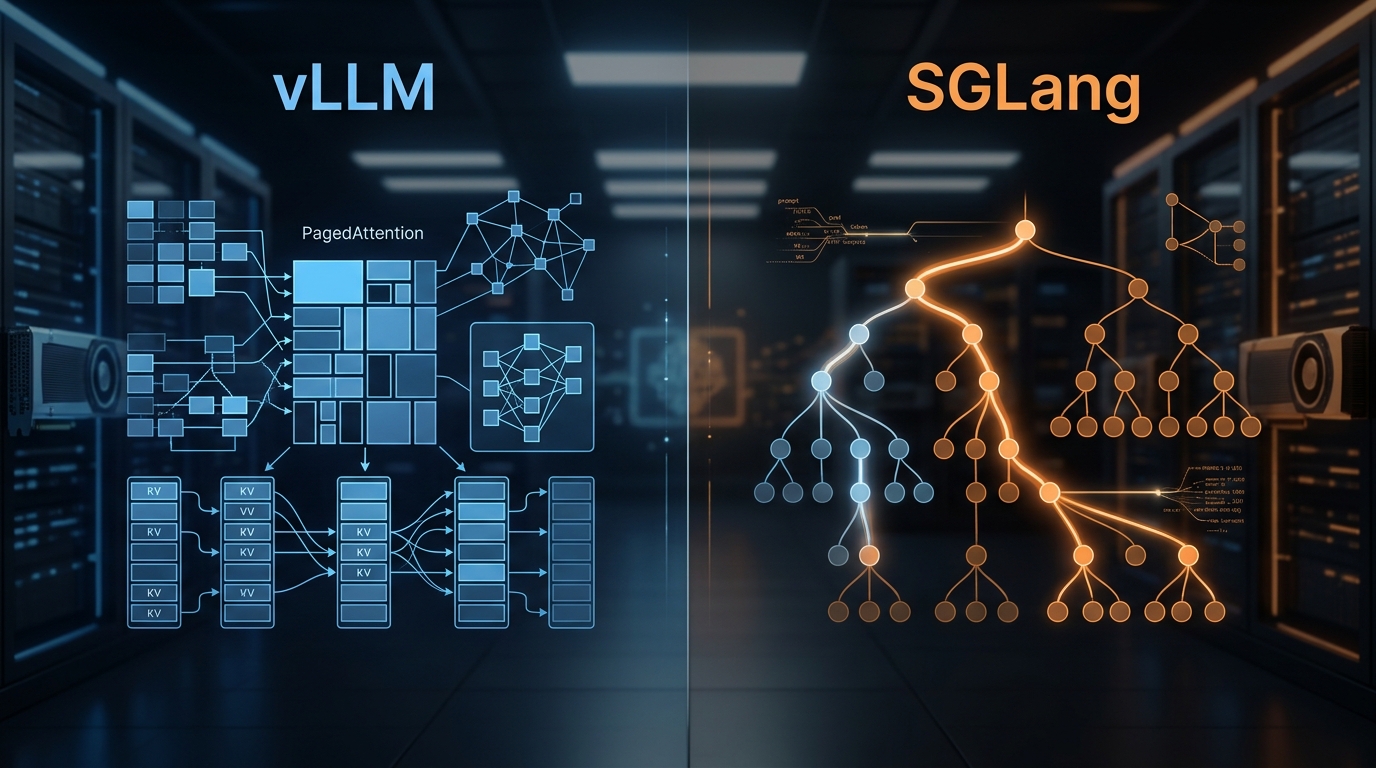
vLLM vs SGLang: Inference Engine Comparison 2026
We've deployed both at scale. Here's what the benchmarks actually show, where RadixAttention beats PagedAttention, and which engine to pick for your workload.