AI FinOps: Tracking Token Spend Across Your Org

LLM bills grew from invisible to huge in the span of a year. A complete FinOps playbook for AI workloads: attribution, budgets, alerting, and the reports finance actually wants.
AI FinOps: Tracking Token Spend Across Your Org
The first OpenAI bill that makes a CFO uncomfortable typically arrives around month 9 of a company’s AI journey. It went from $200/month for the founder’s experiments to $80k/month across seven teams — and nobody can say exactly who is spending what on which feature.
AI FinOps is the discipline that prevents this. It’s cost accounting for LLM-powered software. This post covers the playbook we deploy with clients: what to track, how to attribute, where to enforce budgets, and the reports that matter.
Why AI Costs Are Uniquely Hard To Govern
Compared to a database or a Kubernetes cluster, LLM spend has three awkward properties:
-
Per-request pricing, not capacity-based. You don’t pay for a provisioned GPU; you pay per token. Which means every feature, every endpoint, every bug can independently spike spend.
-
Non-deterministic cost. The same user action can cost $0.002 or $0.20 depending on whether the agent takes a tool-calling loop. You can’t easily predict.
-
Opaque provider invoices. OpenAI’s monthly bill is one big number with model-level breakouts at best. No per-user, per-feature, per-request attribution unless you instrument it yourself.
A traditional cloud-cost tool (CloudHealth, Vantage, Datadog cost visibility) won’t tell you what you need to know. You have to build (or buy) AI-specific FinOps.
The Four Layers Of AI FinOps
1. Measurement
You can’t manage what you can’t measure. Every LLM request should emit:
- Timestamp
- Team / service / feature tag
- User / tenant ID (hashed if PII-sensitive)
- Model ID
- Input tokens
- Output tokens
- Cost (derived from tokens × provider price)
- Latency
- Success / error flag
- Cache hit / miss
This gets logged to a data store you can query — BigQuery, Snowflake, ClickHouse, or a purpose-built tool like Langfuse / Helicone / Portkey. Most LLM gateways (LiteLLM, Portkey) emit this data natively.
2. Attribution
Once data is flowing, you need to slice it along the dimensions that matter:
- By team (who owns the service)
- By feature (which product area)
- By customer (for multi-tenant SaaS)
- By model (which provider and tier)
- By request type (complete, embed, rerank)
The attribution tags should be set by the calling service at request time, not derived after the fact. Enforce this via a gateway policy — “requests without X-Team header are blocked.”
3. Budgets And Alerts
Attribution alone just produces dashboards. Budgets make them actionable:
- Per-team monthly budget ($X for product team)
- Per-customer monthly budget (for multi-tenant pricing)
- Per-feature budget (useful during rollout)
- Absolute per-request limit (guard against runaway loops)
Alert at 50%, 80%, 100% of budget. Hard-stop at 120% (or a configurable overflow).
4. Optimization
With data and budgets, you have the foundation for optimization:
- Route requests to cheaper models where quality allows
- Cache repeated requests
- Shrink prompts (remove unnecessary few-shot examples, shorten system prompts)
- Move high-volume workloads to self-hosted or cheaper hosted
- Truncate retrieval context aggressively
Optimization is per-feature. A $50k/month “simple classification” workload is probably the #1 target. A $500/month “expert reasoning agent” probably isn’t.
The Reports Finance Actually Wants
In order of value:
Report 1: Monthly spend by team / feature
One bar chart. “Here’s the $120k we spent on AI, broken down by team.” Finance does not need more.
Report 2: Cost per business outcome
Harder but more valuable. “We spent $4.20 per resolved support ticket” or “AI review costs us $0.80 per PR.” This makes spend rational — it relates to something the business already measures.
Report 3: Projection
“At current growth, we’ll spend $380k/month by year-end.” Lets you get ahead of procurement conversations.
Report 4: Unit economics per customer
For multi-tenant SaaS: gross margin per customer including AI cost. Some customers are unprofitable because their AI usage is extreme. You want to know.
Report 5: Anomalies
“Feature X is costing 10x what it did last week.” Automated spike detection. Usually catches bugs (infinite loops, bad prompt changes) before finance does.
Attribution Patterns
Pattern A: Header-based
Services send X-Team: customer-support on each gateway call. Gateway logs it, downstream analytics splits by team.
Simple, reliable. Gateway rejects requests without headers, which forces discipline.
Pattern B: Virtual keys
Each team has its own virtual API key at the gateway. The key maps to team identity; attribution is automatic.
Great for cross-service attribution without headers. Rotating a team’s key lets you instantly revoke access.
Pattern C: OTel span attributes
Your OTel spans carry the team / feature / user context. Cost is derived from the completion span’s token counts. Aggregate by any span attribute.
More work to set up; most flexible long-term. See Tracing LLM Applications with OpenTelemetry.
Most orgs we work with end up with all three: virtual keys for provider-level governance, headers for feature-level, OTel for rich analytics.
Budget Enforcement
Budgets that aren’t enforced are suggestions. Real enforcement happens at the gateway:
# LiteLLM example
virtual_keys:
  - key: cust_support_team
    max_budget: 5000  # USD / month
    budget_duration: monthly
    models: ["gpt-4o-mini", "claude-haiku"]
    rate_limit:
      tpm: 200000
      rpm: 1000
When the team hits $5,000, calls return 429 with a clear message. Requires explicit action to raise the cap — which is the point.
Do not put budget enforcement in individual services. It will be inconsistent, incorrect, and embarrassing.
Cost Optimization Tactics
In rough order of highest-leverage:
1. Use the right model
GPT-4o-mini at $0.15/$0.60 per M is 20x cheaper than GPT-4o. For classification, extraction, simple summarization — mini models are usually enough. Audit each endpoint and downshift where quality allows.
2. Cache
Deterministic requests (same prompt, temperature 0) can cache indefinitely. Near-deterministic (similar prompts) can semantic-cache with a few percent false-hit rate.
Expected savings: 20–50% for workloads with any repetition.
3. Prompt trimming
Few-shot examples are often overprovisioned. A 3-shot prompt usually works as well as 10-shot. Every removed token saves money on every call.
For production systems, measure: does dropping examples hurt eval scores?
4. Shorten system prompts
System prompts accumulate cruft over time. Audit them. Cut 30% of the text if eval scores hold.
5. Use prompt caching
Anthropic, OpenAI, and Google all support prompt caching for long shared prefixes. A 4k-token system prompt cached is ~0.1x the normal cost on replay.
6. Reduce retrieval context
RAG systems often pass the top-10 retrieved chunks to the model. Rerank and pass top-3; quality holds or improves, costs drop 70%.
7. Route between providers
Simple classifications → smallest/cheapest hosted Llama. Complex reasoning → Claude Sonnet. High-stakes → GPT-4o. A smart router can cut costs 50% with minimal quality impact.
8. Self-host the heaviest workloads
Above ~30M tokens/day of Llama-class output, self-hosting starts winning. See Self-Hosting Llama 3 for the economics.
Common FinOps Mistakes
1. Attribution at too coarse a grain. “AI spend” as a single line item. You need per-team at minimum.
2. Measuring spend but not outcomes. Spend is only useful relative to value. Always pair cost metrics with a success metric.
3. Alerting on absolute thresholds. “Alert when we spend $10k” is fine. “Alert when spend rises 30% week-over-week” is better.
4. Optimizing low-volume / high-margin workloads. Don’t spend engineering time shaving $500/month off a strategic-value workload. Focus on the top 3 line items.
5. No governance on who can create new LLM integrations. Eight different teams each calling OpenAI with their own API keys = no FinOps. Require all AI traffic through the gateway.
6. Forgetting about embedding costs. Embeddings are ~$0.02/M tokens — tiny per call, but re-embedding a corpus quarterly can be a meaningful line item at scale.
Tools Worth Knowing
- LiteLLM — built-in budget/rate-limit per virtual key
- Portkey — managed cost tracking with UI
- Helicone — proxy-based, good cost reports
- Langfuse — cost-aware tracing and evals
- Cloudability / Vantage / CloudHealth — general cloud cost platforms adding AI features
- Custom on top of Langfuse / BigQuery — most flexible for orgs with data teams
Don’t build from scratch. All of the above are mature enough.
The Culture Piece
Tools don’t create discipline. What we’ve seen work:
- Monthly AI cost review between engineering leads and finance. Lightweight, agenda: top 5 spending features, any anomalies, budget asks.
- Cost included in feature proposals. Rough token-spend estimate alongside latency / reliability estimates. Normalizes cost as a first-class concern.
- Publish costs internally. Every engineer can see the dashboards. Normalizes cost thinking.
- Celebrate cost wins. When someone drops spend 30% via caching or routing, broadcast it. You want this behavior.
The Short Version
- Log per-request: team, feature, user, model, tokens, cost
- Attribute via gateway: virtual keys and/or headers
- Budget at the gateway: per-team monthly caps with hard stops
- Report to finance monthly: spend by team and unit economics
- Optimize top 3 line items first; leave small ones alone
- Culture matters as much as tools
Do this by month 6 of any serious AI buildout. Retrofitting at month 18 is painful.
Further Reading
- LLM Gateway Patterns: LiteLLM, Portkey, Kong AI
- Self-Hosting Llama 3: A Production Deployment Guide
- Tracing LLM Applications with OpenTelemetry
Setting up AI FinOps? Reach out — we’ll help scope, instrument, and operate it.
Related Posts
GPU FinOps: Reducing Your $10M AI Compute Bill
When GPU spend crosses $500k/month, informal cost discipline stops working. A FinOps playbook for large AI compute bills — attribution, commitments, workload placement, and the structural changes that matter.

Running Sovereign AI: EU and India Infrastructure Playbooks
Data-sovereign AI is no longer optional in regulated jurisdictions. The practical playbooks for deploying inference and agent infrastructure inside EU and Indian data borders in 2026.
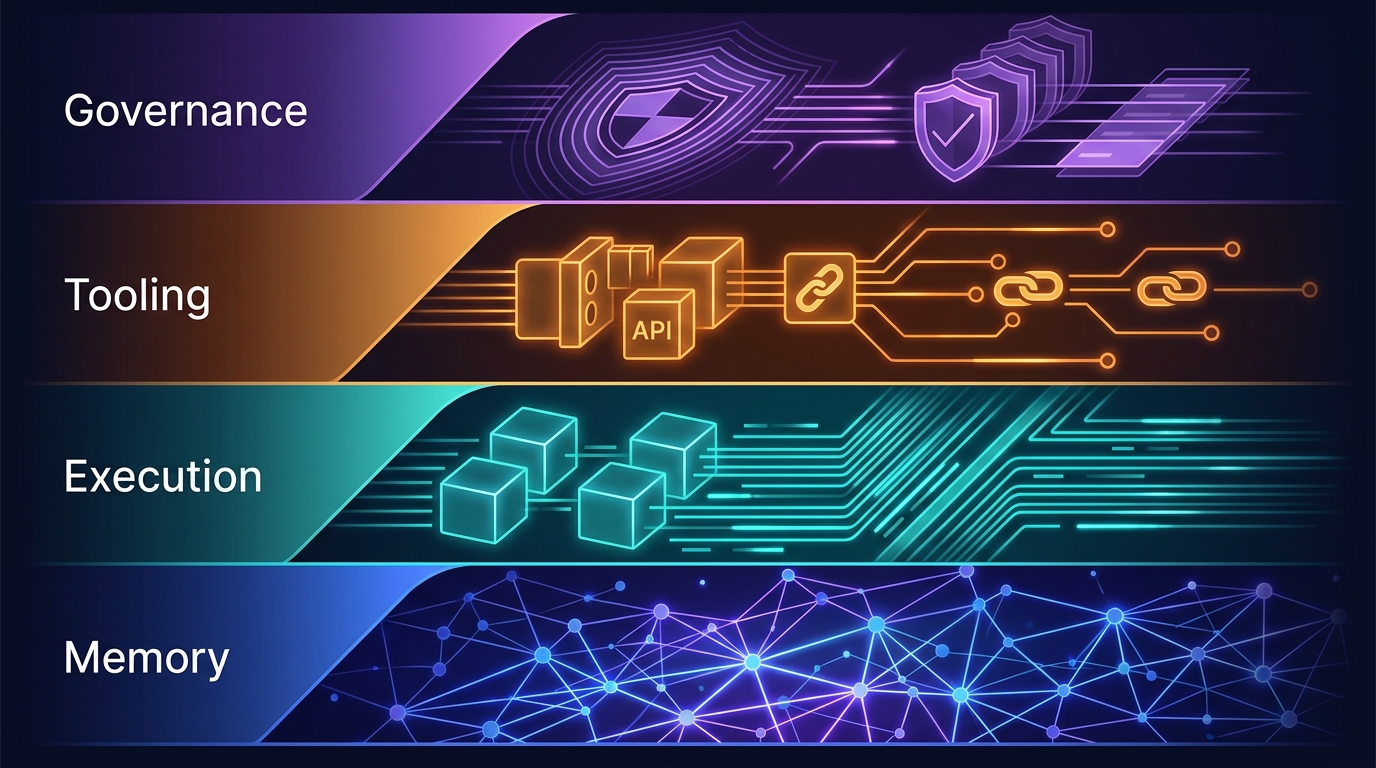
The Four-Layer Agent Infrastructure Stack: Where the Moat Actually Lives in 2026
A generation of agent startups will get commoditized. The ones that survive own one of four stateful layers: Memory, Execution, Tooling, or Governance. Here's how to tell the difference between a moat and glue code.