LangGraph vs OpenAI and Claude Agent SDKs Compared
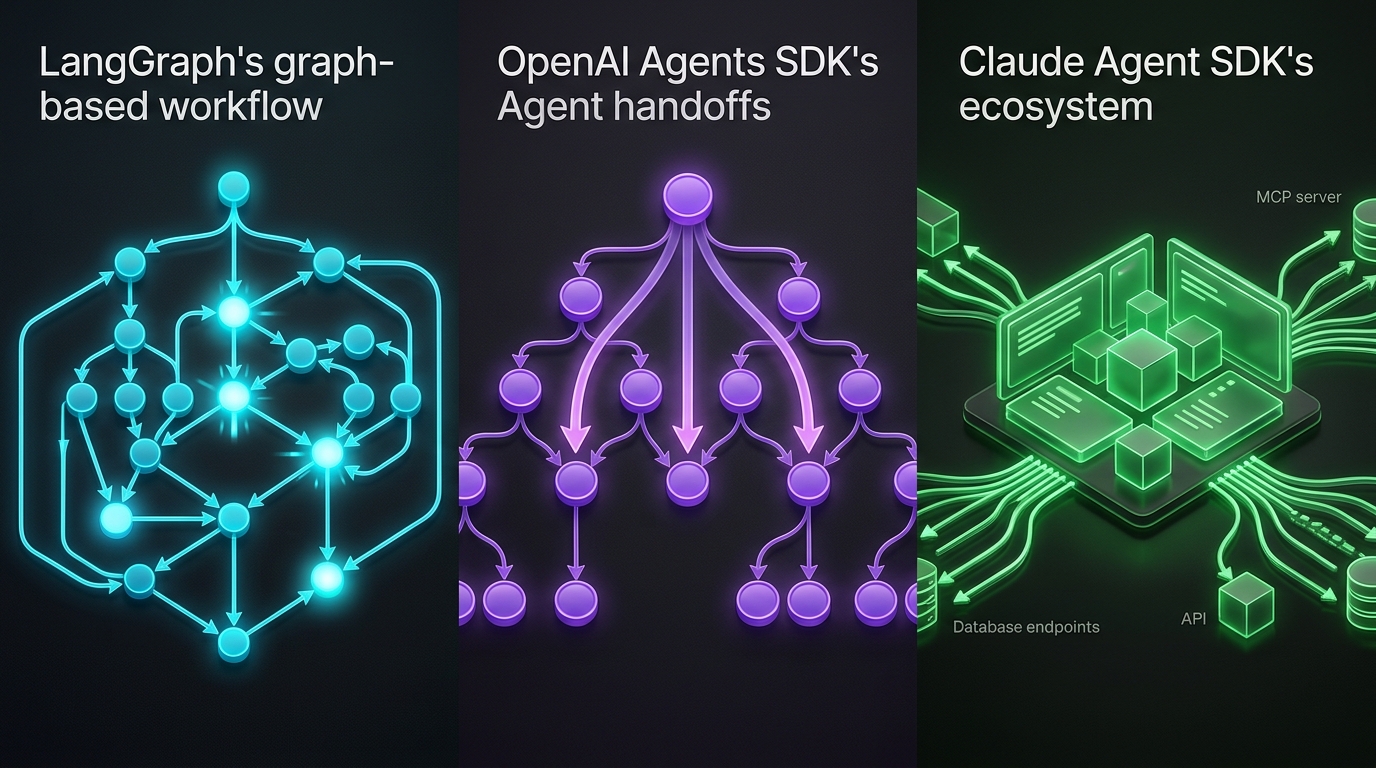
LangGraph graphs, OpenAI handoffs, and Claude's MCP-native SDK — compared with code and a decision framework for 2026.
Three frameworks define how teams build production agents in 2026: LangGraph, the OpenAI Agents SDK, and Anthropic’s Claude Agent SDK. They solve overlapping problems — multi-step reasoning, tool use, agent coordination — but their philosophies diverge sharply. Pick wrong and you’ll learn the hard way that your framework fights your architecture instead of serving it.
We’ve shipped systems across all three. This post compares them on architecture, developer experience, production readiness, and the specific use cases where each one wins. We’ll show real code, note the trade-offs we’ve hit in production, and end with a decision framework you can apply today.
The Mental Model: What Each One Actually Is
The most common mistake we see is treating these as drop-in substitutes. They aren’t. Each occupies a different layer of the agent stack.
| Dimension | LangGraph | OpenAI Agents SDK | Claude Agent SDK |
|---|---|---|---|
| What it is | Graph orchestration engine | Agent primitives + handoff system | OS-native agent platform |
| Coordination model | Explicit state graphs with cycles | Agent-to-agent handoff chains | Subagents + hook lifecycle |
| Model scope | Provider-agnostic (any ChatModel) | OpenAI models only | Claude models only |
| State management | Built-in checkpointing & persistence | Self-managed | Session-based |
| MCP support | Via adapters | Adopted | Native, deepest |
| Languages | Python, TypeScript | Python, TypeScript | Python, TypeScript, CLI |
| Best mental model | ”I draw the flowchart, it runs it" | "Agents delegate to agents via typed handoffs" | "Give the agent a computer” |
LangGraph is an orchestration layer — you define a graph, it executes and persists it. The OpenAI Agents SDK and Claude Agent SDK are agent primitives — they give you the lowest-level building blocks for an LLM-backed entity with tools. OpenAI focuses on handoff chains; Claude focuses on OS integration via MCP. See our broader framework guide for the full landscape, including CrewAI and Google ADK.
LangGraph: Graph Orchestration for Complex Workflows
LangGraph is the most opinionated of the three. You define a StateGraph — a directed graph with nodes (functions) and edges (transitions, including cycles). LangGraph executes the graph, manages state between nodes, and provides built-in checkpointing and human-in-the-loop support.
What It Does Well
Explicit control flow. When your agent needs loops, conditionals, retries, or parallel branches, LangGraph makes the control flow visible in code rather than hiding it behind LLM routing logic.
from langgraph.graph import StateGraph, END
from typing import TypedDict
from langgraph.checkpoint.memory import MemorySaver

class WorkflowState(TypedDict):
    query: str
    results: list
    needs_clarification: bool

def search(state: WorkflowState) -> WorkflowState:
    # Search logic here
    results = []
    needs_clarification = len(results) == 0
    return {"results": results, "needs_clarification": needs_clarification}

def clarify(state: WorkflowState) -> WorkflowState:
    # Ask user to refine query
    return {"needs_clarification": False, "query": state["query"]}

graph = StateGraph(WorkflowState)
graph.add_node("search", search)
graph.add_node("clarify", clarify)
graph.add_edge("clarify", "search")
graph.set_entry_point("search")

graph.add_conditional_edges(
    "search",
    lambda s: "clarify" if s["needs_clarification"] else END,
)

checkpointer = MemorySaver()
compiled = graph.compile(checkpointer=checkpointer)
Built-in persistence. LangGraph’s checkpointer system serializes and stores graph state between invocations. You get resumable workflows out of the box — a feature that the other two SDKs force you to build yourself. This matters for agents that run for days, not milliseconds.
Provider-agnostic. LangGraph’s ChatModel abstraction lets you swap models without rewriting tool schemas or handoff logic. In production, this flexibility becomes important when costs, latency, or model availability shift.
Where It Falls Short
Verbosity for simple agents. If your agent has two tools and a linear flow, LangGraph’s graph abstraction is overkill. The OpenAI Agents SDK or Claude Agent SDK will need one-third the code.
Steeper learning curve. Understanding StateGraph, Send, Command, and the checkpoint mechanics takes real investment. Teams that don’t have complex workflows often bounce off.
No native OS access. Unlike Claude Agent SDK’s built-in file system and shell tools, LangGraph requires you to write every tool wrapper yourself. This is by design — it’s model-agnostic — but it means more boilerplate.
OpenAI Agents SDK: Clean Handoffs for Lightweight Agent Chains
The OpenAI Agents SDK (successor to the experimental Swarm) centers on a simple idea: an agent has tools, instructions, and optional output schemas. Multi-agent workflows work through handoffs — one agent calls another as a typed tool, transferring conversation context.
What It Does Well
The cleanest handoff model in the ecosystem. When Agent A decides to delegate to Agent B, it executes transfer_to_agent_b and passes the conversation. No shared state bus, no message queues, no graph definition.
from agents import Agent, Runner, function_tool

@function_tool
def get_order_status(order_id: str) -> dict:
    return {"order_id": order_id, "status": "shipped", "eta": "2026-05-17"}

support_agent = Agent(
    name="Support Agent",
    instructions="Help customers with orders.",
    tools=[get_order_status],
)

billing_agent = Agent(
    name="Billing Agent",
    instructions="Handle billing inquiries.",
    tools=[],
)

triage_agent = Agent(
    name="Triage",
    instructions="Route customers to the right specialist.",
    handoffs=[support_agent, billing_agent],
)

async def run_conversation(query: str):
    result = await Runner.run(triage_agent, query)
    return result.final_output
Built-in guardrails. The SDK ships with three guardrail types — input (validates user messages), output (validates final responses), and tool (wraps individual tool calls) — running in parallel with agent execution by default. If a guardrail fails, execution stops immediately, even mid-generation. This is a genuine production feature, not bolted-on afterward.
Native sandboxing (April 2026 update). OpenAI added sandboxed execution environments so agents can inspect files, run commands, and browse in controlled containers. This closed one of the largest gaps between the OpenAI SDK and Claude’s OS-native approach.
Lightweight footprint. The SDK has very few abstractions. You can go from “idea” to “running agent” faster than with any other option here. We explored the SDK’s full feature set in our deep-dive.
Where It Falls Short
No built-in state persistence. You manage checkpointing yourself. For agents that need to survive server restarts or span multiple sessions, this means pulling in a database and serializing state manually — or accepting that your agent is stateless.
Handoffs are linear chains, not graphs. You can create fan-out patterns by having an agent hand off to multiple specialized agents sequentially, but there’s no native concept of conditional branches within a handoff. For complex workflows, you’ll outgrow this.
Provider lock-in. You can only use OpenAI models. No fallback to Claude, no cost optimization by routing to cheaper models. This is a structural constraint of the SDK, not a configuration issue.
Sandboxing is OpenAI-hosted. While convenient, the sandbox runs in OpenAI’s infrastructure. If you need on-prem or VPC-contained execution, you’re back to building your own tool wrappers.
Claude Agent SDK: The OS-Native Agent Platform
Anthropic renamed the Claude Code SDK to the Claude Agent SDK in early 2026 — a deliberate signal that the framework now targets general agent workloads beyond coding. Its core philosophy is distinctive: give the agent a computer.
What It Does Well
Deepest MCP integration of any framework. The SDK supports 200+ MCP servers with single-line configuration. Playwright for browser automation, Slack for messaging, GitHub for code — each connects without custom tool wrappers. MCP is built into the SDK’s DNA, not bolted on via adapter.
from claude_code_sdk import Client, MCPConfig

client = Client(
    model="claude-sonnet-4-20260514",
    mcp_config=MCPConfig({
        "github": {"command": "npx", "args": ["-y", "@modelcontextprotocol/server-github"]},
        "filesystem": {"command": "npx", "args": ["-y", "@modelcontextprotocol/server-filesystem", "/workspace"]},
    }),
)

async def run_agent(task: str):
    async with client.query(tool_use_mode="enabled") as session:
        async for event in session.run(task):
            if event.type == "result":
                return event.content
Built-in file system and shell access. Unlike LangGraph (write your own tools) or OpenAI (use the sandbox or write tools), the Claude Agent SDK provides file system and shell primitives out of the box. The agent can read files, edit code, and run commands without any tool definitions from you.
Hooks system for lifecycle control. The SDK’s hooks intercept agent behavior at key lifecycle points: before tool calls, after responses, on errors. This gives production engineers fine-grained control over agent behavior — the kind of control that matters when agents are operating in production systems.
Session management. Custom session IDs, context usage tracking, and session-based persistence are built in. Unlike OpenAI’s self-managed state, Claude gives you an API for managing agent sessions that survives across invocations.
Where It Falls Short
Model lock-in. Only Claude models work. No OpenAI, no Gemini, no Anthropic’s own models from a different tier — if you’re on this SDK, you’re on Claude.
No graph orchestration. The Claude SDK gives you subagents and session management, but it does not give you a graph engine. If your workflow requires explicit branching, looping, or parallel fan-out with join semantics, you need to build that yourself or layer LangGraph on top.
No A2A/ACP support. The SDK doesn’t natively support cross-vendor agent communication protocols. If your architecture requires agents from different vendors to collaborate, Claude’s SDK leaves you building the integration layer.
Head-to-Head: Production Readiness
We evaluated each SDK on the criteria that matter once you’re past the prototype phase.
| Criterion | LangGraph | OpenAI Agents SDK | Claude Agent SDK |
|---|---|---|---|
| State persistence | ✓ Built-in | ✗ Self-managed | ✓ Session-based |
| Human-in-the-loop | ✓ First-class (interrupt) | ✗ Manual | Partial (hooks) |
| Guardrails | Via patterns | ✓ Three-tier, parallel | Via hooks |
| MCP support | Via adapters | Via adapters | ✓ Native |
| Model flexibility | ✓ Any ChatModel | OpenAI only | Claude only |
| Graph-level control | ✓ Full graphs | Linear handoffs | Subagents only |
| OS access | Custom tools | Sandbox (cloud-hosted) | ✓ Built-in + MCP |
| Tracing/debugging | LangSmith | OpenAI Traces | Session logs + hooks |
| Multi-language | Python, TS | Python, TS | Python, TS, CLI |
The Decision Framework
Don’t start with a feature checklist. Start with your workload.
Choose LangGraph when:
- Your agent has a workflow with conditionals, loops, or retries that a graph makes visible
- You need built-in state persistence and resumable execution
- You want model-agnostic flexibility to swap providers without rewriting everything
- Human-in-the-loop approval steps are required
- Your team already uses the LangChain ecosystem
Choose OpenAI Agents SDK when:
- Your primary use case involves linear handoff chains (support → billing → technical)
- You need fast prototyping with minimal boilerplate
- Parallel guardrails (input, output, tool) are a security requirement
- The OpenAI sandbox meets your security posture for code execution
- You’re already committed to OpenAI models
Choose Claude Agent SDK when:
- Your agent needs deep OS-level access (file editing, shell commands, browser automation)
- MCP connectivity is central to your architecture
- You need lifecycle hooks for production-grade agent control
- Your primary use cases are coding, research, or data analysis agents
- Session-based state management is sufficient for your persistence needs
Our Recommendation
After deploying agents across all three frameworks, here’s the pattern we’ve settled into for production systems:
For complex multi-step business workflows (onboarding pipelines, multi-stage data processing, orchestration with approval gates), LangGraph wins on both developer experience and production readiness. The graph abstraction maps directly to how operations teams think about workflows, and the built-in persistence is the difference between a demo and a reliable service.
For lightweight customer-facing agents (support triage, FAQ escalation, linear task chains), the OpenAI Agents SDK is the fastest path from spec to production. Guardrails are built-in, handoffs are intuitive, and the SDK’s simplicity is its primary competitive advantage — your junior engineers can ship with it.
For coding, research, and infrastructure agents (code review, data analysis, system administration), the Claude Agent SDK is the clear winner. The MCP ecosystem means you can connect to GitHub, Slack, your database, and your browser in minutes. The hooks system gives you production-level control over agent behavior that the other two SDKs lack.
The honest truth: these three are not competitors in most scenarios. They solve different problems. Teams that try to force every workload into a single framework end up fighting their tools. Pick the right primitive for the right workload.
For a broader survey of the ecosystem — including CrewAI, Google ADK, AutoGen, and Smolagents — check out our complete guide to AI agent frameworks in 2026. And if your agents need observability and governance on top of their framework of choice, our agent governance toolkit covers the production layer.
Related Posts
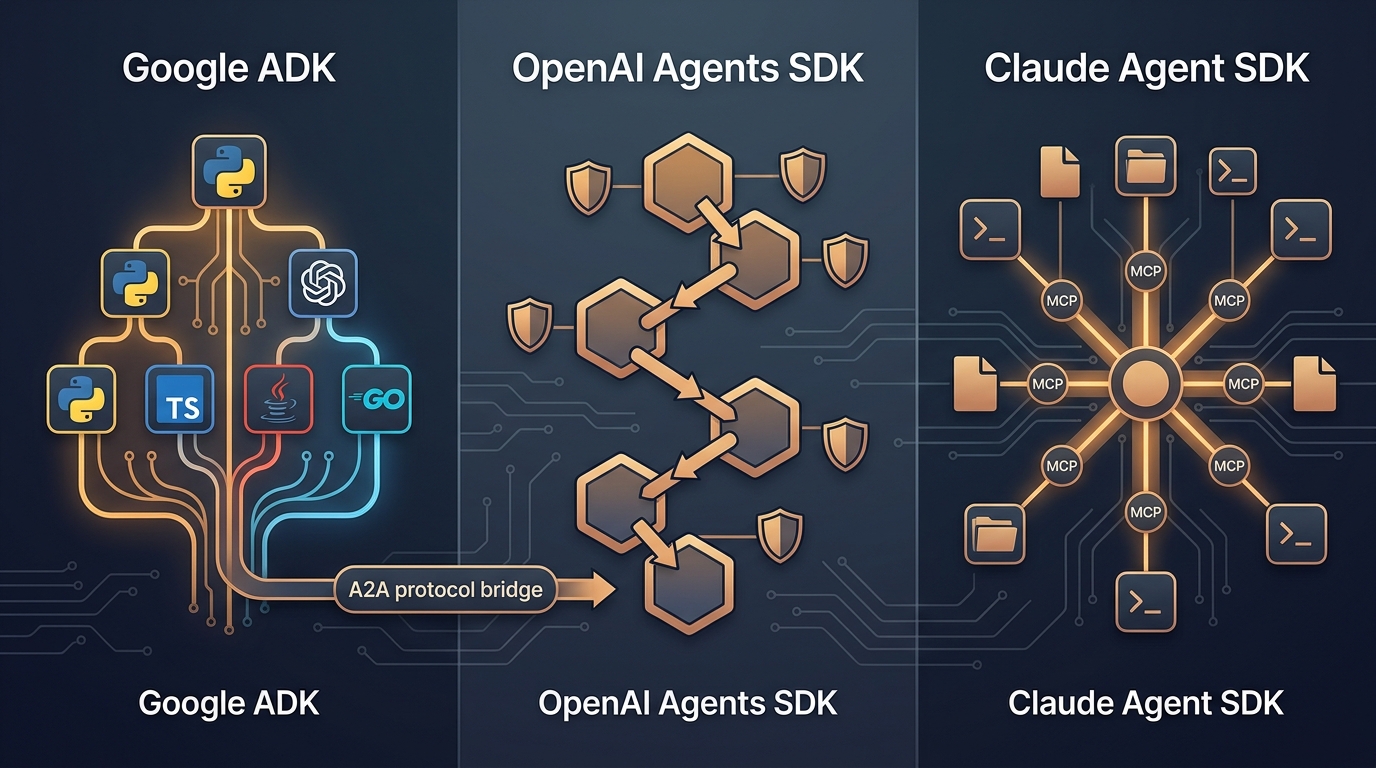
Google ADK vs OpenAI vs Claude Agent SDK: The 2026 Three-Way Comparison
Google's ADK 2.0 ships graph workflows in four languages with native A2A. OpenAI added sandbox execution and three-tier guardrails. Claude offers the deepest MCP integration in the ecosystem. We built the same multi-step agent across all three — here's how they compare, where each one wins, and what you'll regret picking.
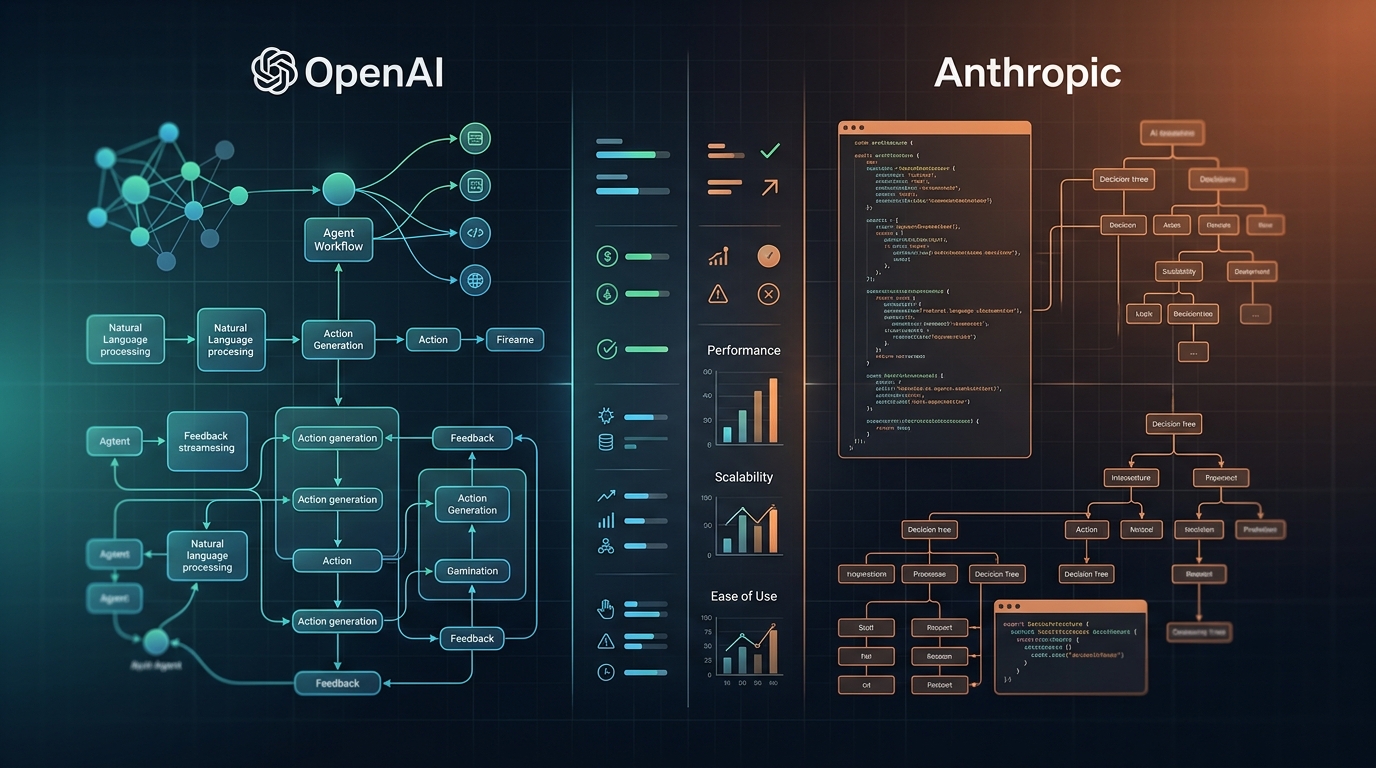
OpenAI Agents SDK vs Claude Agent SDK: 2026 SDK Showdown
OpenAI added sandboxes and subagents. Claude Agent SDK brings MCP, tool search, and streaming. We built with both — here's the verdict.
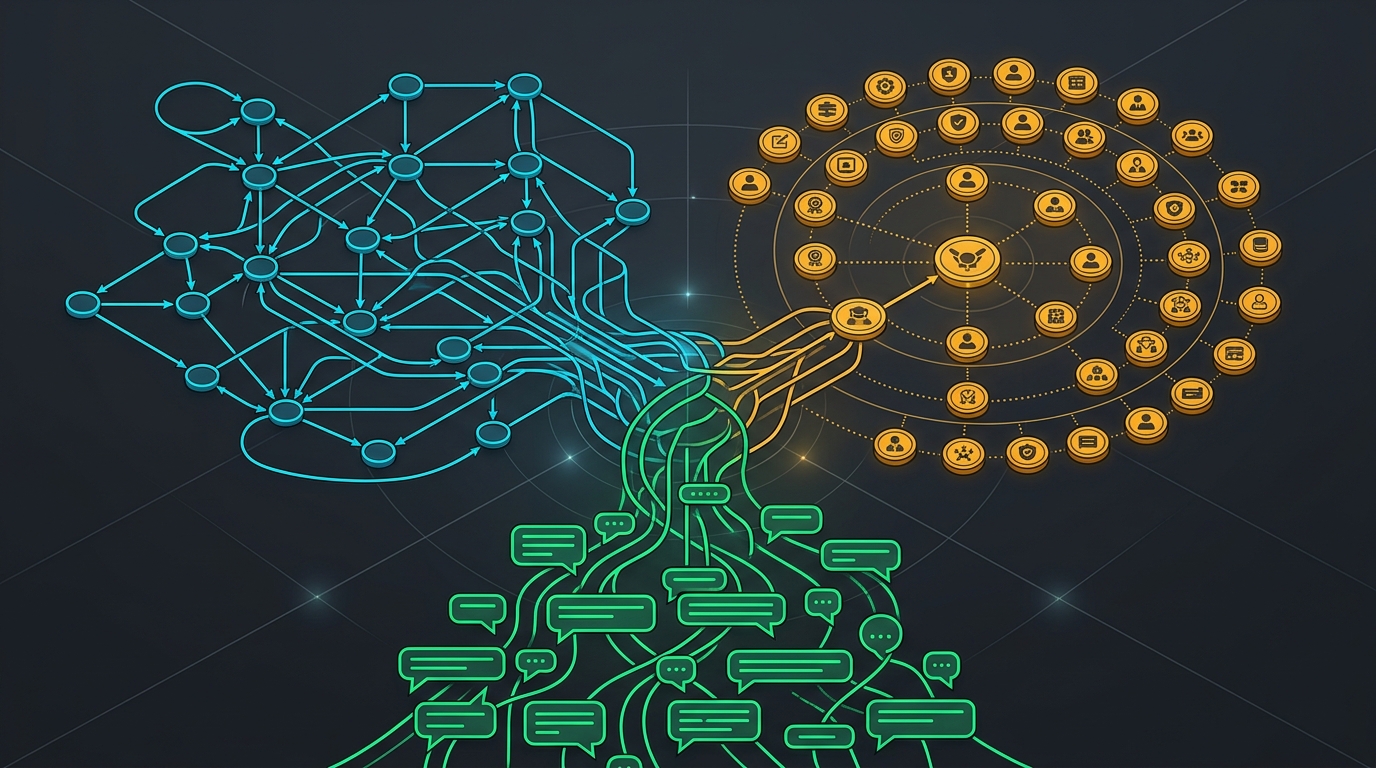
LangGraph vs CrewAI vs AutoGen: 2026 Comparison
Graph orchestration vs role-based teams vs Microsoft's new Agent Framework 1.0. Architecture, production readiness, and a clear verdict.