OpenAI Agents SDK Tutorial: Tools, Guardrails & Handoffs

Build a multi-agent support system with the OpenAI Agents SDK: custom tools, guardrails, handoffs, and human-in-the-loop approval in one Python file.
The OpenAI Agents SDK packs a lot into a small API surface: agents, tools, guardrails, handoffs, and human-in-the-loop approval. Our deep dive into the SDK’s architecture covered the what and why. This tutorial covers the how — you’ll build a working multi-agent system from scratch.
We’re building a customer support triage system: a triage agent that classifies incoming requests and hands them off to specialists (billing, technical, or general), each with custom tools and guardrails. Every line of code below is runnable with openai-agents>=0.0.7 and Python 3.10+.
What we’re building
Before we write code, here’s the architecture:
- Triage Agent — receives every message first. Decides whether to answer directly or hand off.
- Billing Agent — handles refunds, invoices, subscription changes. Has a
lookup_invoicetool. - Technical Agent — handles API errors, integration bugs. Has a
search_docstool. - General Agent — catches everything else.
- Input guardrail — blocks obviously malicious or prompt-injection attempts before any agent runs.
- Output guardrail — ensures agents never expose internal customer IDs in responses.
- Human-in-the-loop — refund actions above $100 require manual approval.
Step 1: Install and configure
pip install openai-agents python-dotenv
Set your API key:
# config.py
import os
from dotenv import load_dotenv

load_dotenv()
# The SDK reads OPENAI_API_KEY automatically
The SDK also supports third-party model providers. For this tutorial we’ll use OpenAI, but if you’re running through a gateway like LiteLLM or using Anthropic models, see the SDK configuration docs.
Step 2: Define custom tools
Tools in the Agents SDK are Python functions decorated with @function_tool. The docstring becomes the tool description the LLM uses to decide when to call it. Return types can be str, dict, or Pydantic models.
# tools.py
from agents import function_tool
from typing import Optional

@function_tool
def lookup_invoice(invoice_id: str) -> str:
    """Look up invoice details by ID. Returns status, amount, and customer info."""
    # In production, this hits your billing database or Stripe API
    invoices = {
        "INV-001": "Paid, $49.00, customer_123",
        "INV-002": "Overdue, $299.00, customer_456",
        "INV-003": "Pending, $1,200.00, customer_789",
    }
    return invoices.get(invoice_id, f"No invoice found for {invoice_id}")


@function_tool
def search_docs(query: str, product: Optional[str] = None) -> str:
    """Search the product documentation. Returns relevant docs snippets."""
    docs = {
        ("rate limit", "api"): "API rate limits: 100 req/min on Free, 1000 req/min on Pro.",
        ("webhook", None): "Webhooks deliver events via POST to your configured endpoint with HMAC-SHA256 signing.",
        ("auth", None): "Authentication uses API keys passed in the X-API-Key header. Rotate keys from the dashboard.",
    }
    for (keyword, prod), result in docs.items():
        if keyword in query.lower() and (prod is None or prod in query.lower()):
            return result
    return f"No docs found for '{query}'. Try rephrasing."


@function_tool
def issue_refund(invoice_id: str, amount: float) -> str:
    """Issue a refund against an invoice. Amount in USD. Requires manager approval for amounts over $100."""
    return f"Refund of ${amount:.2f} against {invoice_id} has been queued for processing."
A few things worth noting: Optional[str] parameters work natively — the SDK parses Python type hints. The issue_refund tool doesn’t actually call a payment processor here, but we’ll gate it with human-in-the-loop approval in step 5.
Step 3: Add input and output guardrails
Guardrails run before or after the model call. Input guardrails reject bad inputs before spending tokens. Output guardrails check the agent’s response before it reaches the user. The SDK supports both.
# guardrails.py
from agents import (
    Agent,
    GuardrailFunctionOutput,
    InputGuardrail,
    OutputGuardrail,
    RunContextWrapper,
    input_guardrail,
    output_guardrail,
)
from pydantic import BaseModel
import re


class MaliciousCheck(BaseModel):
    is_malicious: bool
    reasoning: str


class SensitiveDataCheck(BaseModel):
    contains_pii: bool
    field: str


@input_guardrail
async def block_malicious_input(
    ctx: RunContextWrapper[None], agent: Agent, input_text: str
) -> GuardrailFunctionOutput:
    """Block inputs that look like prompt injection or jailbreak attempts."""
    injection_patterns = [
        r"ignore (all )?(previous|above) instructions",
        r"you are now DAN",
        r"pretend you are",
        r"\[system\]",
        r"<\|im_start\|>",
    ]
    for pattern in injection_patterns:
        if re.search(pattern, input_text, re.IGNORECASE):
            return GuardrailFunctionOutput(
                output_info=MaliciousCheck(is_malicious=True, reasoning=f"Matched pattern: {pattern}"),
                tripwire_triggered=True,
            )
    return GuardrailFunctionOutput(
        output_info=MaliciousCheck(is_malicious=False, reasoning="Clean"),
        tripwire_triggered=False,
    )


@output_guardrail
async def block_internal_ids(
    ctx: RunContextWrapper[None], agent: Agent, output_text: str
) -> GuardrailFunctionOutput:
    """Block responses that leak internal customer IDs."""
    match = re.search(r"customer_\d{3,}", output_text)
    if match:
        return GuardrailFunctionOutput(
            output_info=SensitiveDataCheck(contains_pii=True, field=match.group()),
            tripwire_triggered=True,
        )
    return GuardrailFunctionOutput(
        output_info=SensitiveDataCheck(contains_pii=False, field=""),
        tripwire_triggered=False,
    )
The key decision: tripwire_triggered=True raises a GuardrailTripwireTriggered exception immediately. This means the model call never happens (for input guardrails) or the response is never returned (for output guardrails). For high-traffic production systems, this saves real money — every blocked prompt injection is a model call you didn’t pay for.
For a deeper comparison of how this approach stacks up against LangGraph’s interrupt() pattern, see our LangGraph vs OpenAI and Claude Agent SDKs comparison.
Step 4: Create the specialist agents
Each specialist gets its own agent with custom instructions, relevant tools, and the guardrails we just defined.
# agents.py
from agents import Agent

from tools import lookup_invoice, search_docs, issue_refund
from guardrails import block_malicious_input, block_internal_ids

billing_agent = Agent(
    name="Billing Agent",
    instructions=(
        "You are a billing support specialist. Help customers with invoices, "
        "subscriptions, and refunds. Never expose internal customer IDs (customer_XXX) "
        "in your responses. If a refund exceeds $100, explain that it requires manager "
        "approval and use the issue_refund tool — the system will handle the approval flow. "
        "Be concise and professional."
    ),
    tools=[lookup_invoice, issue_refund],
    input_guardrails=[block_malicious_input],
    output_guardrails=[block_internal_ids],
)

technical_agent = Agent(
    name="Technical Agent",
    instructions=(
        "You are a technical support specialist. Help customers with API errors, "
        "integration issues, rate limits, and authentication problems. Use the "
        "search_docs tool before answering technical questions. Explain solutions "
        "step by step. Never expose internal customer IDs."
    ),
    tools=[search_docs],
    input_guardrails=[block_malicious_input],
    output_guardrails=[block_internal_ids],
)

general_agent = Agent(
    name="General Agent",
    instructions=(
        "You are a general customer support agent. Handle inquiries that don't fall "
        "under billing or technical categories — account questions, feature requests, "
        "feedback. Be helpful and friendly. Escalate anything you can't answer."
    ),
    input_guardrails=[block_malicious_input],
    output_guardrails=[block_internal_ids],
)
Step 5: Wire up handoffs from the triage agent
Handoffs are the SDK’s killer feature for multi-agent orchestration. The triage agent decides which specialist to hand off to — the LLM picks the right transfer_to_* tool based on the user’s message. No custom routing logic needed.
# main.py (continued)
from agents import Agent, Runner, handoff

from agents import billing_agent, technical_agent, general_agent
from guardrails import block_malicious_input, block_internal_ids

triage_agent = Agent(
    name="Triage Agent",
    instructions=(
        "You are a support triage specialist. Your job is to understand the "
        "customer's problem and route them to the right specialist. "
        "\n\nHandoff rules:\n"
        "- Billing, invoices, refunds, subscriptions → Billing Agent\n"
        "- API errors, integrations, bugs, rate limits, authentication → Technical Agent\n"
        "- Everything else → General Agent\n"
        "\nIf the request is simple enough to answer yourself, do so. Otherwise hand off."
    ),
    handoffs=[
        handoff(billing_agent),
        handoff(technical_agent),
        handoff(general_agent),
    ],
    input_guardrails=[block_malicious_input],
    output_guardrails=[block_internal_ids],
)
The handoff() function creates a tool named transfer_to_<agent_name> — in this case transfer_to_billing_agent, transfer_to_technical_agent, and transfer_to_general_agent. The SDK’s handoffs documentation covers advanced patterns like input filters and structured handoff payloads.
Step 6: Human-in-the-loop for sensitive actions
For the refund tool, we want a human to approve any amount over $100. The SDK’s HITL support uses RunContextWrapper to pause execution and wait for approval.
# main.py (continued)
from agents import Runner, RunConfig, RunContextWrapper
from agents import billing_agent
from tools import issue_refund
import asyncio


async def on_tool_approval(ctx: RunContextWrapper[None], tool_name: str, tool_args: dict) -> bool:
    """Called when an agent tries to use a tool that requires approval."""
    if tool_name == "issue_refund" and tool_args.get("amount", 0) > 100:
        print(f"\n⚠️  APPROVAL REQUIRED: Refund ${tool_args['amount']:.2f} for {tool_args.get('invoice_id')}")
        print("   Auto-approve for demo? (y/n): ", end="")
        # In production: post to Slack, send email, or queue in a review dashboard
        return False  # Simulate manager rejection for demo safety
    return True  # Auto-approve small refunds


async def main():
    config = RunConfig(
        workflow_name="Support Triage",
        trace_include_sensitive_data=False,
    )

    # Test queries that trigger different paths
    test_queries = [
        "I was overcharged on my last invoice INV-001, can you check?",
        "My API integration keeps getting 429 errors, what's the rate limit?",
        "Do you support SSO with Azure AD?",
    ]

    for query in test_queries:
        print(f"\n{'='*60}")
        print(f"Customer: {query}")

        result = await Runner.run(
            triage_agent,
            input=query,
            run_config=config,
        )

        print(f"Agent: {result.final_output}")

        # Print handoff chain for observability
        if hasattr(result, 'new_items') and result.new_items:
            for item in result.new_items:
                if hasattr(item, 'raw_item') and hasattr(item.raw_item, 'type'):
                    if item.raw_item.type == "handoff_output_item":
                        print(f"  ↳ Handed off from {item.raw_item.source_agent.name} "
                              f"to {item.raw_item.target_agent.name}")


if __name__ == "__main__":
    asyncio.run(main())
Step 7: Run it end-to-end
Save everything in a single file or split across modules as shown above. Then:
python main.py
Expected output (abbreviated):
============================================================
Customer: I was overcharged on my last invoice INV-001, can you check?
Agent: I looked up invoice INV-001 — it shows as Paid, $49.00. Could you tell
me more about the overcharge? I can help process a refund if needed.
  ↳ Handed off from Triage Agent to Billing Agent

============================================================
Customer: My API integration keeps getting 429 errors, what's the rate limit?
Agent: API rate limits depend on your plan: 100 requests/minute on Free and
1,000 requests/minute on Pro. If you're hitting 429 errors, you're exceeding
your plan's limit. I'd recommend implementing exponential backoff...
  ↳ Handed off from Triage Agent to Technical Agent

============================================================
Customer: Do you support SSO with Azure AD?
Agent: Yes, we support SSO with Azure AD! You can configure it from your
dashboard under Settings > Authentication > SAML/OpenID Connect...
  ↳ Handed off from Triage Agent to General Agent
What’s happening under the hood
When you call Runner.run(), the SDK:
- Runs the input guardrail (
block_malicious_input) on the user message. If it trips, the run stops immediately — zero token spend. - Sends the message to the triage agent’s LLM with instructions, tool schemas, and handoff tool definitions.
- The LLM either responds directly or calls a
transfer_to_*tool. If it hands off, the target agent receives the full conversation context. - The target agent runs with its own tools and instructions. If it calls
issue_refund, the approval hook fires. - Before returning the final output, the output guardrail (
block_internal_ids) scans for leaked customer IDs.
Production hardening: what to add before deploying
This tutorial gives you a working skeleton. Here’s what we add before production:
- Tracing: The SDK integrates with OpenAI’s tracing dashboard by default. Set
trace_include_sensitive_data=False(as shown) and forward traces to your observability stack. For a full comparison of tracing options, see our LangSmith vs Langfuse vs Arize Phoenix guide. - Persistent sessions: The SDK’s session API (docs) stores conversation state in SQLite, SQLAlchemy, or encrypted backends — essential for multi-turn support interactions.
- Error handling: Wrap
Runner.run()in try/except forGuardrailTripwireTriggered,MaxTurnsExceeded, andModelBehaviorError. - Tool timeouts: Add
@function_tool(timeout_seconds=5.0)to any tool that calls external APIs. - Custom handoff input filters: The
handoff()function acceptsinput_filterto strip or transform conversation history before passing to the target agent — critical for keeping context windows manageable.
When to use this pattern vs. LangGraph
The Agents SDK’s handoff model works best when your agent routing follows clear domain boundaries and the LLM can reliably classify intents. For workflows that need explicit state machines, conditional branching, or resumable pause points, LangGraph’s graph-based approach is more appropriate. We’ve covered both patterns: LangGraph interrupt tutorial and the LangGraph vs OpenAI SDK comparison.
Our team defaults to the Agents SDK when the orchestration logic fits in a model prompt and to LangGraph when the control flow needs to survive process restarts.
Sources: OpenAI Agents SDK documentation, Handoffs guide, Guardrails reference, Tools documentation.
Related Posts
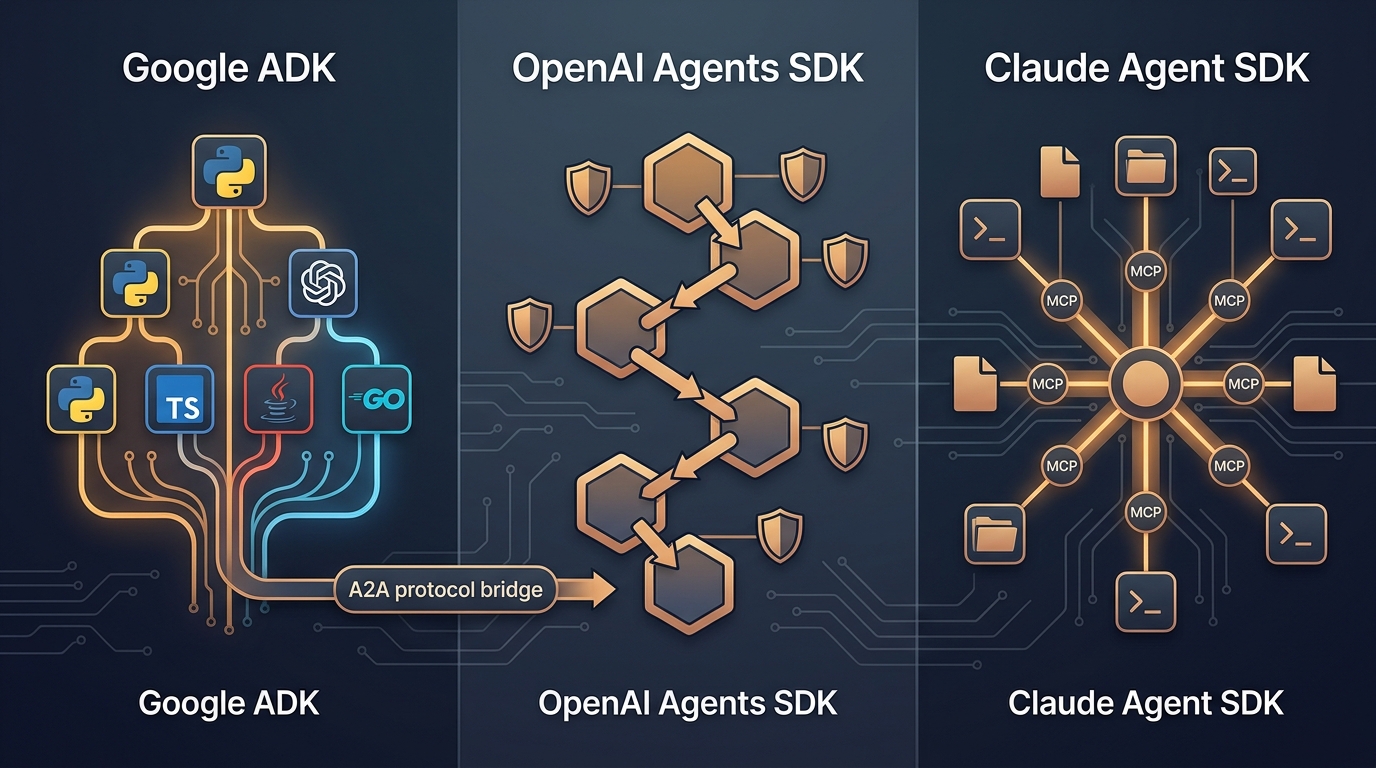
Google ADK vs OpenAI vs Claude Agent SDK: The 2026 Three-Way Comparison
Google's ADK 2.0 ships graph workflows in four languages with native A2A. OpenAI added sandbox execution and three-tier guardrails. Claude offers the deepest MCP integration in the ecosystem. We built the same multi-step agent across all three — here's how they compare, where each one wins, and what you'll regret picking.

The Week AI Went Agent-Native: Google I/O, Anthropic's Profit, and OpenAI's IPO
Google replaced the search box with 24/7 information agents. Anthropic hit its first profit and hired Karpathy. OpenAI filed for IPO. Here's what the biggest week in AI history means for the agent stack.
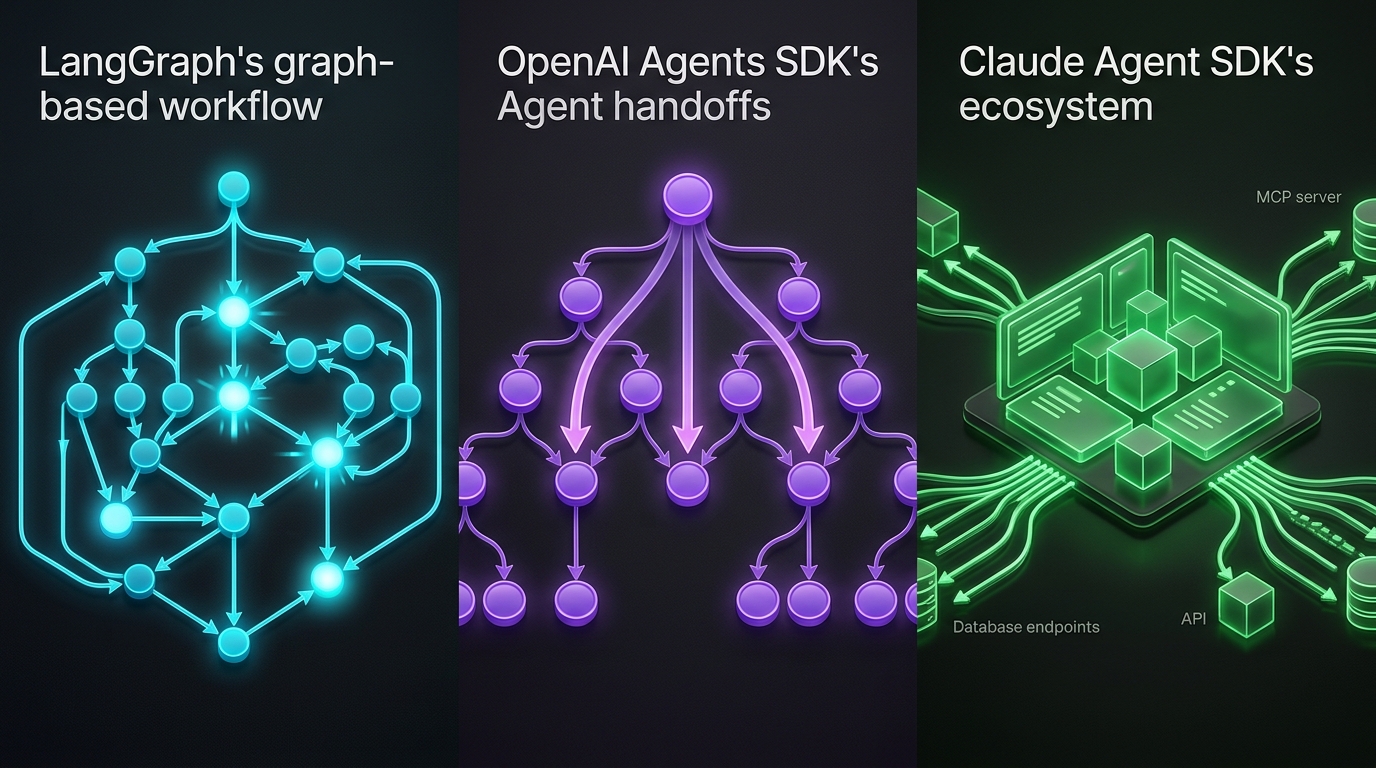
LangGraph vs OpenAI and Claude Agent SDKs Compared
LangGraph graphs, OpenAI handoffs, and Claude's MCP-native SDK — compared with code and a decision framework for 2026.